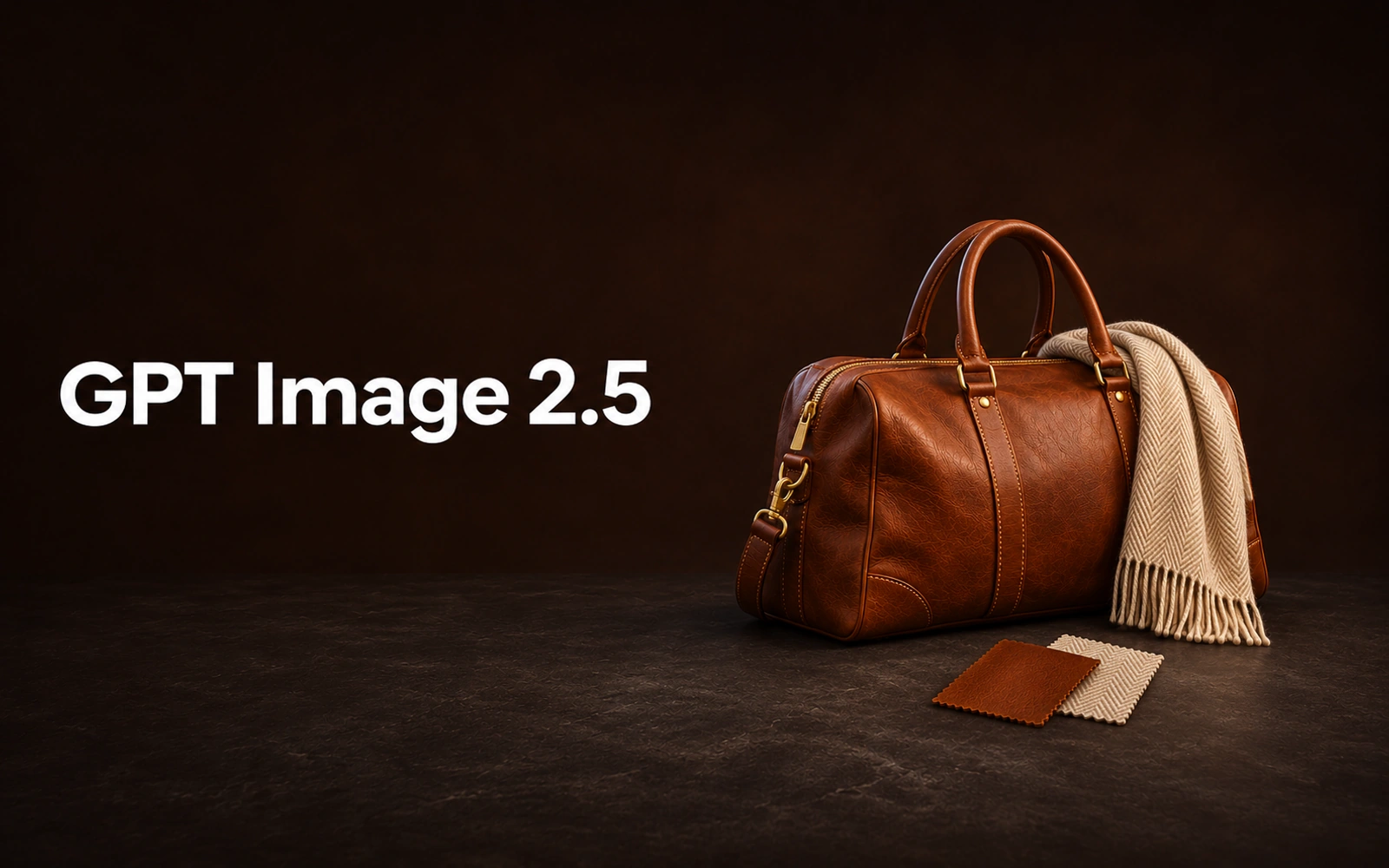
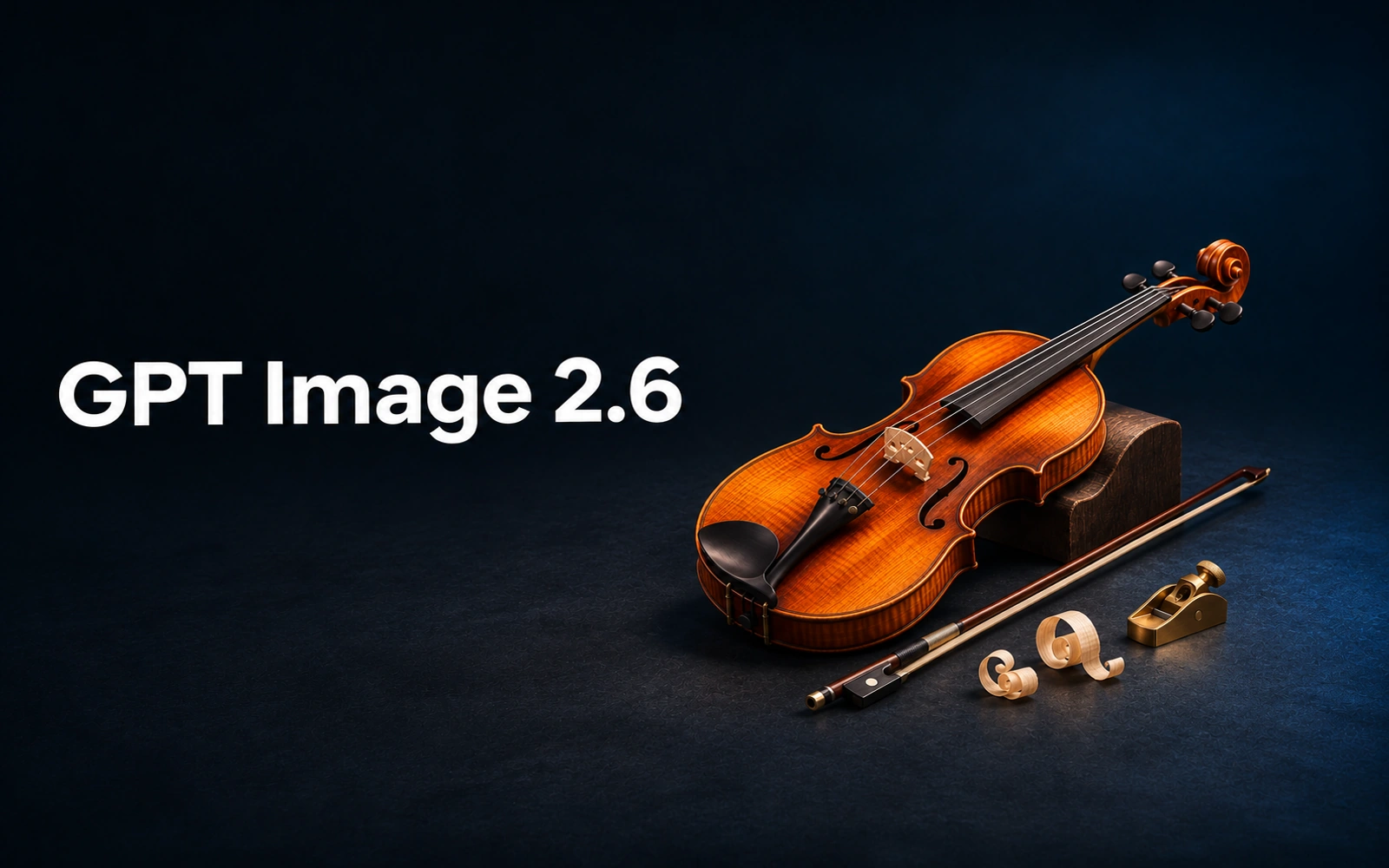
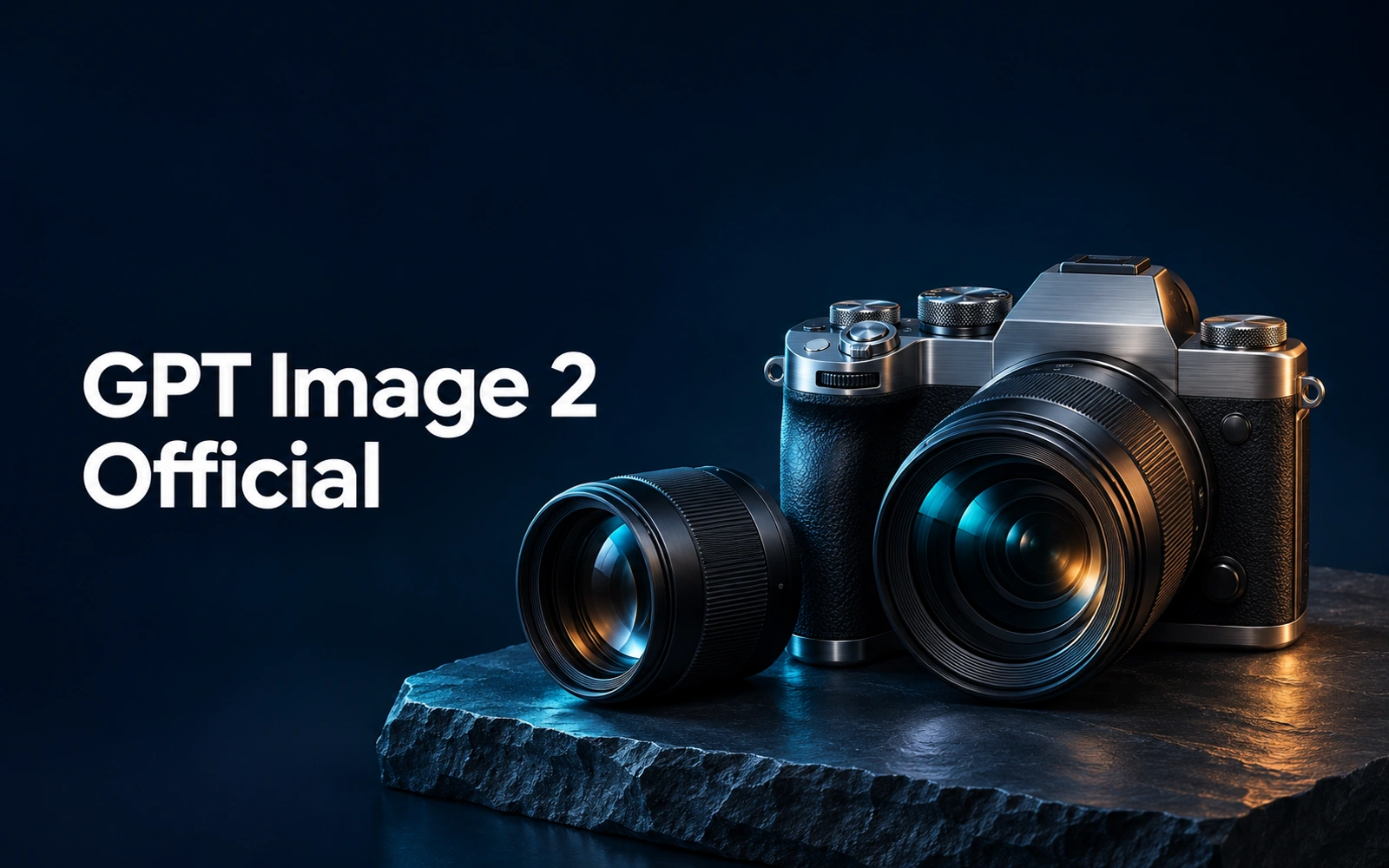
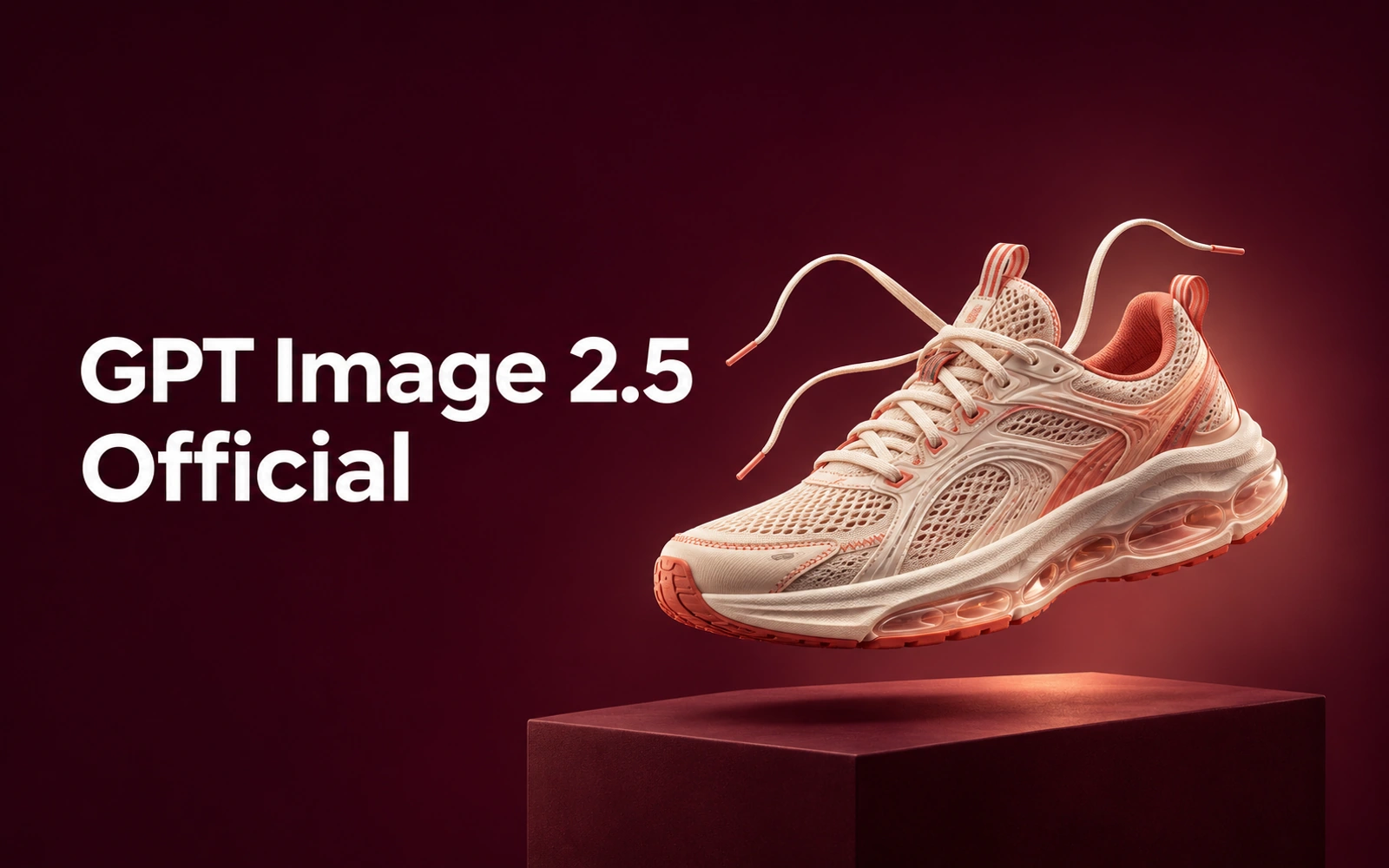
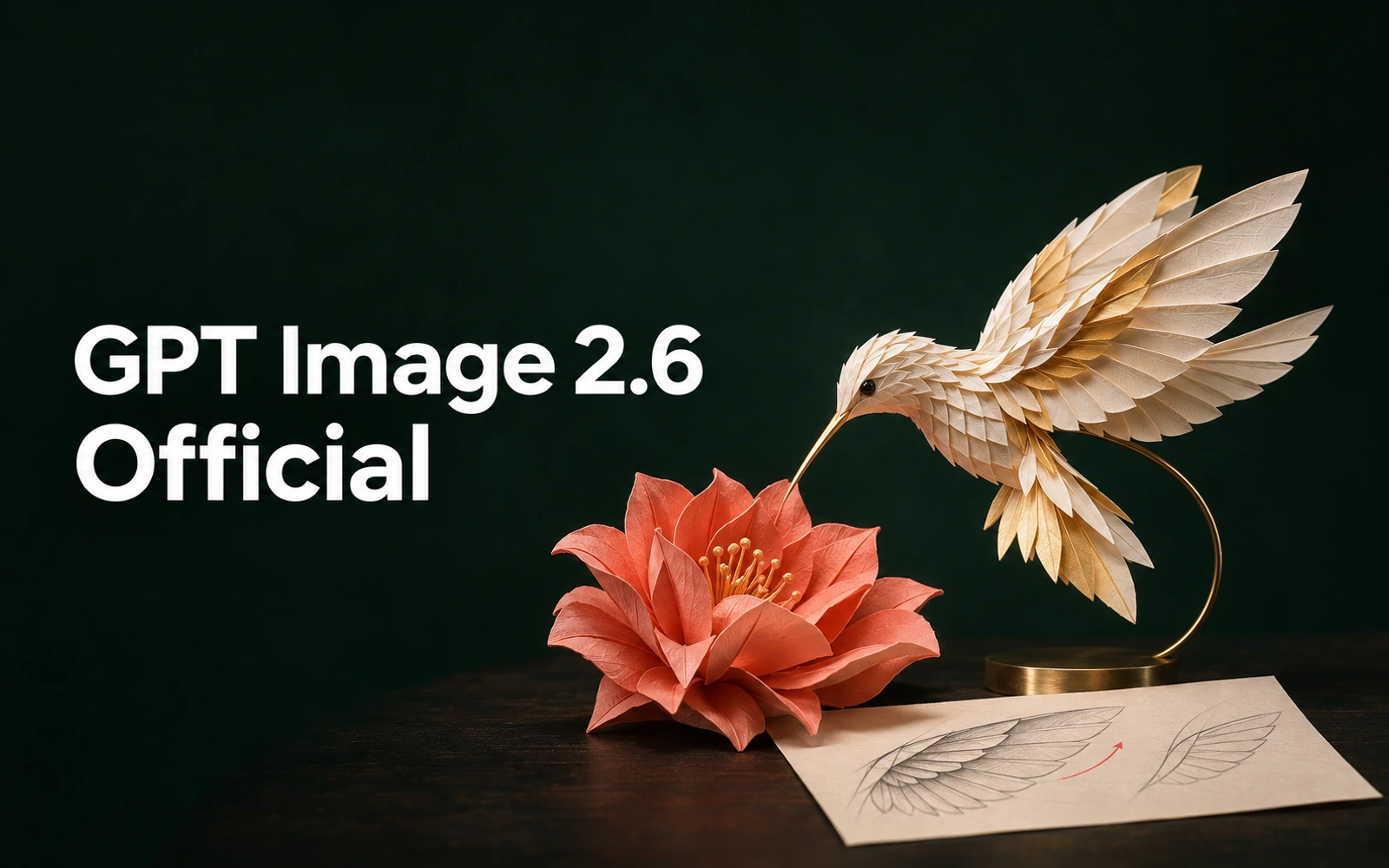
Legible in-image typography
Renders headlines, labels, signage, and short UI copy across Latin and CJK scripts within scene lighting. Check exact spelling and fine text before publishing.
GPT Image 2 · Image generation and editing
Generate images from text or up to 15 references. Choose 1K, 2K or 4K, review the quote, then submit.
Renders headlines, labels, signage, and short UI copy across Latin and CJK scripts within scene lighting. Check exact spelling and fine text before publishing.
Supports auto (1:1 square) plus 15 explicit ratios, including extended 3:1, 2:1, 21:9, 1:3, 1:2, and 9:21 frames for banners and vertical layouts.
Pass up to 15 public URLs in image_urls to restyle a picture, replace a background, or combine several references. References are included in the standard rate.
Select 1K, 2K, or 4K before quoting to generate print-ready or web-ready files directly—up to 3840 px on the long edge depending on ratio—without a separate upscaler.
Generates believable storefronts, packaged goods, food textures, architectural materials, and software interfaces from detailed prompts with natural lighting.
Follows structured prompts describing foreground subjects, background depth, typography placement, and framing in one pass, reducing layout rework.
Set output_count from 1 to 4 to compare directions from one prompt. Each image runs independently, and only successful items are charged.
Enable nsfw_check to screen prompts and references before submission, or enable fallback to retry failed ordinary items on the token-billed official channel.
Marketing teams put exact titles, dates, and booth info into a 3:4 or 4:5 prompt at 2K to draft exhibition, cafe, or concert posters with integrated typography.
Online sellers upload clean packshots in image_urls to place cosmetics, bottles, or electronics onto marble, wood, or retail shelves while keeping labels recognizable.
Growth designers use GPT Image 2’s extended 3:1, 2:1, or 21:9 ratios at 4K to build homepage hero strips and marketplace headers without heavy cropping.
Editorial and mobile teams use 1:3, 9:21, or 9:16 framing to produce long-scroll campaign strips, mobile splash screens, and vertical story layouts in one generation.
Product designers describe navigation bars, cards, buttons, and sample copy to generate quick screen concepts for stakeholder alignment before moving into Figma.
Restaurant brands and food editors specify plating, ceramic tableware, side daylight, and short menu labels at 2K or 4K to test visual directions before a studio shoot.
Educators and technical writers turn structured notes into botanical plates, cross-section drawings, or step-by-step infographics, then verify every label before release.
Cross-border teams reuse product references with localized English, Chinese, or Japanese headlines to generate regional campaign visuals without rebuilding the scene.
Load a prompt and suggested settings into the workbench. Add your own input image for reference edits.
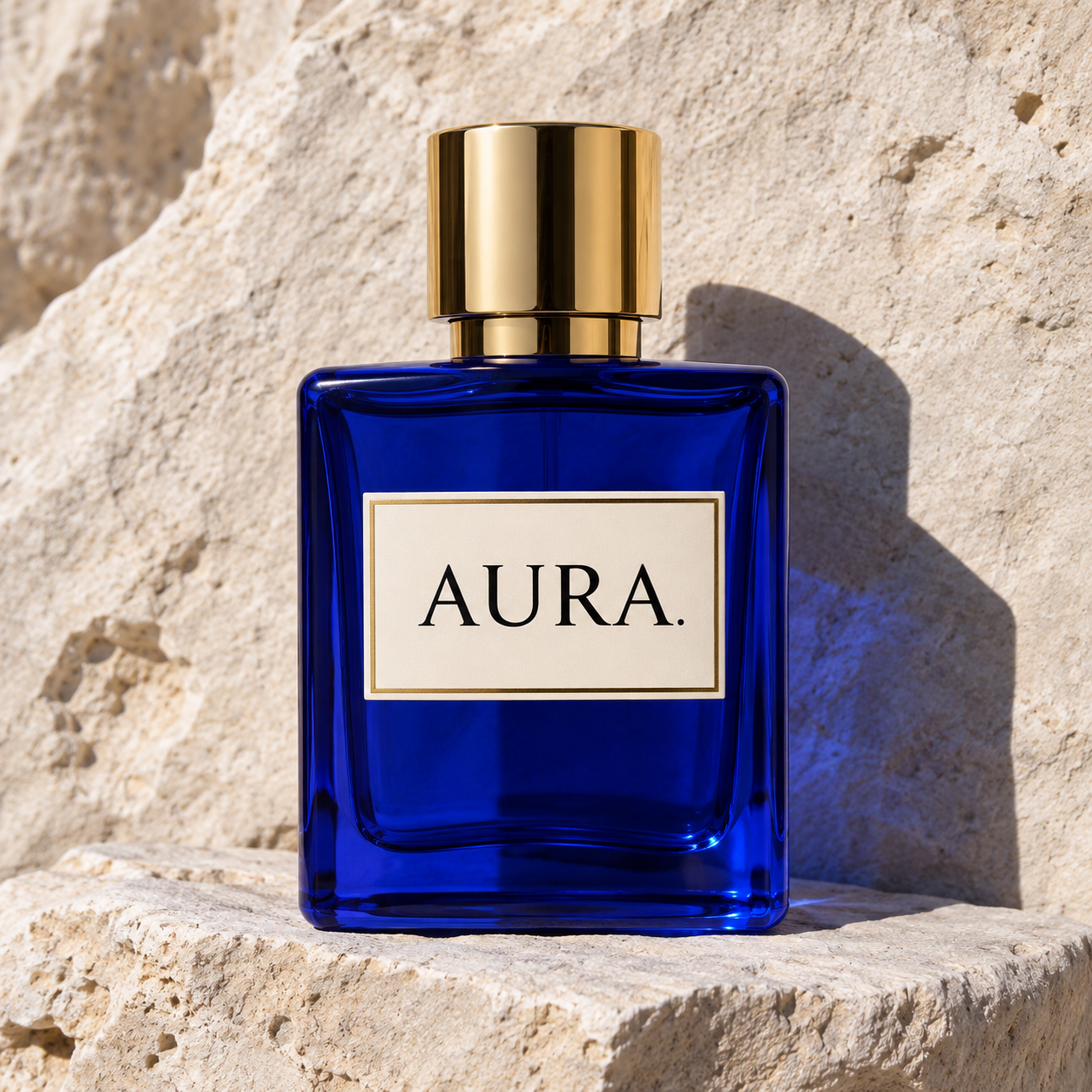 Image1:1
A premium product photograph of a cobalt blue perfume bottle on limestone. Label reads AURA. Soft daylight and a crisp natural shadow.
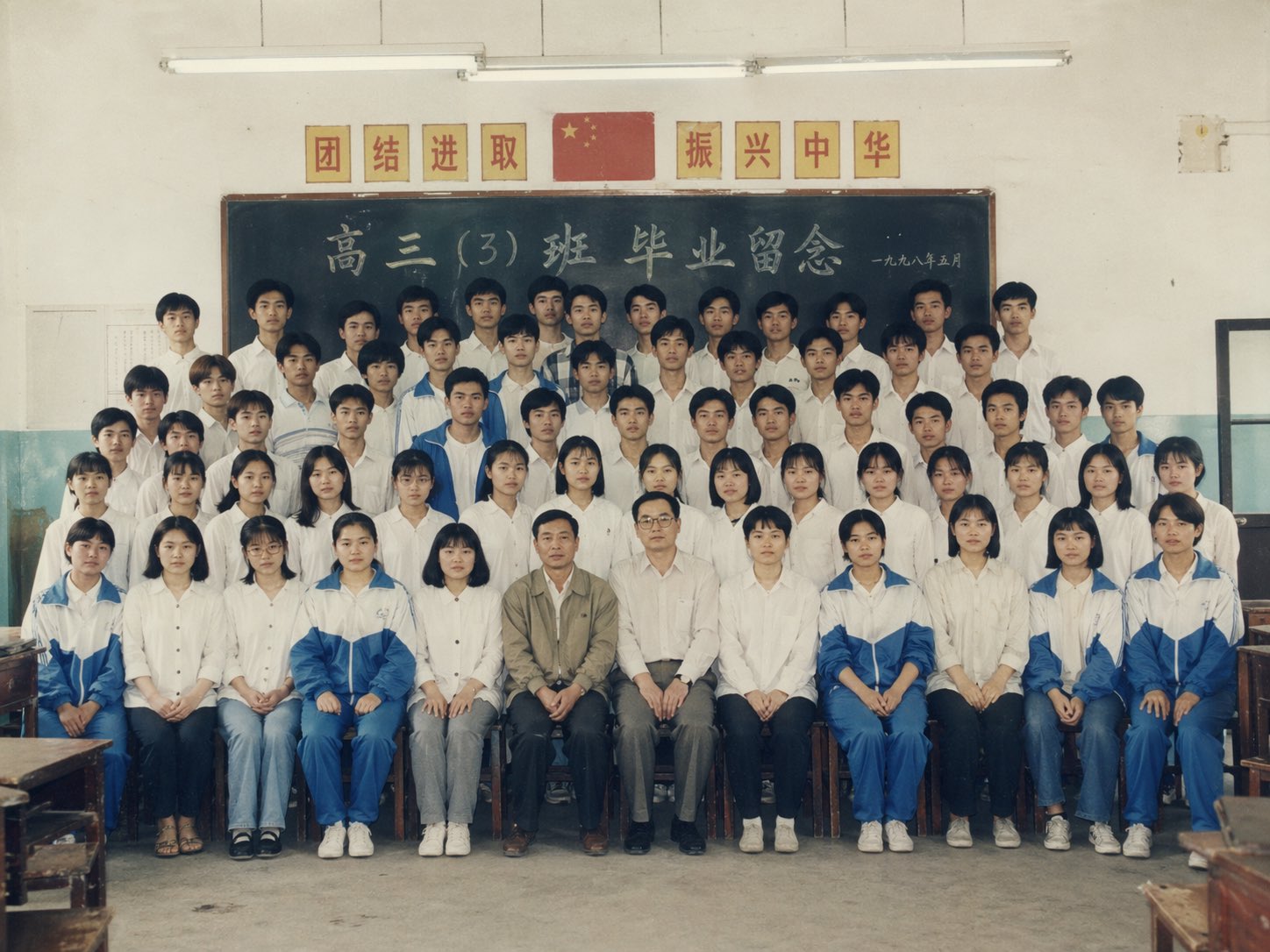 Image
90年代中国高中在教室拍的毕业合照
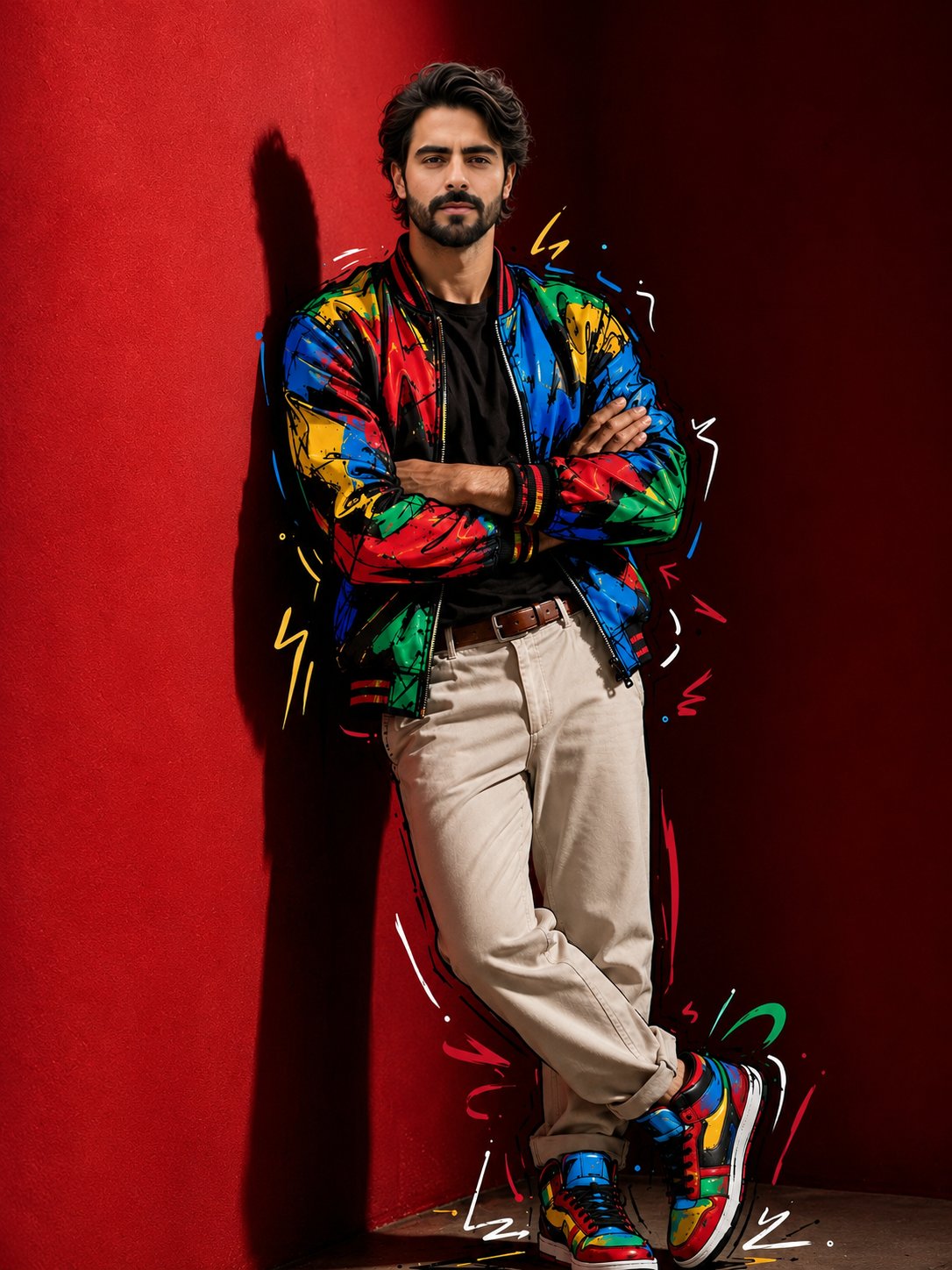 Image
Use the reference photo as the base. Keep the subject’s pose, camera angle, framing and surroundings. Redraw the jacket and sneakers as bold streetwear illustrations with painterly blocks of red, blue, green and yellow, black outlines and a few energetic strokes around the figure.
 Image
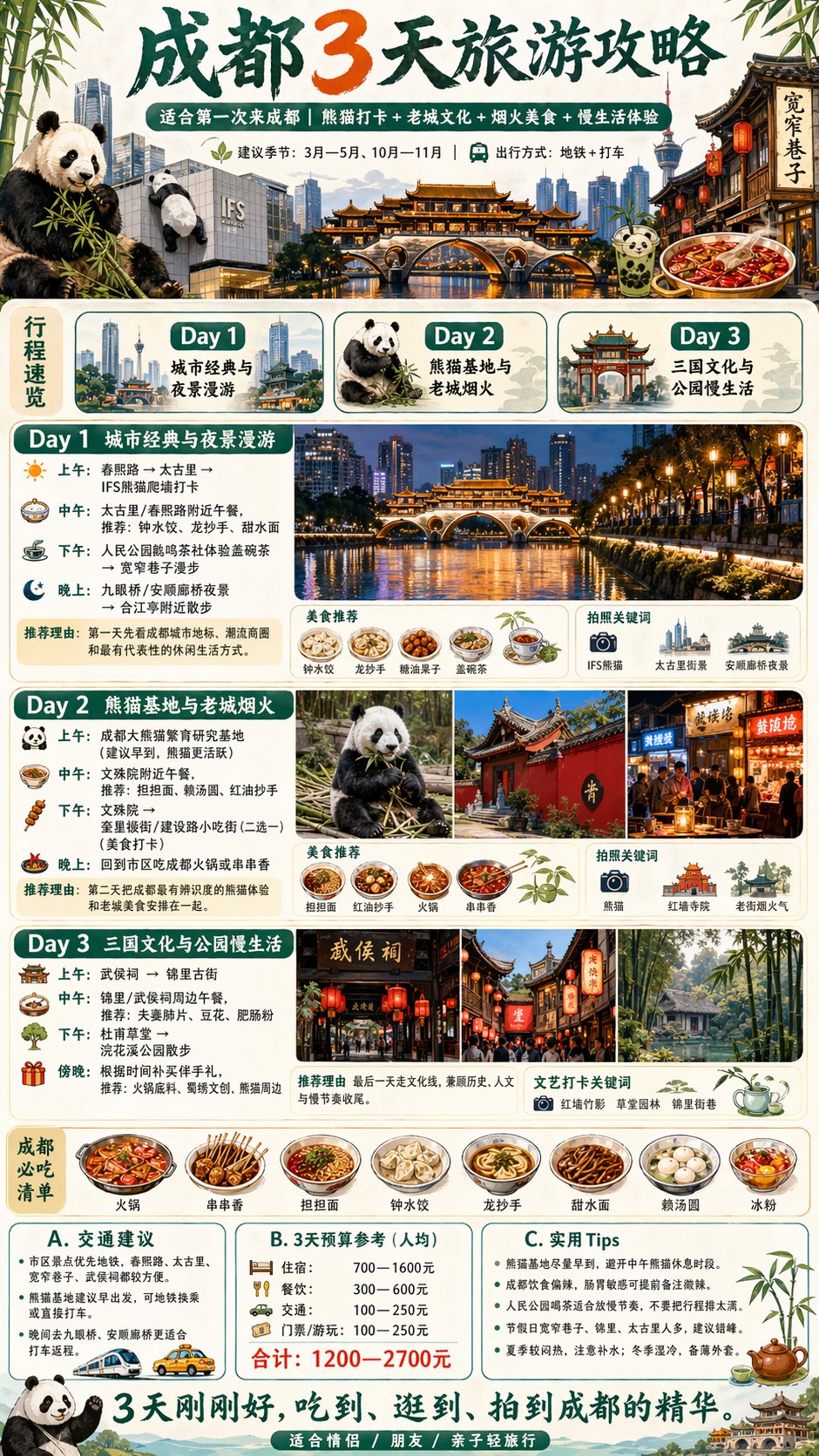
生成成都三天旅游攻略
 Image
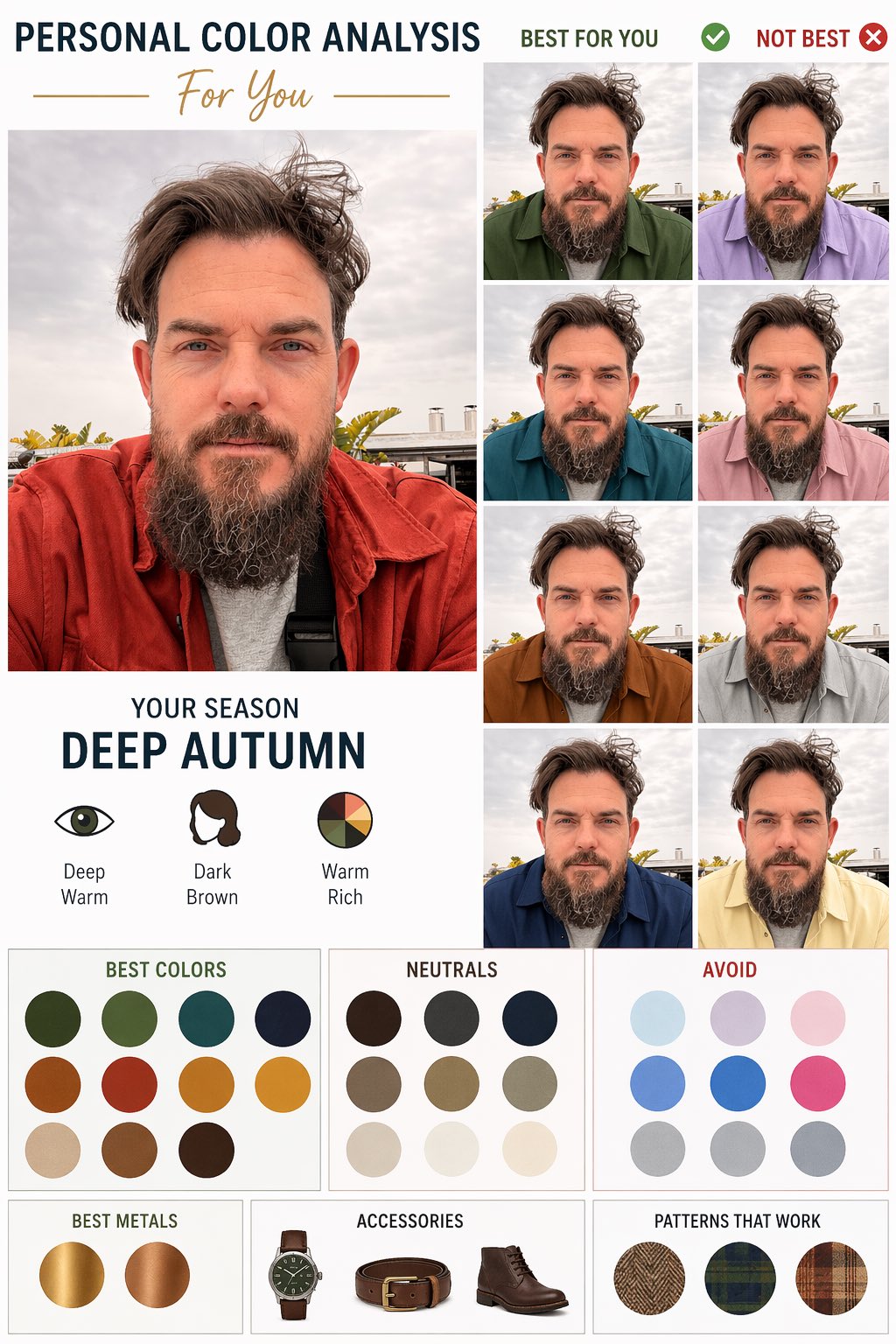
Create a diagram-first color analysis from this portrait. Compare warm and cool clothing palettes around the same face, using clearly labeled swatches and paired outfit colors. Keep the subject’s likeness, expression and lighting consistent, and use very little text.
 Image
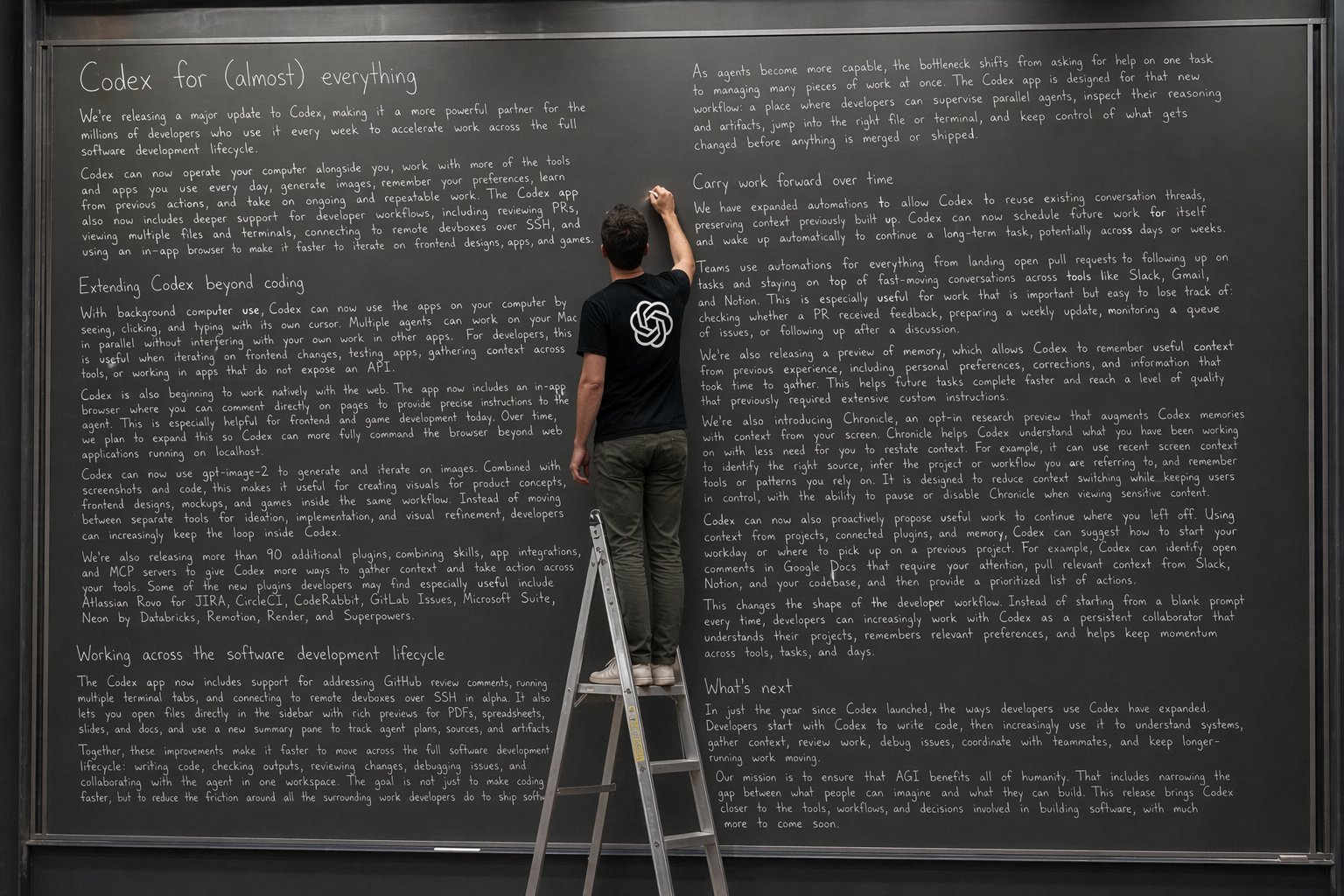
An editorial photograph of a lone writer standing partway up a ladder against a vast dark chalkboard. Dense, finely spaced handwritten text fills the entire wall. Frame the person small against the lettering, with diffuse natural light and a charcoal-gray palette.
 Image
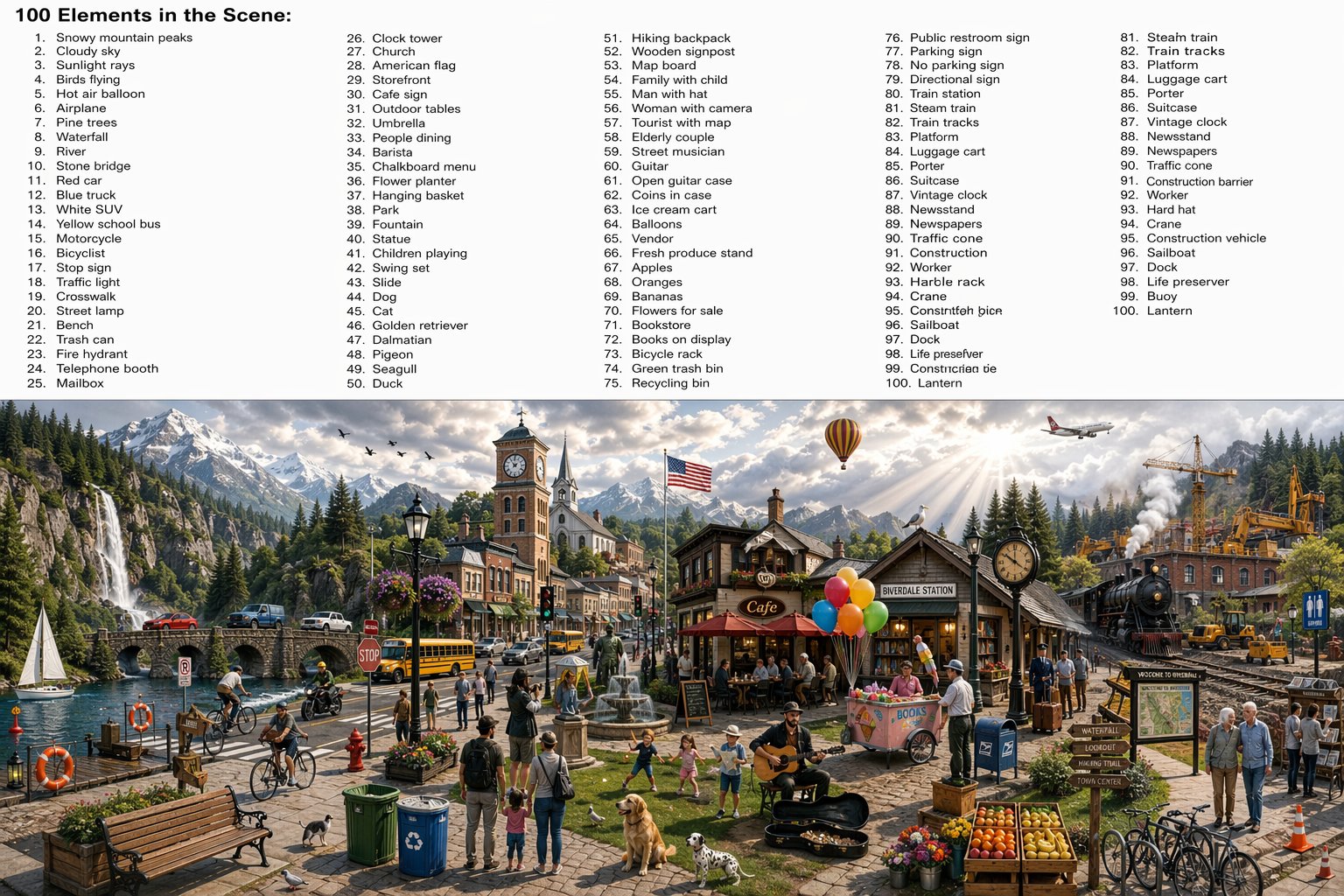
Create a busy illustrated scene with exactly 100 distinct everyday objects. Include an organized numbered inventory above the scene and make each object recognizable in the illustration. Keep the inventory legible, with small groups of text aligned in columns.
 Image
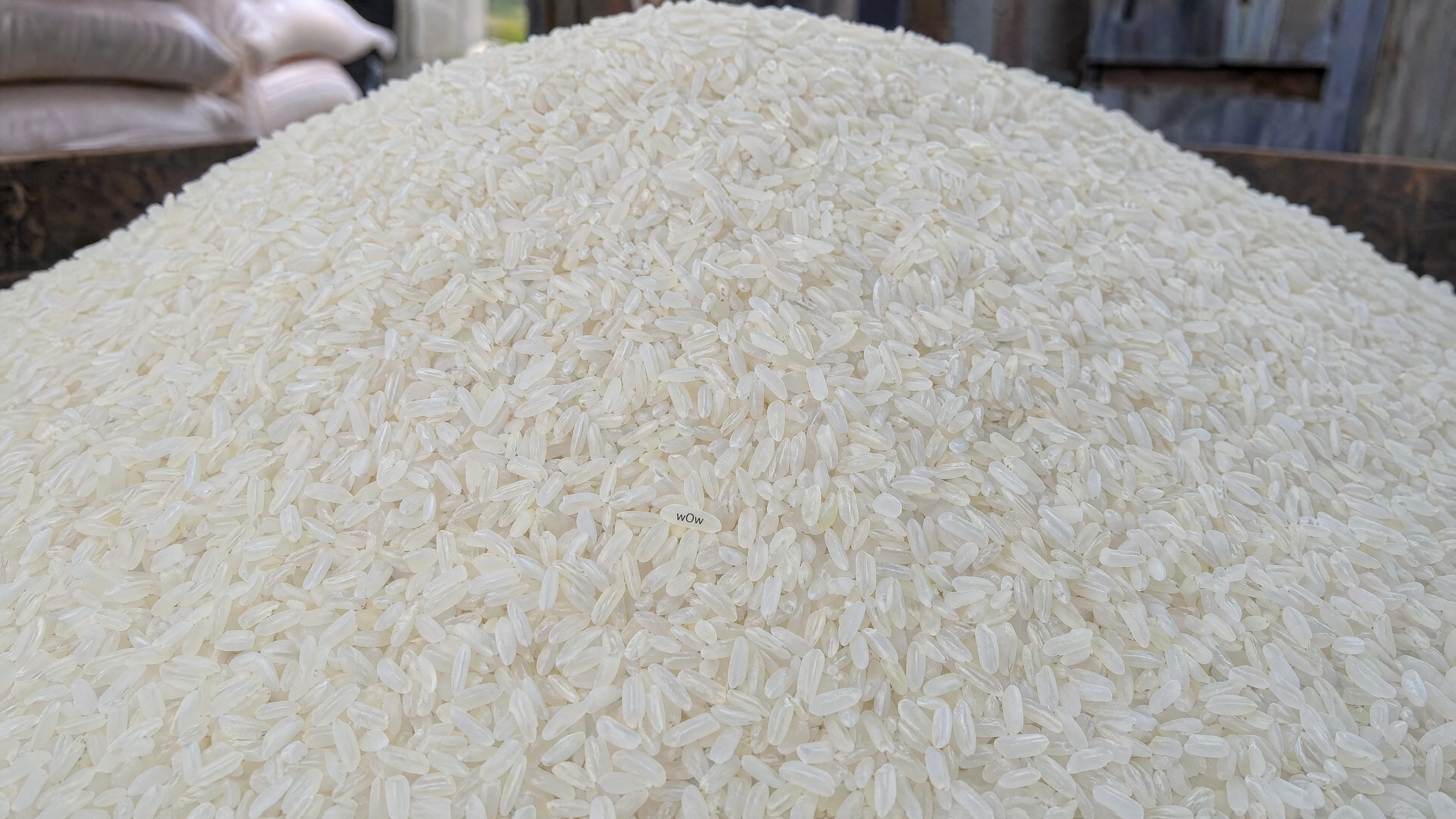
Macro photograph of a pile of white rice. One sharply focused grain in the foreground bears the tiny text “wOw”. Keep every other grain unmarked. Use shallow depth of field and soft light to show the texture of the rice.
Fixed standard price per successful image. Reference images are included.
| Resolution | Standard USD | Credits / image | fal | WaveSpeed |
|---|---|---|---|---|
| 1K | With bonus ≈ $0.010 / imageRegular $0.011 / image | 2.1 | - | - |
| 2K | With bonus ≈ $0.016 / imageRegular $0.018 / image | 3.6 | - | - |
| 4K | With bonus ≈ $0.024 / imageRegular $0.027 / image | 5.3 | - | - |
Rates are shown per 1 million tokens. The final charge depends on actual token usage.
| Token type | USD / 1M tokens | Credits / 1M tokens |
|---|---|---|
| Text input | With bonus ≈ $5.682 / 1MRegular $6.250 / 1M | 1,250.0 |
| Cached text input | With bonus ≈ $1.420 / 1MRegular $1.563 / 1M | 312.5 |
| Image input | With bonus ≈ $9.091 / 1MRegular $10.000 / 1M | 2,000.0 |
| Cached image input | With bonus ≈ $2.273 / 1MRegular $2.500 / 1M | 500.0 |
| Image output | With bonus ≈ $34.091 / 1MRegular $37.500 / 1M | 7,500.0 |
The request follows the form. The website uses your session; API clients use your API key. See the docs for parameters, task creation and task queries.
Write a prompt and optionally add references.
Choose resolution, output count and optional fallback. Review the account quote before submitting.
Query the returned task ID or receive a signed callback. Save result images within 14 days.
| Parameter | Description |
|---|---|
model | gpt-image-2 |
input | Image generation parameters. |
input.prompt | Describe the image or edit. Limits depend on the model; see the schema. |
input.image_urls | Up to 10 public HTTPS reference images. The generation provider validates the files. |
input.resolution | 1K / 2K / 4K |
input.aspect_ratio | auto / 1:1 / 3:2 / 2:3 / 4:3 / 3:4 / 5:4 / 4:5 / 16:9 / 9:16 / 21:9 / 2:1 / 1:2 / 3:1 / 1:3 / 9:21 |
input.output_count | 1–4 independent image items; default 1. |
input.fallback | Try the official channel after an ordinary-channel failure. Billed by actual token usage. |
{
  "model": "gpt-image-2",
  "input": {
    "prompt": "A premium product photograph of a cobalt blue perfume bottle on limestone. Label reads AURA. Soft daylight and a crisp natural shadow.",
    "resolution": "1K",
    "aspect_ratio": "auto",
    "image_urls": [],
    "output_count": 1,
    "fallback": false,
    "nsfw_check": true
  }
}
The request follows the form. The website uses your session; API clients use your API key. See the docs for parameters, task creation and task queries.
Choose a model by the kind of image or edit you need. All three support text-to-image and reference editing at up to 4K on APIstable.
| Model | Best for | Resolution |
|---|---|---|
| GPT Image 2You’re here | Product images, posters with text, and reference edits. Choose from 15 aspect ratios and add up to 15 reference images. | 1K / 2K / 4K |
| GPT Image 2.5 | Use Flare for drafts and batches, or Sunburst for finished artwork and detailed edits. Supports up to 16 reference images. | 1K / 2K / 4K |
| GPT Image 2.6 | Choose Flare or Sunburst for still images, with controls for quality and scene complexity. Also supports animated GIFs from a text prompt. | 1K / 2K / 4K |
Find answers about pricing, generation results, and API access.
GPT Image 2 (model ID gpt-image-2) is OpenAI’s image generation and editing model released in April 2026 alongside ChatGPT Images 2.0. On APIstable you call it through the asynchronous task API and Workbench rather than a ChatGPT subscription.
GPT Image 2 is a single unified model with no Flare/Sunburst selector, and it uniquely exposes 15 explicit aspect ratios including 2:1, 1:2, 3:1, 1:3, and 9:21. GPT Image 2.5 adds Flare/Sunburst variants and up to 16 references; GPT Image 2.6 further adds quality, complexity, JPEG/WebP output, and text-only GIF.
You can choose 1K (default), 2K, or 4K together with auto or 15 aspect ratios (1:1, 3:2, 2:3, 4:3, 3:4, 5:4, 4:5, 16:9, 9:16, 21:9, 2:1, 1:2, 3:1, 1:3, and 9:21). Exact output pixels depend on both the resolution tier and the chosen ratio—for example, 4K produces 2880×2880 at 1:1 and 3840×2160 at 16:9.
On GPT Image 2, auto defaults to a 1:1 square image. Pick an explicit aspect ratio whenever your layout requires fixed framing.
Pass up to 15 public image URLs in image_urls, then describe what to keep or change in the prompt.
The ordinary channel charges a fixed credit price per successful image based on resolution (1K, 2K, or 4K), as shown in the Pricing section. Optional official fallback (fallback: true) runs only if the ordinary channel fails and bills by actual token usage—which may exceed the initial standard-price reservation. Accepted tasks settle against their saved quote snapshot.
On the standard channel, reference images are included in the fixed per-image price. If official fallback runs, token billing counts actual text input, image input, cached inputs, and image output, so reference images can increase the final charge.
No. GPT Image 2 has no Flare/Sunburst variant, and APIstable does not expose custom pixel size strings, mask inpainting, markup overlays, transparent background controls, SVG, or GIF on this model. Unsupported fields are rejected at validation.
Each image in output_count (1–4) runs as an independent execution item. Only successful items are charged; failed items release their unspent reserved credits.
No. Although GPT Image 2 handles in-image text and references well, outputs are not guaranteed to preserve every character, face, or brand mark verbatim. Inspect generated assets before commercial use.
Submit tasks via POST /api/v1/tasks/create_task, then poll the task query endpoint or configure callback_url. Generated files are retained for 14 days—download them before expiry. Unfinished tasks older than 24 hours are automatically failed during the daily 00:00 Beijing time cleanup with unspent reservations released, and late results cannot reopen or re-bill a closed task.
No. Seed control is not exposed for GPT Image 2 on APIstable, and generation is nondeterministic, so rerunning the same prompt and parameters can produce different details.
Write a prompt or add references to generate an image.