Text-to-GIF looping animations
Uniquely in this series on APIstable, set output_format: "gif" with aspect_ratio: "auto" and no reference images to generate short looping GIFs directly from a text prompt.
GPT Image 2.6 · Image generation and editing
Generate images from text or up to 16 references. Choose 1K, 2K or 4K, review the quote, then submit.
Uniquely in this series on APIstable, set output_format: "gif" with aspect_ratio: "auto" and no reference images to generate short looping GIFs directly from a text prompt.
Set complexity to low, medium, or high (or omit for model default) separately from quality to match flat icons or dense multi-object layouts at the same standard price.
Choose quality from auto, low, medium, high, xhigh, or max (or omit to let the model decide) without changing the fixed ordinary per-image price; higher tiers may take longer.
Output lossless PNG (default), lightweight JPEG, or web-ready WebP for still images, or switch to GIF for text-only motion loops from the same endpoint.
Select version: "flare" (default) for quick drafts, posters, and high-volume runs, or "sunburst" for dense typography and steady multi-round edits at the same standard price.
Provide up to 16 reference images in image_urls (per ordinary downstream documentation) for PNG, JPEG, or WebP edits to keep brand assets, characters, and layouts aligned.
Generate still images at 1K, 2K, or 4K across auto and 10 aspect ratios (1:1 through 21:9); auto uses 1:1 for text-to-image or matches the closest supported ratio when editing.
Request 1–4 independent outputs per task, add optional nsfw_check, and opt into token-billed official fallback for compatible still-image jobs (unavailable for GIF and auto-ratio edits).
Brand and community teams set output_format: "gif" and aspect_ratio: "auto" (text-only) to generate looping mascot waves, stickers, and lightweight reaction animations without video tools.
Designers pair version: "sunburst" with complexity: "high" and quality: "high" or "xhigh" at 2K or 4K to render bilingual menus, event timetables, and copy-heavy promo posters.
Product and marketing teams run version: "flare" with quality: "low" and output_count: 4 to compare four visual concepts rapidly before investing in higher-quality renders.
E-commerce and web pipelines request output_format: "webp" or "jpeg" directly at 1K or 2K so generated product scenes publish smoothly without an extra format conversion step.
UI designers set complexity: "low" with crisp prompts to keep backgrounds simple and shapes uncluttered for onboarding graphics, empty states, and feature badges.
Creative teams pass product and brand references in image_urls using sunburst and an explicit ratio to iterate seasonal lighting, backgrounds, and copy with less visual drift.
Art directors use text-only GIF output to preview simple subject movement—such as rising steam, blinking neon, or a waving character—before commissioning full video production.
Agencies combine sunburst, complexity: "high", and quality: "xhigh" or "max" at 4K (16:9 or 21:9) for intricate multi-object hero scenes with layered lighting and reflections.
Load a prompt and suggested settings into the workbench. Add your own input image for reference edits.
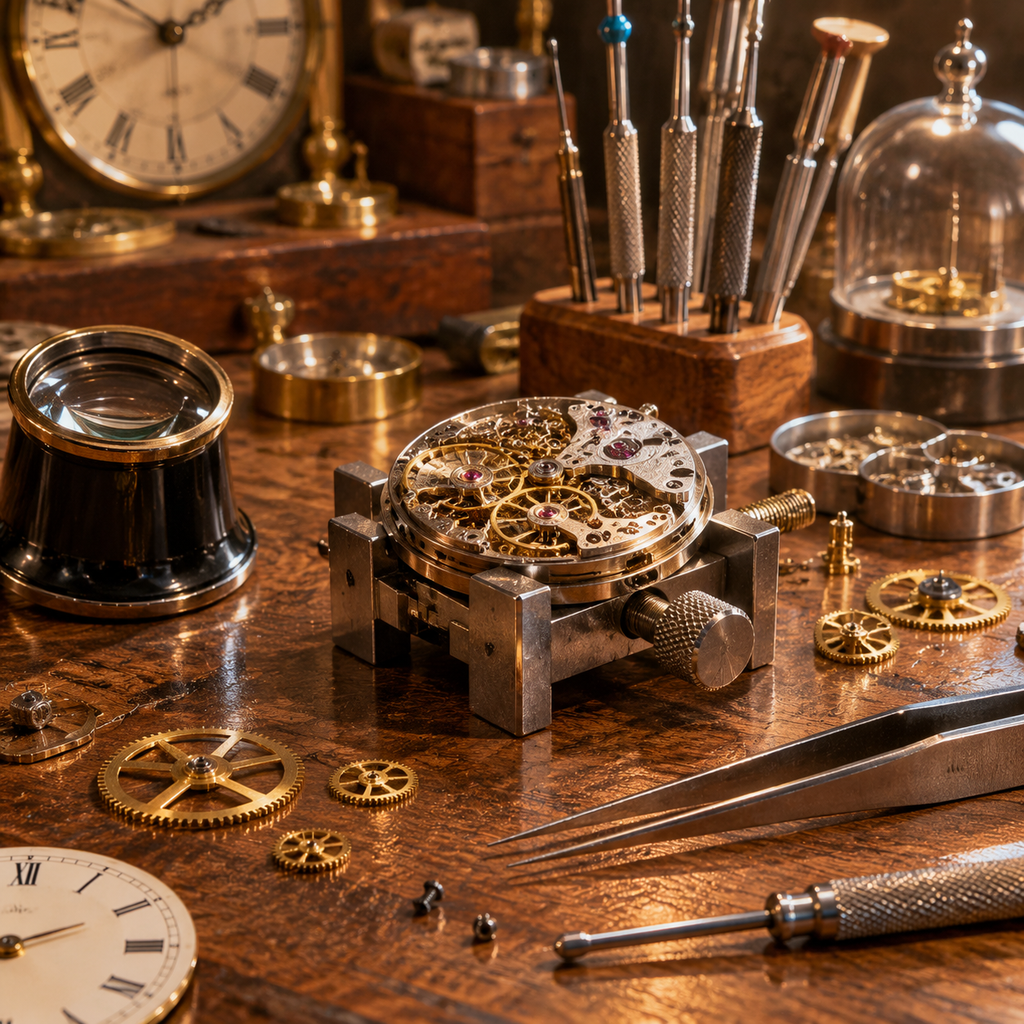 Image1:1
A premium editorial photograph of a watchmaker workbench, brass gears, polished steel tools, rich wood grain, soft warm light, meticulous fine detail.
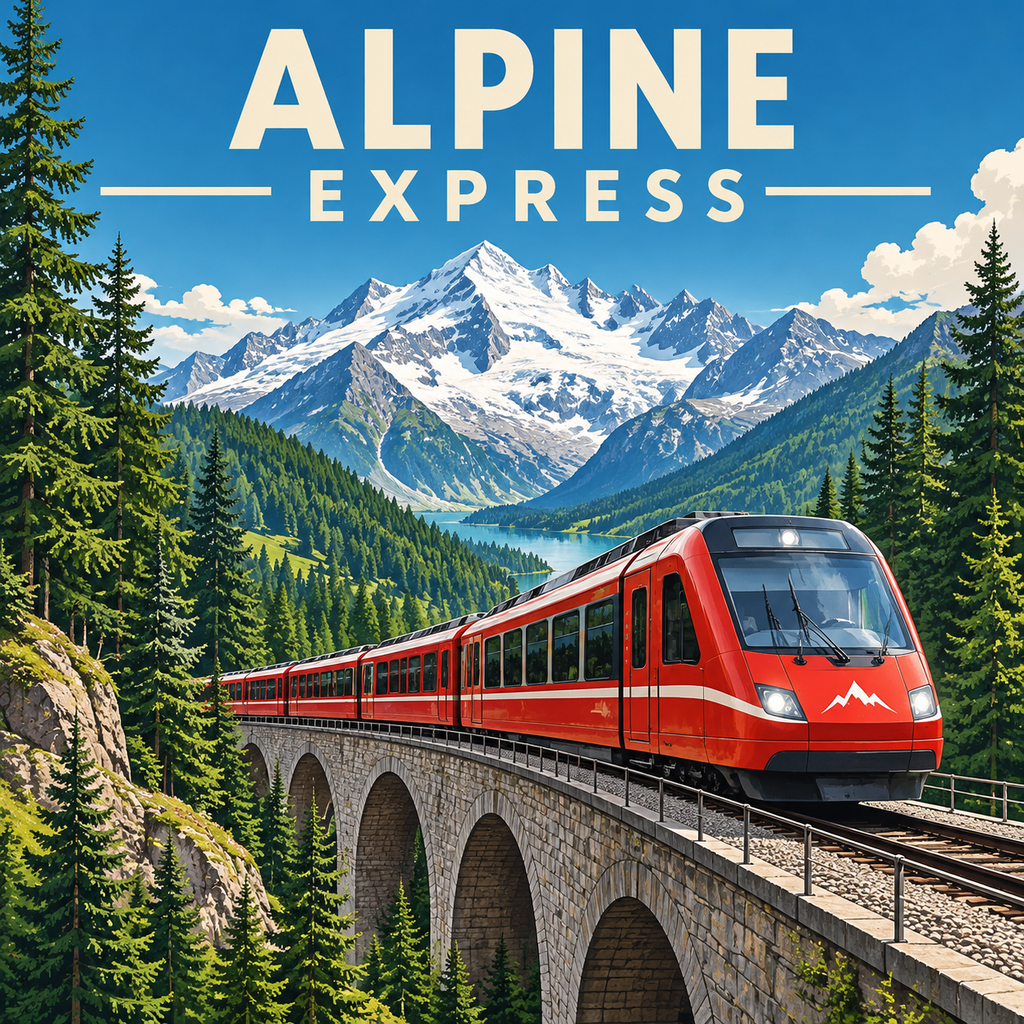 Image1:1
A refined travel poster for a mountain railway. Rich green forest, red train, clean geometric composition. Clear title ALPINE EXPRESS.
 Animation1.62s
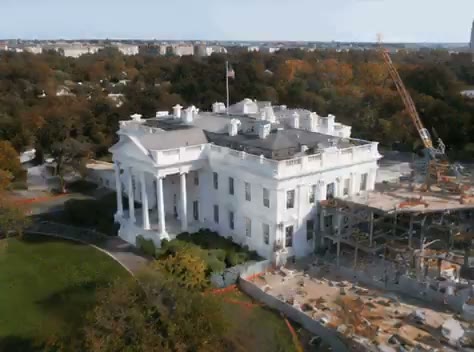
帮我做一个真实白宫外观的360°环绕模仿无人机拍摄,要真实还原建筑环境的实际外观情况,做成gif
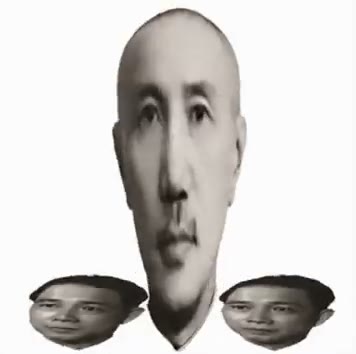 Animation0.6s
Make a short seamless GIF on a white background. Three grayscale faces float in frame. The largest face bounces gently at center while the two small faces follow with a short delay. Use a fixed camera and match the first and last poses for a loop.
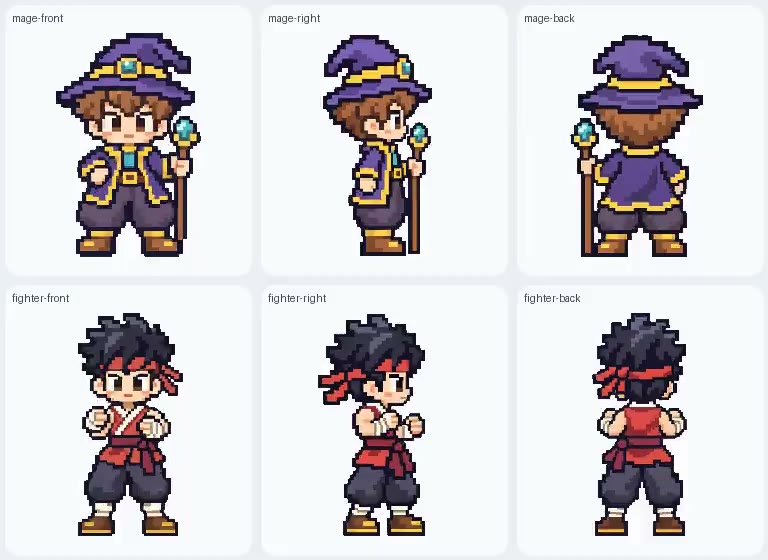 Animation0.8s
Create a short looping GIF on white. Place two original pixel-art game characters in a clean grid with front, side and back views. Give each character a subtle idle motion without changing their position, silhouette or palette. Keep the camera fixed.
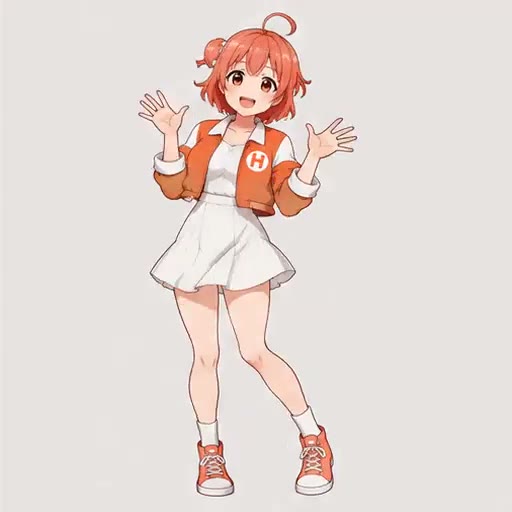 Animation1.92s
Make a looping GIF of an orange-haired illustrated character in a white dress and colorful jacket against a pale gray background. Use fixed full-body framing, a playful sequence of pose changes and a smooth return to the starting pose.
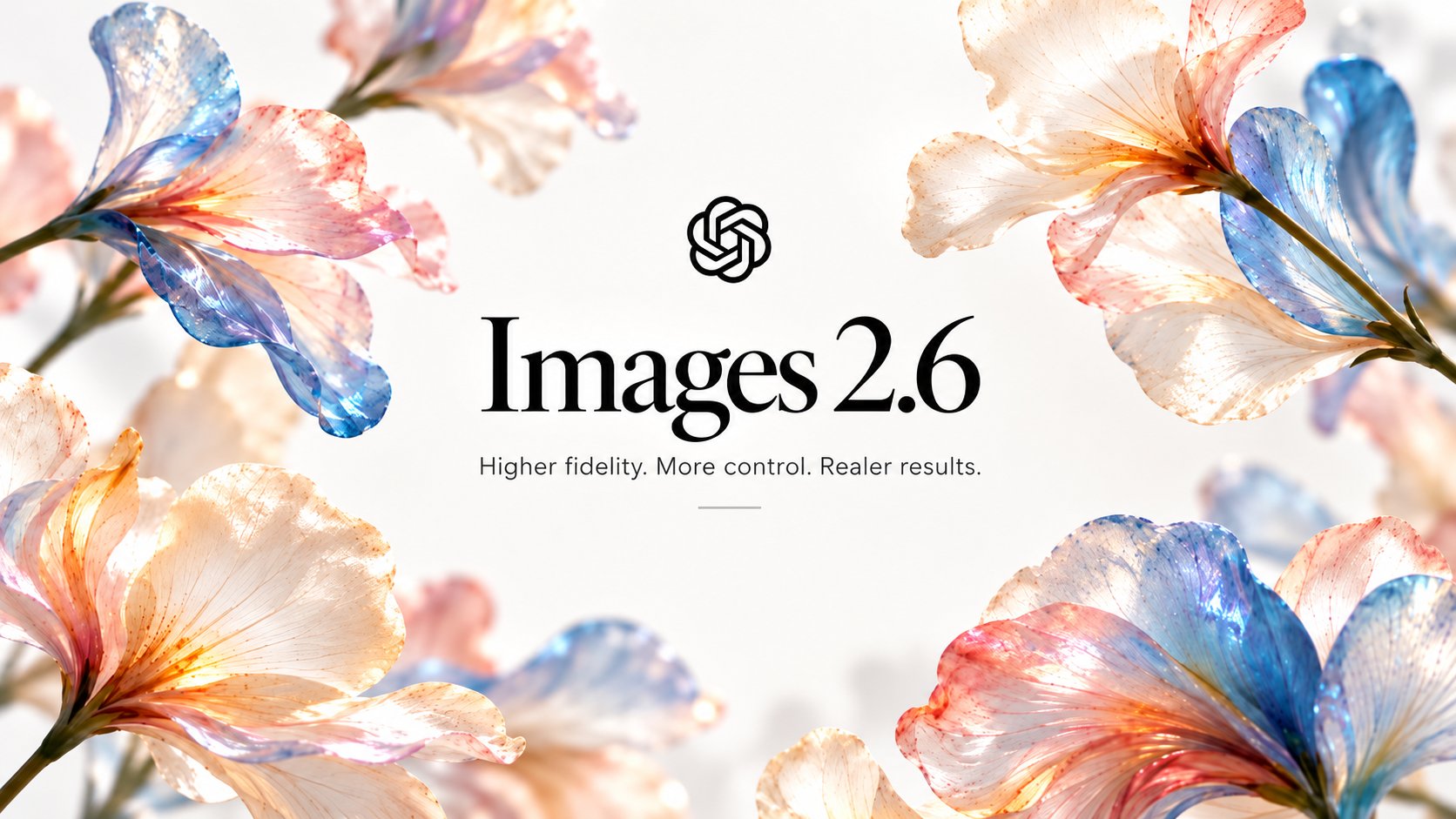 Image
Design a wide editorial title card on a light background. Arrange translucent orange and blue flowers at the edges, leaving generous negative space around a centered black serif launch title. Use soft directional light to show the petal texture.
 Image
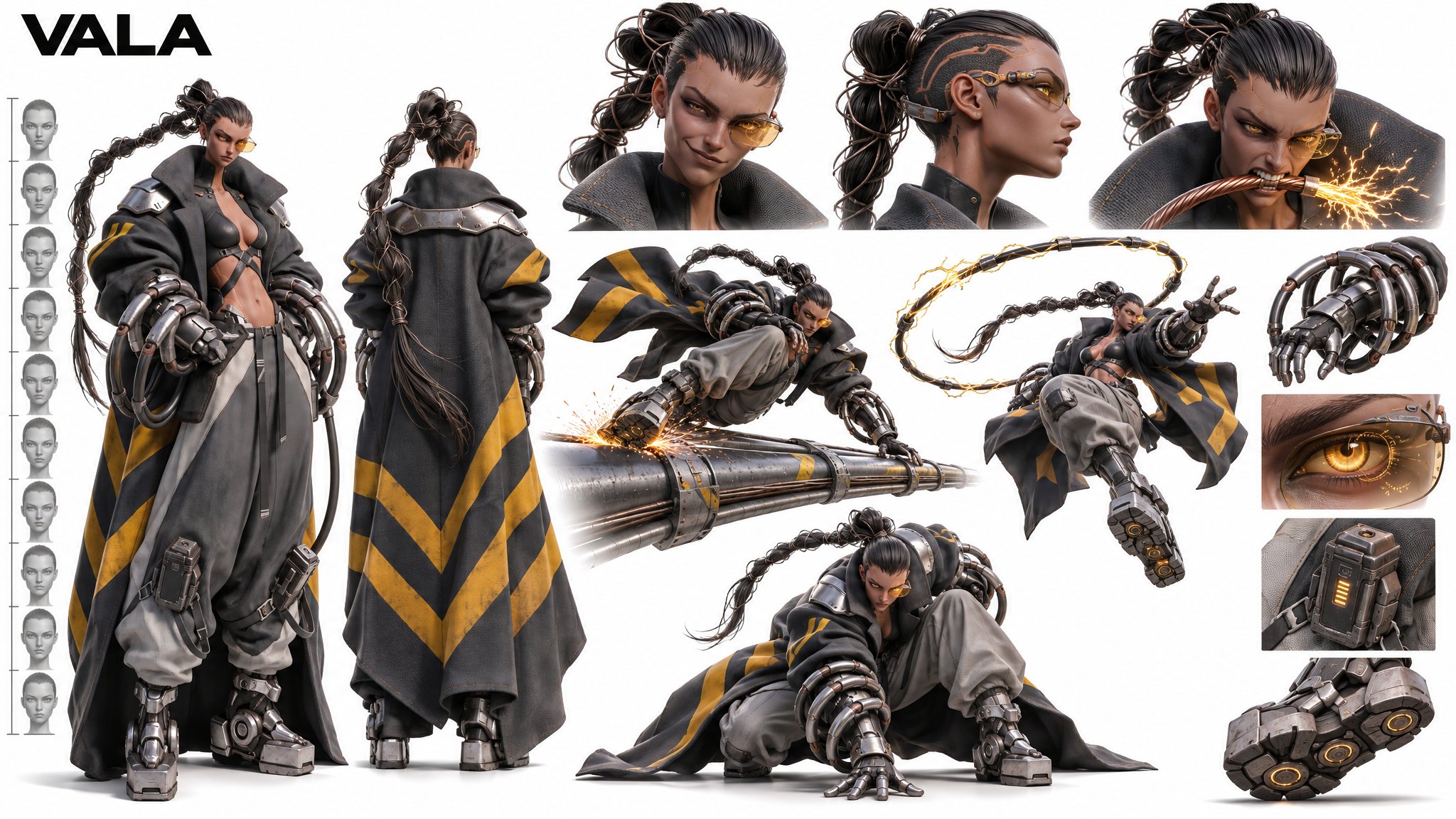
Use the reference image to match the look and materials of a 3D sci-fi collectible. Make a widescreen character concept sheet on pure white with front and back views, close-ups of the face and armor, and clearly spaced accessory callouts.
Fixed standard price per successful image. Reference images are included.
| Resolution | Standard USD | Credits / image | fal | WaveSpeed |
|---|---|---|---|---|
| 1K | With bonus ≈ $0.010 / imageRegular $0.011 / image | 2.1 | - | - |
| 2K | With bonus ≈ $0.033 / imageRegular $0.036 / image | 7.2 | - | - |
| 4K | With bonus ≈ $0.043 / imageRegular $0.048 / image | 9.5 | - | - |
Rates are shown per 1 million tokens. The final charge depends on actual token usage.
| Token type | USD / 1M tokens | Credits / 1M tokens |
|---|---|---|
| Text input | With bonus ≈ $5.682 / 1MRegular $6.250 / 1M | 1,250.0 |
| Cached text input | With bonus ≈ $1.420 / 1MRegular $1.563 / 1M | 312.5 |
| Image input | With bonus ≈ $9.091 / 1MRegular $10.000 / 1M | 2,000.0 |
| Cached image input | With bonus ≈ $2.273 / 1MRegular $2.500 / 1M | 500.0 |
| Image output | With bonus ≈ $34.091 / 1MRegular $37.500 / 1M | 7,500.0 |
The request follows the form. The website uses your session; API clients use your API key. See the docs for parameters, task creation and task queries.
Write a prompt and optionally add references.
Choose resolution, output count and optional fallback. Review the account quote before submitting.
Query the returned task ID or receive a signed callback. Save result images within 14 days.
| Parameter | Description |
|---|---|
model | gpt-image-2.6 |
input | Image generation parameters. |
input.prompt | Describe the image or edit. Limits depend on the model; see the schema. |
input.image_urls | Up to 10 public HTTPS reference images. The generation provider validates the files. |
input.resolution | 1K / 2K / 4K |
input.aspect_ratio | auto / 1:1 / 3:2 / 2:3 / 4:3 / 3:4 / 5:4 / 4:5 / 16:9 / 9:16 / 21:9 |
input.version | Flare / Sunburst |
input.quality | Default / auto / low / medium / high / xhigh / max |
input.output_format | PNG / JPEG / WEBP / GIF |
input.complexity | Default / low / medium / high |
input.output_count | 1–4 independent image items; default 1. |
input.fallback | Try the official channel after an ordinary-channel failure. Billed by actual token usage. |
{
  "model": "gpt-image-2.6",
  "input": {
    "prompt": "A premium editorial photograph of a watchmaker workbench, brass gears, polished steel tools, rich wood grain, soft warm light, meticulous fine detail.",
    "resolution": "1K",
    "aspect_ratio": "auto",
    "image_urls": [],
    "version": "sunburst",
    "output_format": "png",
    "output_count": 1,
    "fallback": false,
    "nsfw_check": true
  }
}
The request follows the form. The website uses your session; API clients use your API key. See the docs for parameters, task creation and task queries.
Choose a model by the kind of image or edit you need. All three support text-to-image and reference editing at up to 4K on APIstable.
| Model | Best for | Resolution |
|---|---|---|
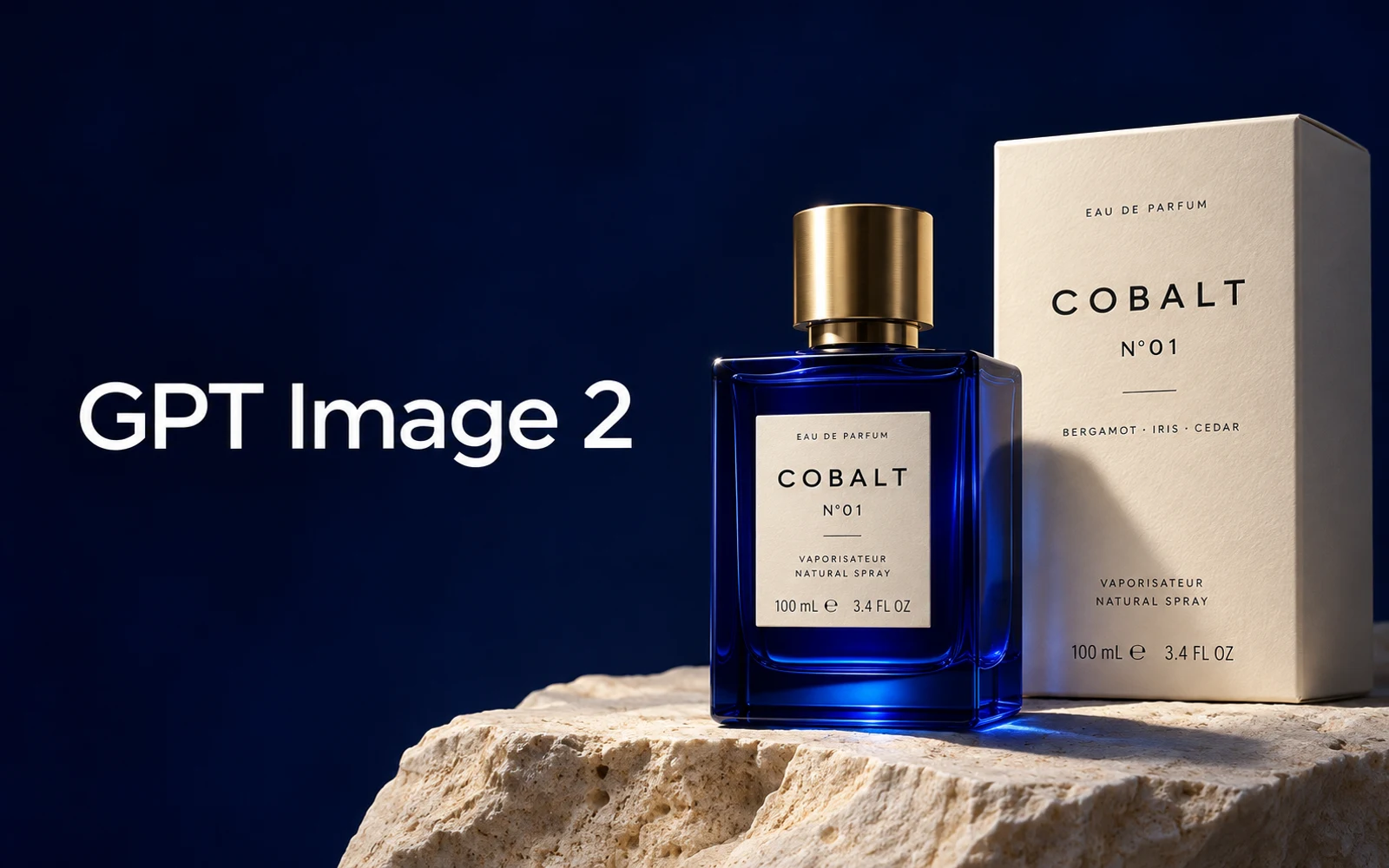
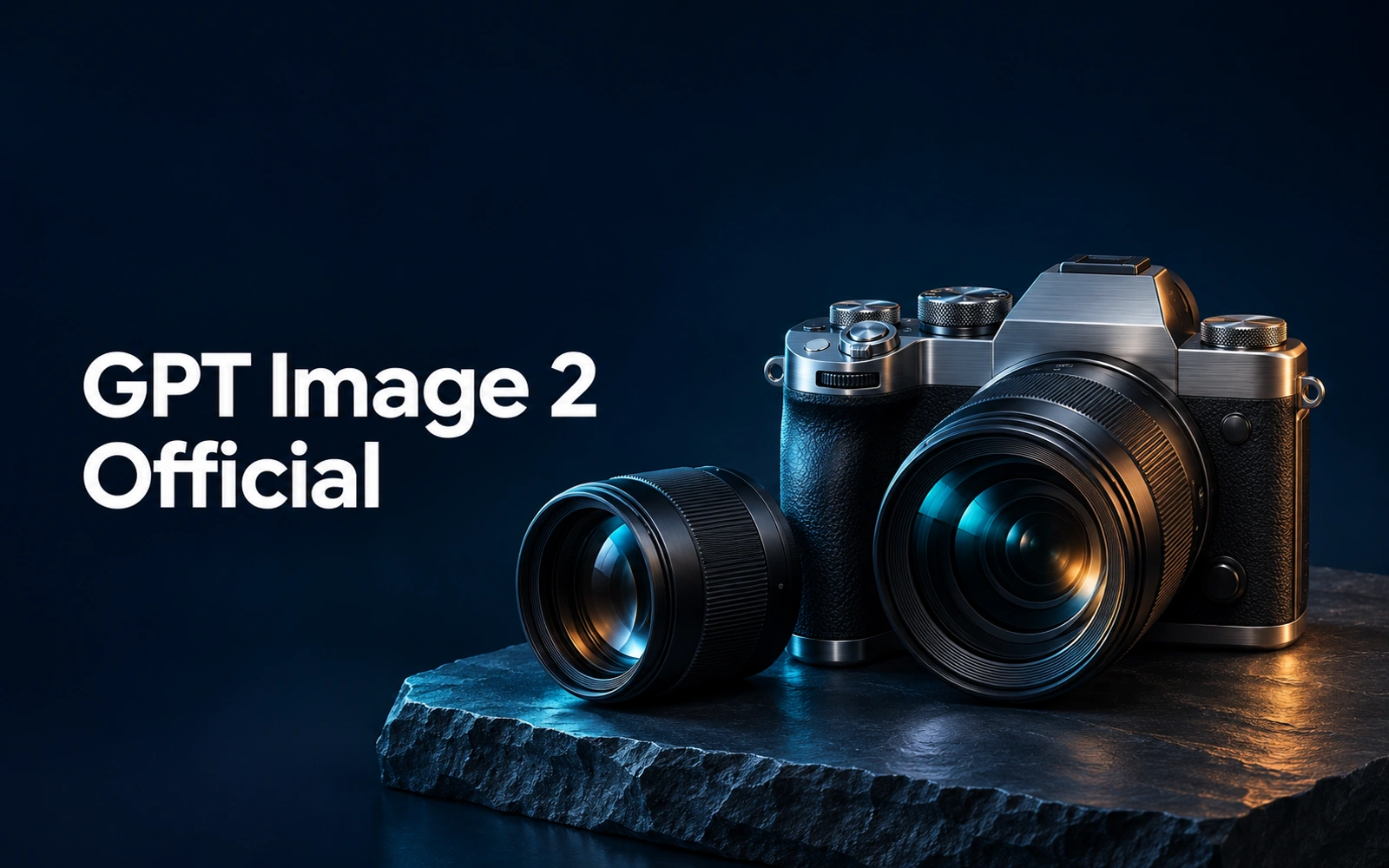
| GPT Image 2 | Product images, posters with text, and reference edits. Choose from 15 aspect ratios and add up to 15 reference images. | 1K / 2K / 4K |
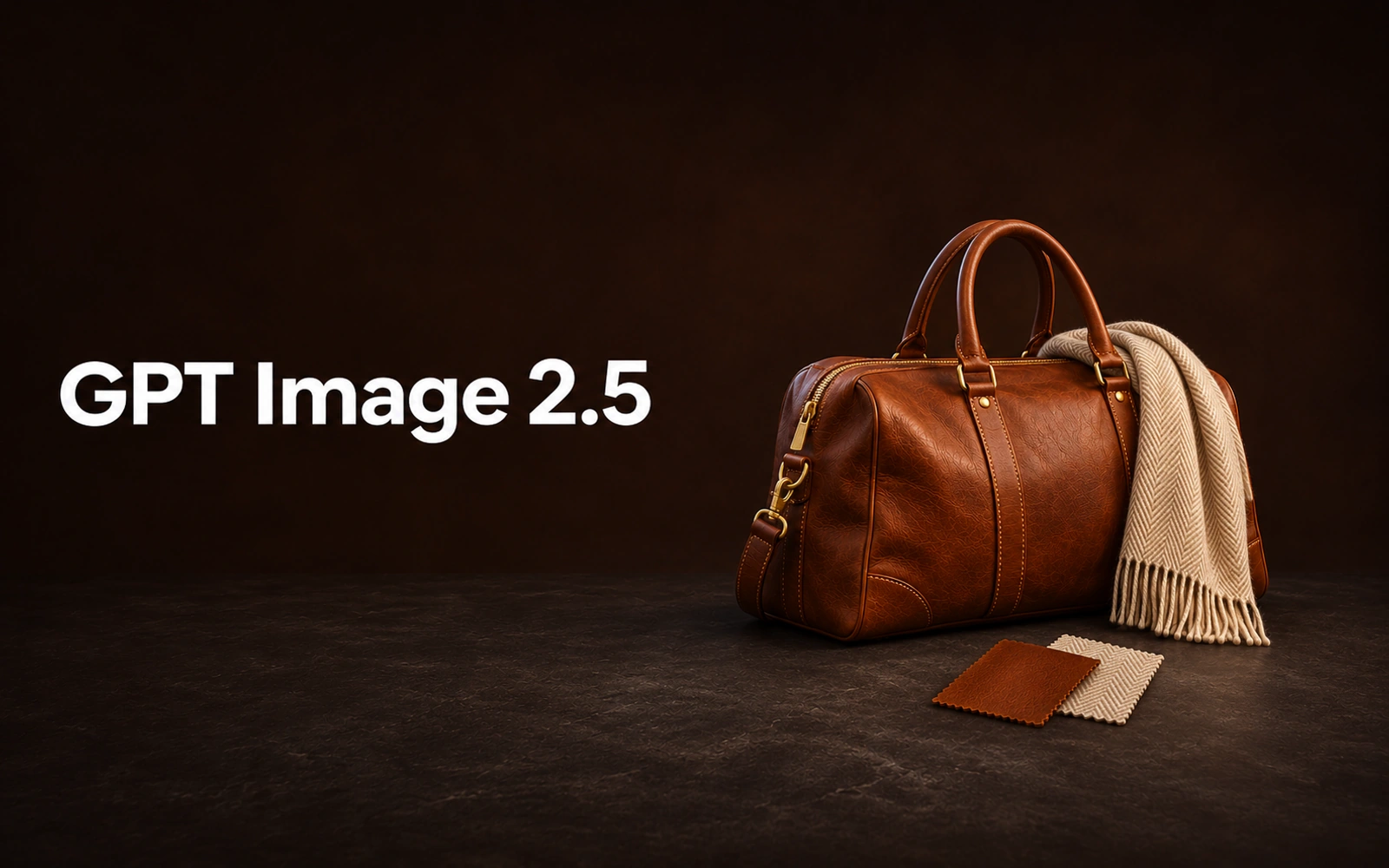
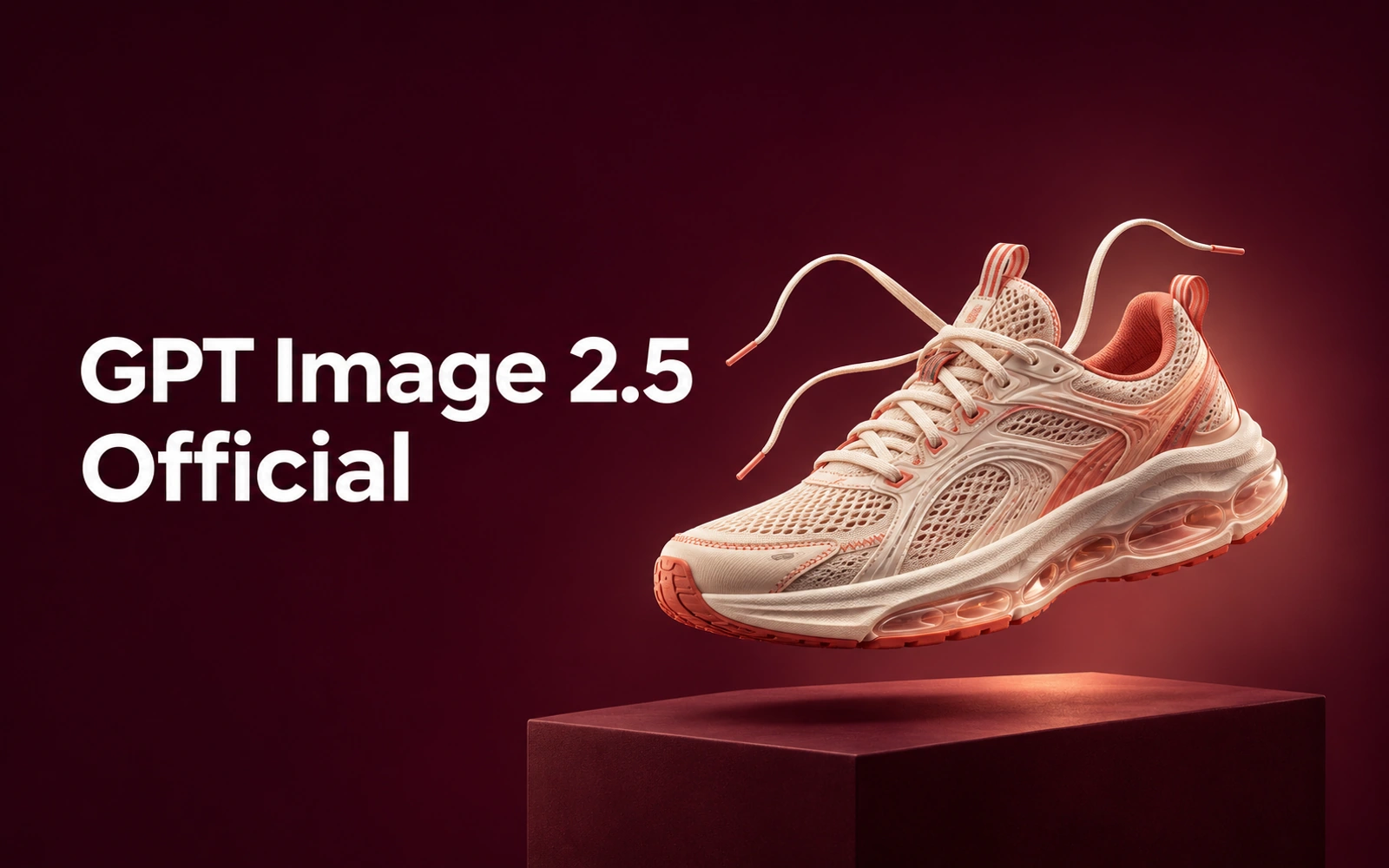
| GPT Image 2.5 | Use Flare for drafts and batches, or Sunburst for finished artwork and detailed edits. Supports up to 16 reference images. | 1K / 2K / 4K |
| GPT Image 2.6You’re here | Choose Flare or Sunburst for still images, with controls for quality and scene complexity. Also supports animated GIFs from a text prompt. | 1K / 2K / 4K |
Find answers about pricing, generation results, and API access.
GPT Image 2.6 is OpenAI’s November 2026 image release (ChatGPT Images 2.6). On APIstable it keeps Flare/Sunburst and up to 16 references while adding faster turnaround, independent quality and complexity controls, JPEG/WebP still formats, and text-only animated GIF output.
Use flare (default) for fast iteration, posters, product drafts, and batch generation. Choose sunburst when you need finer detail, denser text layouts, or tighter consistency across multi-round edits. Both share the same standard per-image price on APIstable.
Set output_format to "gif", set aspect_ratio to "auto", and omit image_urls—GIF on APIstable supports text-to-image only. Describe the motion and seamless loop in your prompt. GIF requests run on the ordinary channel only and cannot use official fallback.
quality (auto, low, medium, high, xhigh, max) controls rendering fidelity and turnaround time, while complexity (low, medium, high) controls how much scene planning and visual detail density the model applies. Use low complexity for clean icons or simple layouts, and high for intricate multi-object scenes.
No. On APIstable’s standard channel, per-image pricing depends only on the resolution tier (1K, 2K, or 4K), not on Flare vs. Sunburst, quality, complexity, or format (PNG, JPEG, WebP, GIF). Higher quality or complexity can take longer to finish, and on official fallback they can affect actual token usage.
No. While OpenAI’s native 2.6 API includes SVG export, transparent backgrounds, mask_url, markup overlays, and custom pixel sizes, APIstable does not expose those fields on this integration. Unsupported parameters are rejected at submission.
Ordinary-channel successes use the fixed per-image credit price by resolution tier (with reference images included). Optional official fallback (fallback: true) bills by actual token usage—covering text input, image input, cached inputs, and image output—and may exceed the initial standard-price reservation. Accepted tasks keep their saved quote snapshot.
Official fallback is unavailable for animated GIF requests (output_format: "gif") and for still-image reference editing when aspect_ratio is "auto". For still-image edits where you want fallback enabled, select one of the 10 explicit aspect ratios.
Still images support png (default), jpeg, and webp across 1K (default), 2K, and 4K with auto or 10 ratios (1:1, 3:2, 2:3, 4:3, 3:4, 5:4, 4:5, 16:9, 9:16, 21:9). Animated gif supports text-to-image only with aspect_ratio: "auto".
Pass up to 16 public image URLs in image_urls, then describe what to keep or change in the prompt. Omit references for animated GIFs.
Each requested output runs as an independent execution item. Only successful items are charged, while failed items release their unspent reserved credits.
Submit via POST /api/v1/tasks/create_task and poll the task query endpoint or pass callback_url. Results stay available for 14 days—save them before expiry. Unfinished tasks older than 24 hours are failed during the daily 00:00 Beijing time cleanup with unspent reservations released, and late results cannot reopen or re-charge a closed task.
No. GIF frame_count, frame_duration_ms, and seed parameters are not exposed on APIstable. Describe motion pacing and loop behavior in the prompt, and expect minor variation across repeated runs.
Write a prompt or add references to generate an image.