Flare and Sunburst variants
Choose version: "flare" (default) for faster everyday drafts and batch runs, or "sunburst" for tighter composition and multi-round editing control—both at the same standard per-image price.
GPT Image 2.5 · Image generation and editing
Generate images from text or up to 16 references. Choose 1K, 2K or 4K, review the quote, then submit.
Choose version: "flare" (default) for faster everyday drafts and batch runs, or "sunburst" for tighter composition and multi-round editing control—both at the same standard per-image price.
Improved edit isolation makes it easier to swap a backdrop, tweak lighting, or replace a prop while keeping untouched subjects and layouts steadier.
Pass up to 16 public URLs in image_urls to combine products, characters, and backgrounds. References are included in the standard rate.
Delivers sharper edges and more natural material rendering across fabric, skin, glass, and metal, reducing pasted-in artifacts in product and editorial shots.
Choose auto or 10 explicit ratios (1:1 through 21:9). Auto produces 1:1 for text-to-image and matches the closest supported ratio when editing references.
Draft quickly at 1K or render finished assets at 2K and 4K (up to 3840 px on the long edge for widescreen ratios) under transparent per-image standard pricing.
Feed prior outputs back into image_urls across iterations to refine poses, styling, or copy while keeping faces, products, and brand identity more consistent.
Generate 1 to 4 independent images per task, pay only for successful items, and optionally enable nsfw_check or official fallback (requires an explicit ratio for reference edits).
Content teams pair version: "flare" with output_count: 4 at 1K or 2K to produce blog headers, video thumbnails, and social cover options quickly from one brief.
Art directors use version: "sunburst" across successive edits—passing each approved frame back in image_urls—to adjust props, lighting, or copy without losing composition.
E-commerce operators supply SKU photos via image_urls and specify seasonal sets or studio surfaces while instructing the model to keep bottle shapes and labels intact.
Fashion teams combine model references, garment shots, and location moods (up to 16 references) to explore styling concepts before booking studio photography.
Interior designers upload existing room photos alongside furniture or material references to compare flooring, wall finishes, and daylight mood while preserving room layout.
Animation and game teams anchor a character’s face and wardrobe through reference images, then iterate sequential angles and scenes in sunburst for pitch decks.
Application developers call flare via API for user-facing creative tools—such as custom card makers or room visualizers—where faster turnaround improves responsiveness.
Brand studios render approved directions with sunburst at 4K (3:2, 4:5, or 16:9) to review surface reflections, typography alignment, and fine detail at full scale.
Load a prompt and suggested settings into the workbench. Add your own input image for reference edits.
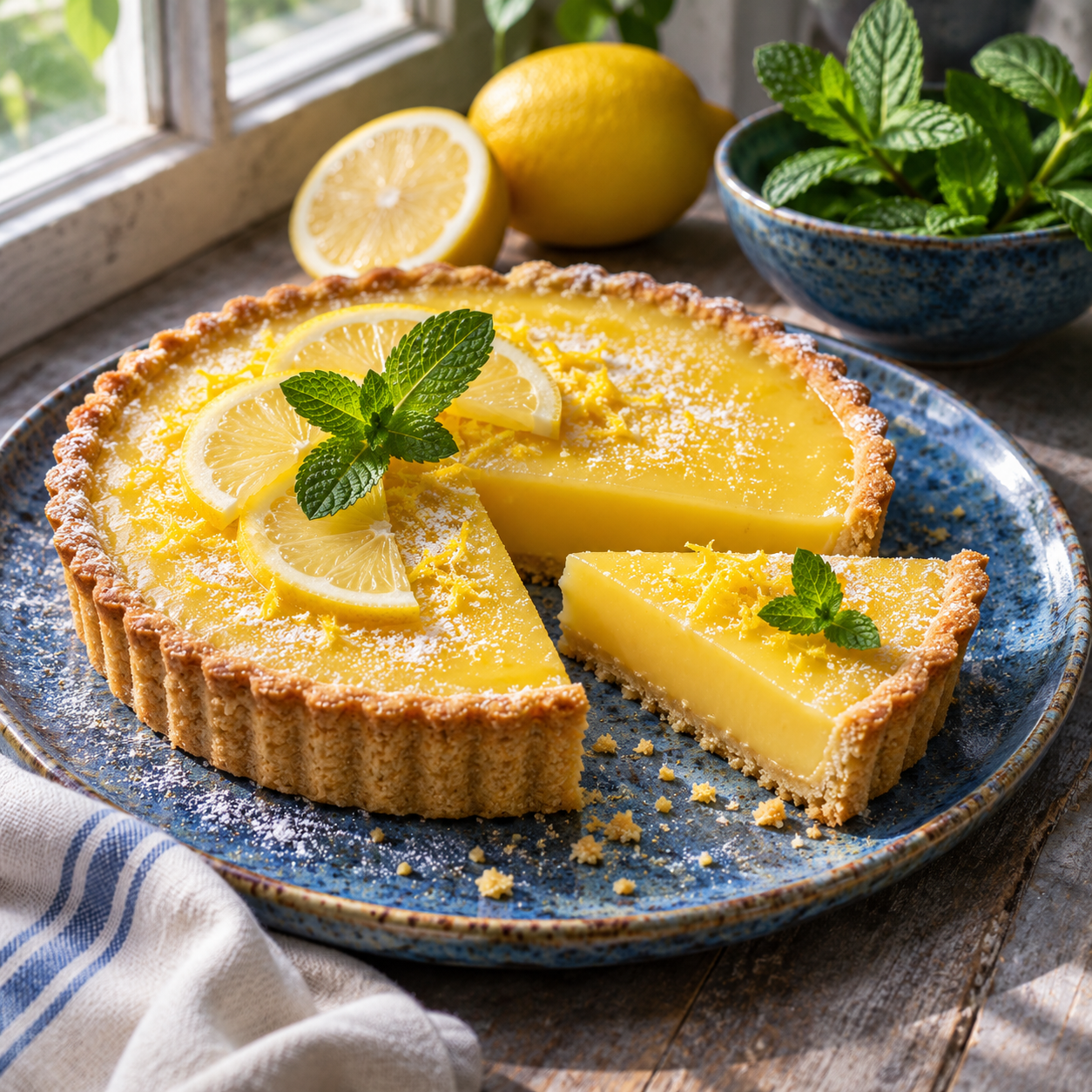 Image1:1
An editorial food photograph of a lemon tart on blue ceramic, natural window light, fine crumb texture and fresh mint.
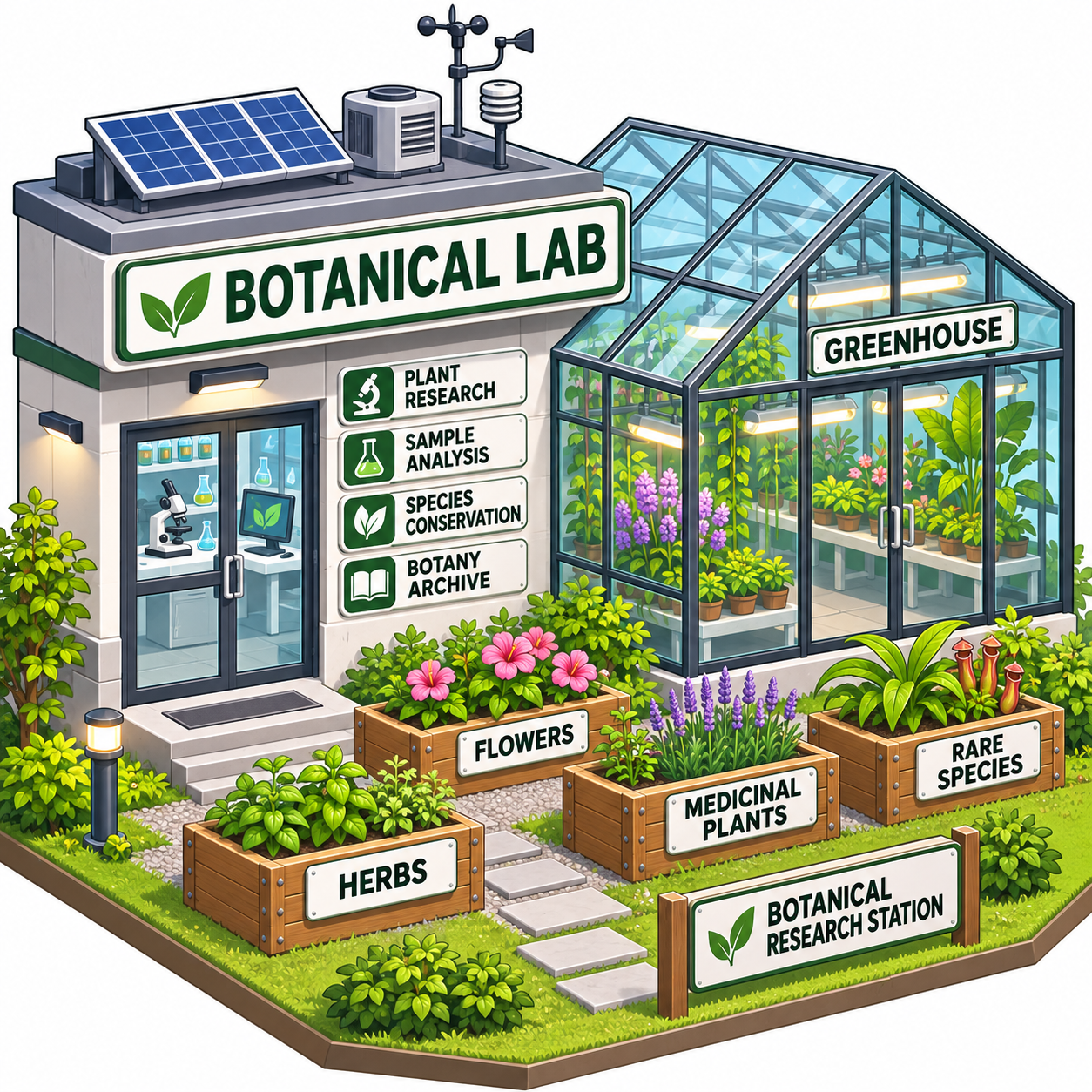 Image1:1
A precise isometric illustration of a tiny botanical research station, glass greenhouse, labeled planters, readable title BOTANICAL LAB.
 Image
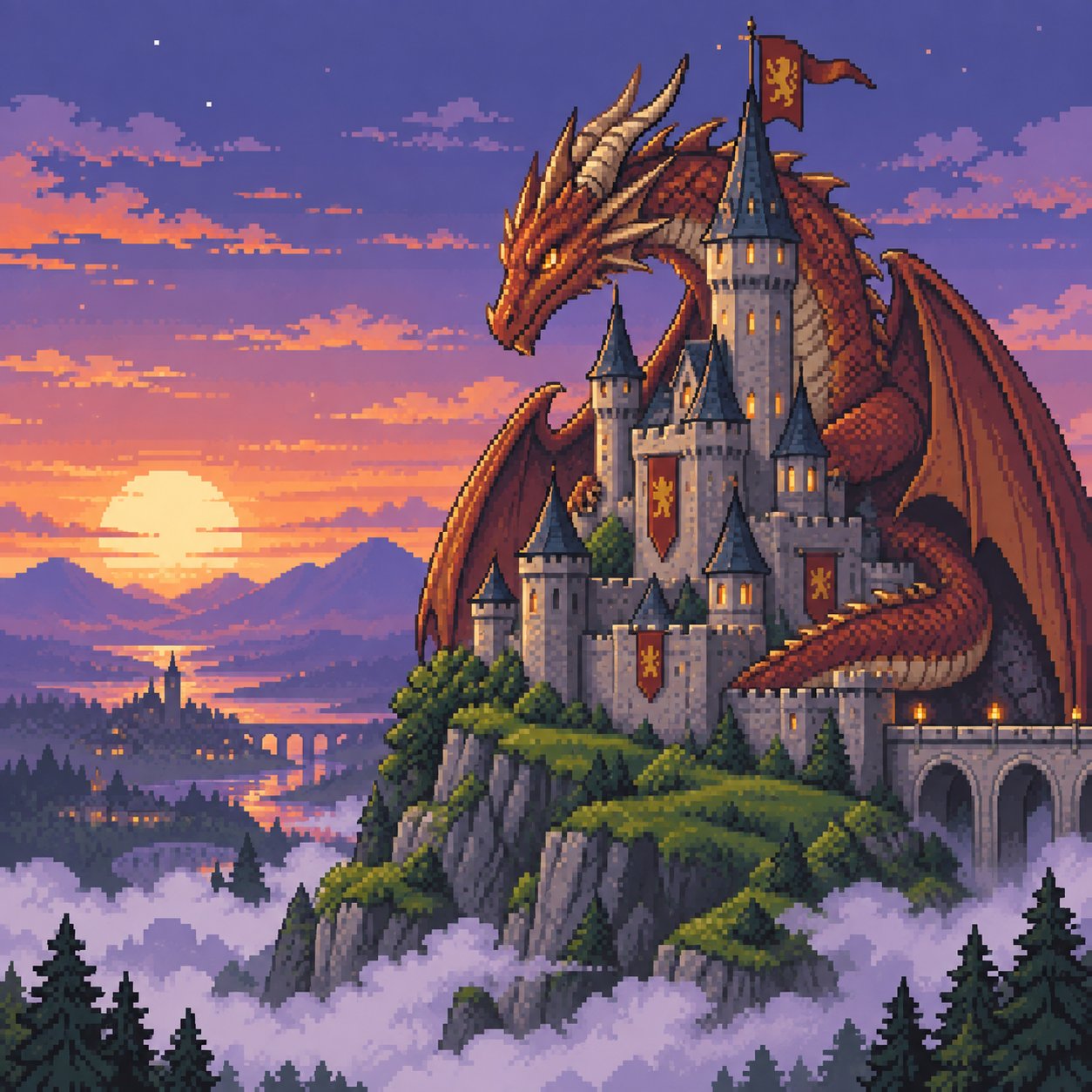
a red dragon curled around the tower of a castle on a hill
 Image
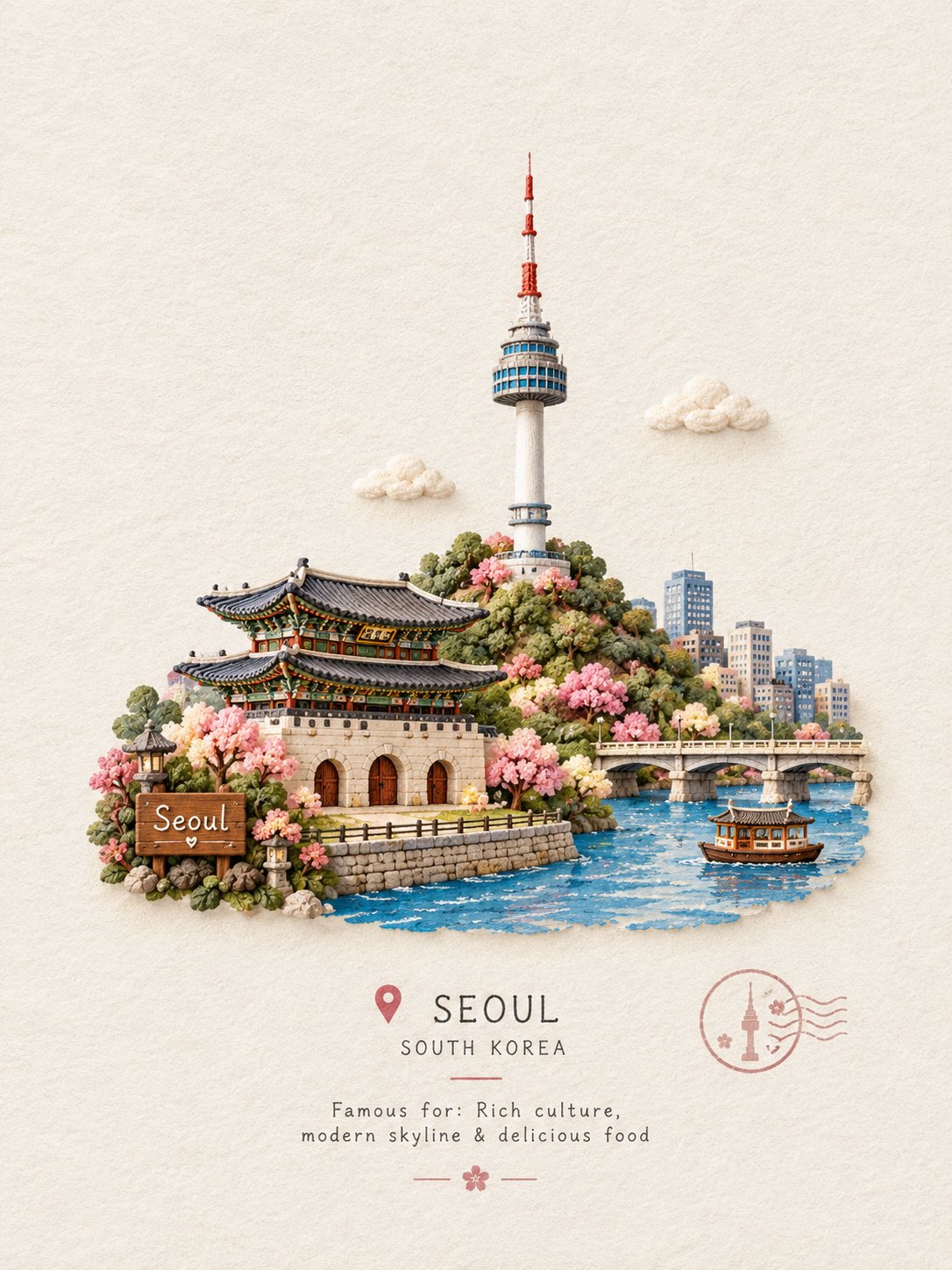
Create a handcrafted miniature of N Seoul Tower as the focal point of a tiny Seoul travel diorama. Use rounded sculpted forms, tactile handmade textures and subtle imperfections. Add small trees, pathways and familiar local details around the tower with soft studio lighting.
 Image
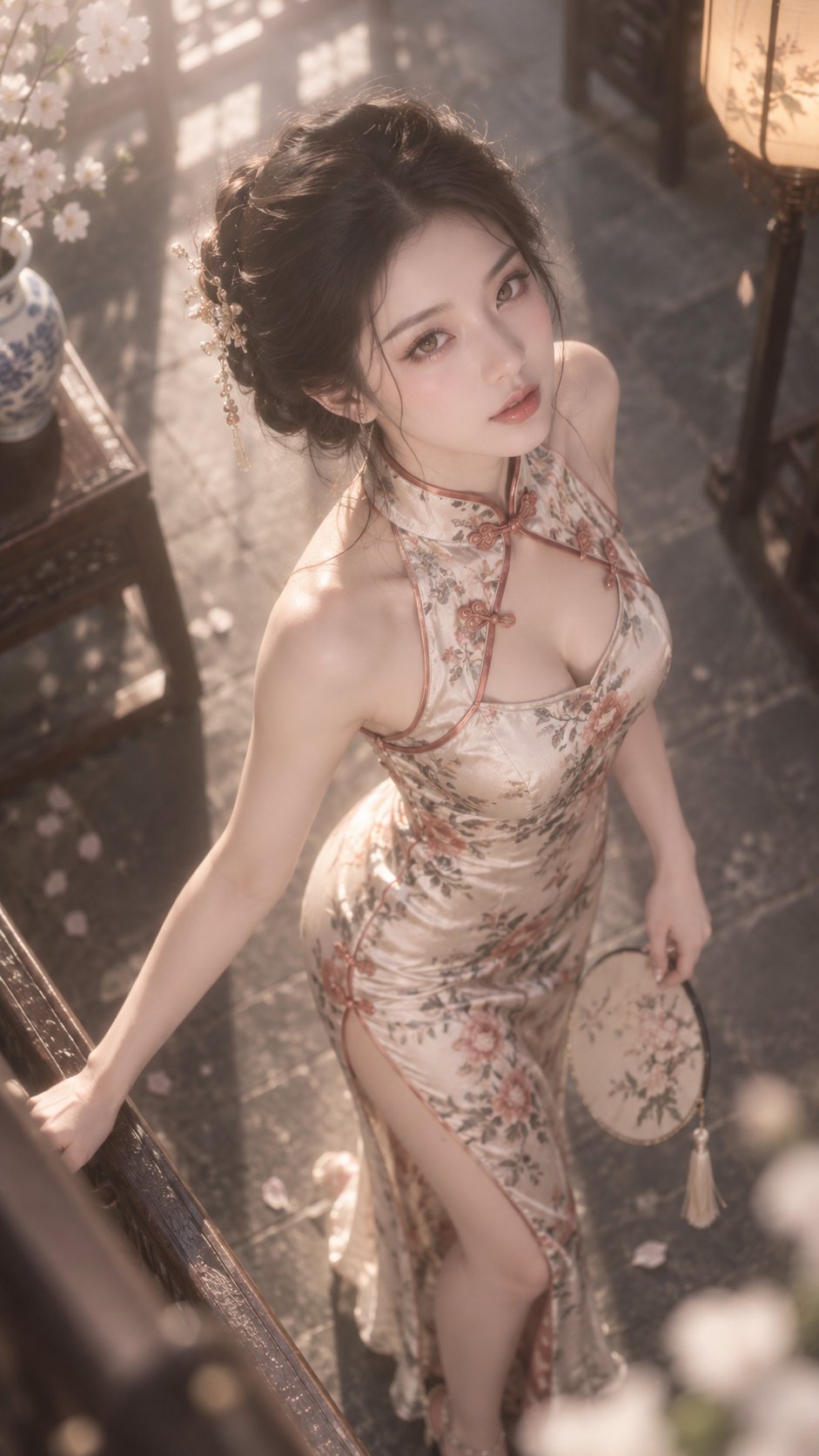
9:16, wearing a qipao, soft light bloom, dreamy blur, high-angle shot looking down, tall slender model figure, refined makeup, fox-like beauty face
 Image
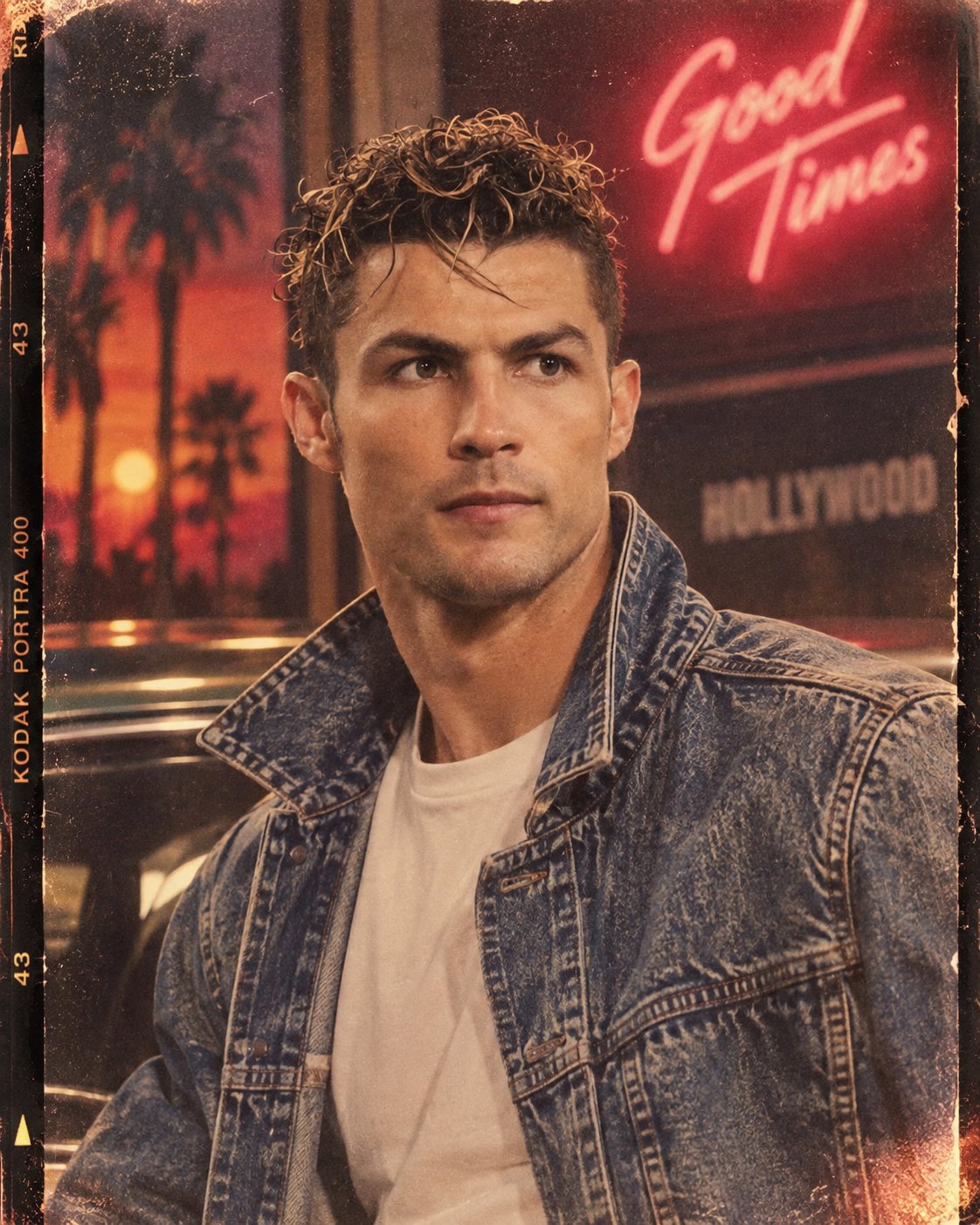
Keep the reference subject recognizable, including their features, skin tone and expression. Restyle the portrait as a 1980s studio photograph with period-appropriate clothes and hair, warm film colors and gentle grain. Use a vertical 4:5 composition.
 Image
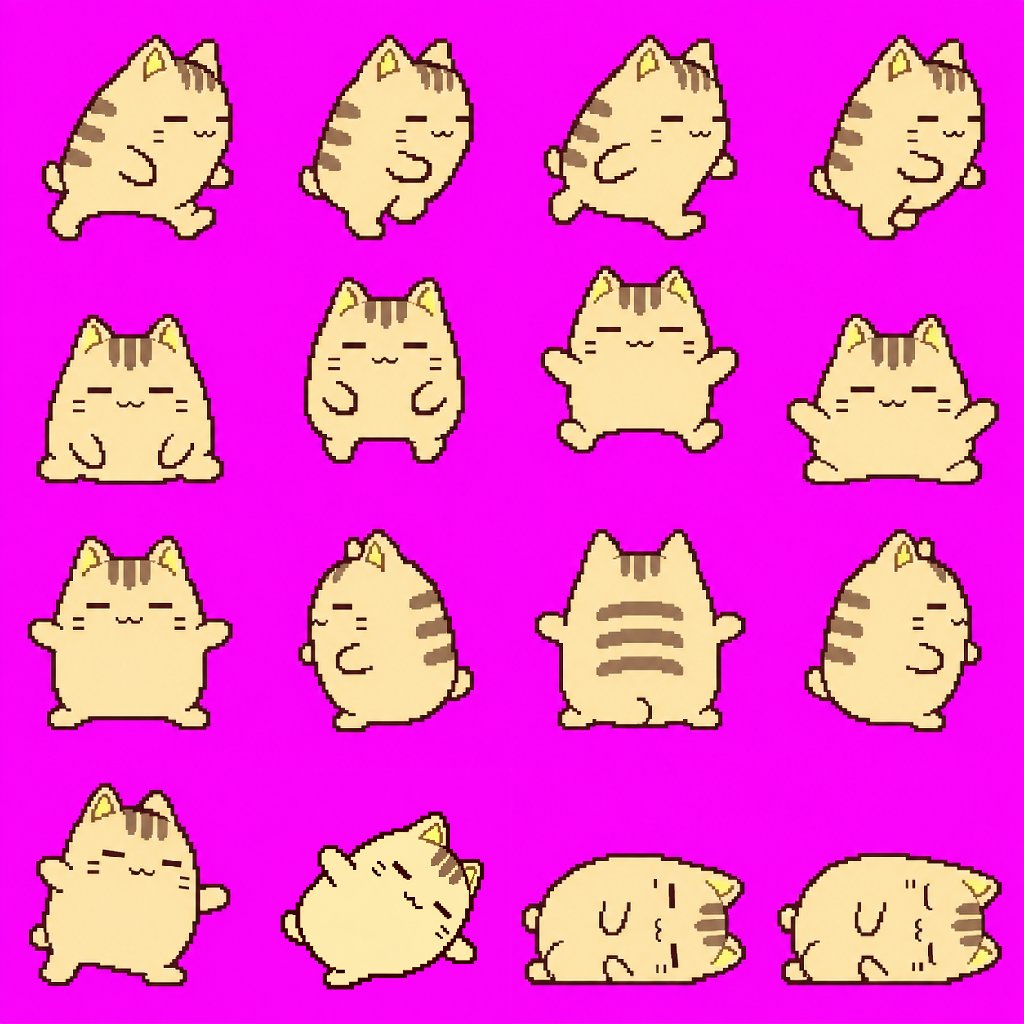
Use the character reference to keep the face, hairstyle, clothing, colors and proportions consistent. Draw one static pixel-art sprite sheet with four rows: running, jumping, attacking, and falling. Show up to four frames per row on a clean, uniform background and align the sprites to a common scale.
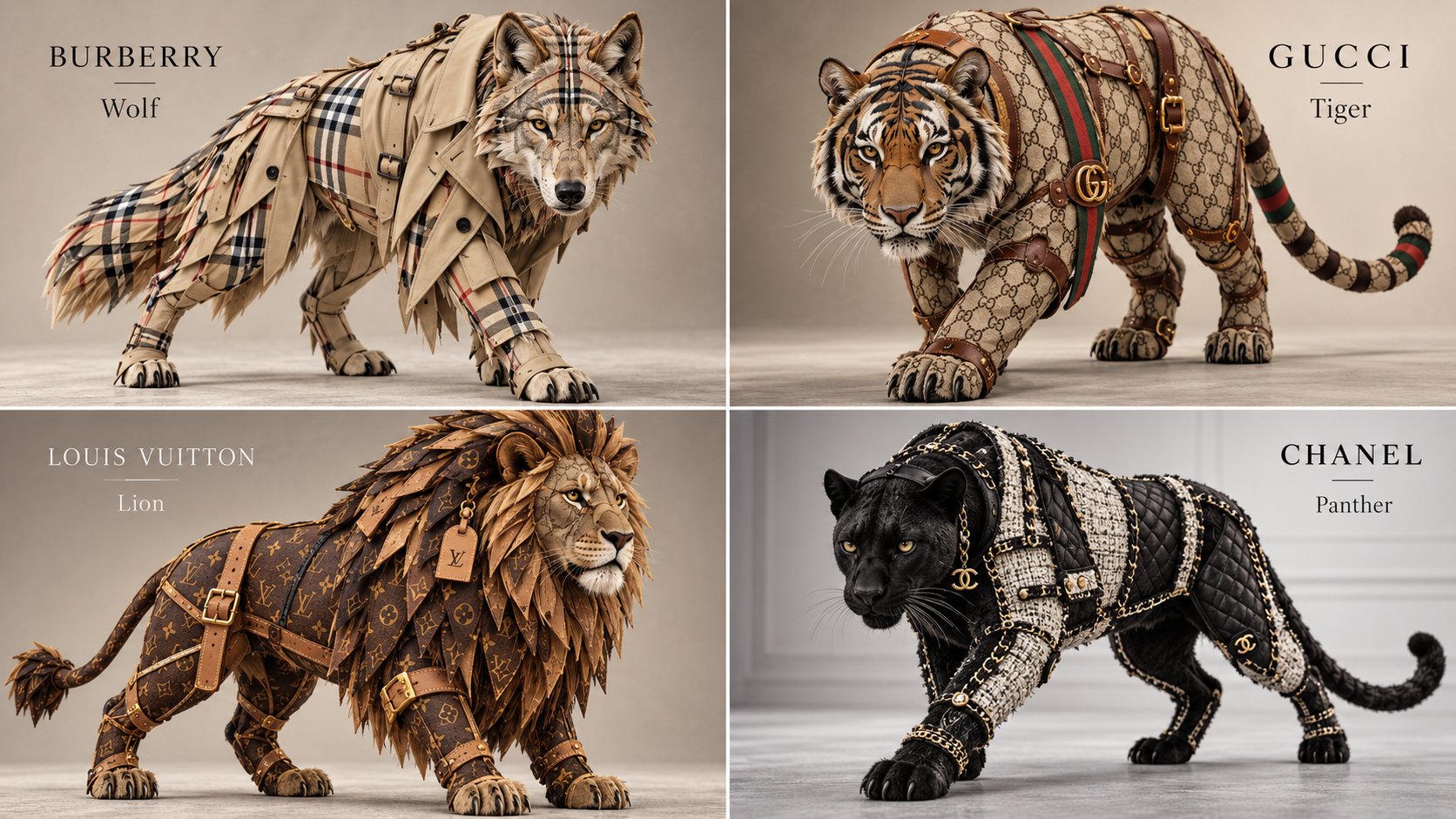 Image
Create a 16:9 image with a two-by-two grid of four animals. Sculpt each body entirely from a different fashion textile: patterned silk, checked wool, embossed leather and embroidered brocade. Make the fabric texture and seams visible while keeping the animal silhouettes recognizable.
Fixed standard price per successful image. Reference images are included.
| Resolution | Standard USD | Credits / image | fal | WaveSpeed |
|---|---|---|---|---|
| 1K | With bonus ≈ $0.010 / imageRegular $0.011 / image | 2.1 | - | - |
| 2K | With bonus ≈ $0.033 / imageRegular $0.036 / image | 7.2 | - | - |
| 4K | With bonus ≈ $0.043 / imageRegular $0.048 / image | 9.5 | - | - |
Rates are shown per 1 million tokens. The final charge depends on actual token usage.
| Token type | USD / 1M tokens | Credits / 1M tokens |
|---|---|---|
| Text input | With bonus ≈ $5.682 / 1MRegular $6.250 / 1M | 1,250.0 |
| Cached text input | With bonus ≈ $1.420 / 1MRegular $1.563 / 1M | 312.5 |
| Image input | With bonus ≈ $9.091 / 1MRegular $10.000 / 1M | 2,000.0 |
| Cached image input | With bonus ≈ $2.273 / 1MRegular $2.500 / 1M | 500.0 |
| Image output | With bonus ≈ $34.091 / 1MRegular $37.500 / 1M | 7,500.0 |
The request follows the form. The website uses your session; API clients use your API key. See the docs for parameters, task creation and task queries.
Write a prompt and optionally add references.
Choose resolution, output count and optional fallback. Review the account quote before submitting.
Query the returned task ID or receive a signed callback. Save result images within 14 days.
| Parameter | Description |
|---|---|
model | gpt-image-2.5 |
input | Image generation parameters. |
input.prompt | Describe the image or edit. Limits depend on the model; see the schema. |
input.image_urls | Up to 10 public HTTPS reference images. The generation provider validates the files. |
input.resolution | 1K / 2K / 4K |
input.aspect_ratio | auto / 1:1 / 3:2 / 2:3 / 4:3 / 3:4 / 5:4 / 4:5 / 16:9 / 9:16 / 21:9 |
input.version | Flare / Sunburst |
input.output_count | 1–4 independent image items; default 1. |
input.fallback | Try the official channel after an ordinary-channel failure. Billed by actual token usage. |
{
  "model": "gpt-image-2.5",
  "input": {
    "prompt": "An editorial food photograph of a lemon tart on blue ceramic, natural window light, fine crumb texture and fresh mint.",
    "resolution": "1K",
    "aspect_ratio": "auto",
    "image_urls": [],
    "version": "flare",
    "output_count": 1,
    "fallback": false,
    "nsfw_check": true
  }
}
The request follows the form. The website uses your session; API clients use your API key. See the docs for parameters, task creation and task queries.
Choose a model by the kind of image or edit you need. All three support text-to-image and reference editing at up to 4K on APIstable.
| Model | Best for | Resolution |
|---|---|---|
| GPT Image 2 | Product images, posters with text, and reference edits. Choose from 15 aspect ratios and add up to 15 reference images. | 1K / 2K / 4K |
| GPT Image 2.5You’re here | Use Flare for drafts and batches, or Sunburst for finished artwork and detailed edits. Supports up to 16 reference images. | 1K / 2K / 4K |
| GPT Image 2.6 | Choose Flare or Sunburst for still images, with controls for quality and scene complexity. Also supports animated GIFs from a text prompt. | 1K / 2K / 4K |
Find answers about pricing, generation results, and API access.
GPT Image 2.5 is OpenAI’s September 2026 image model family released alongside ChatGPT Images 2.5. On APIstable you access both its Flare and Sunburst variants under model ID gpt-image-2.5 using the version parameter.
Start with flare (default) when turnaround speed and volume matter—such as drafts, social visuals, and interactive apps. Switch to sunburst for finished campaign creative, detailed product imagery, and multi-round edits where tighter control is worth longer generation time.
Compared with GPT Image 2, 2.5 introduces Flare/Sunburst selection, faster generation on Flare, steadier reference editing, and up to 16 references (using 10 standard aspect ratios plus auto). Compared with 2.6, 2.5 does not expose quality, complexity, JPEG/WebP selection, or text-only GIF.
No. On APIstable’s standard channel, Flare and Sunburst share the exact same fixed per-image credit price for each resolution tier (1K, 2K, or 4K), so you can choose based on speed versus precision.
Standard-channel successes are billed at the fixed per-image credit price shown in the Pricing table, with reference images included. Optional official fallback (fallback: true) bills by actual token usage (text input, image input, cached inputs, and image output) and may exceed the initial reservation. Accepted tasks settle against their saved quote snapshot.
When editing with image_urls and aspect_ratio: "auto", APIstable does not read reference pixel dimensions locally to compute an exact fallback canvas size, so official fallback is unavailable for that combination. Select an explicit aspect ratio (such as 1:1, 4:5, or 16:9) if you want fallback enabled during reference edits.
It supports 1K (default), 2K, and 4K across auto and 10 ratios: 1:1, 3:2, 2:3, 4:3, 3:4, 5:4, 4:5, 16:9, 9:16, and 21:9. Auto uses 1:1 for text-to-image and selects the closest supported ratio for reference editing.
Pass up to 16 public image URLs in image_urls, then describe what to keep or change in the prompt. For another round of edits, pass the previous result as a reference.
No. Although OpenAI’s native API includes those options, APIstable’s GPT Image 2.5 integration does not expose mask_url, markup, transparent backgrounds, quality, custom pixel sizes, SVG, or GIF. Unsupported parameters are rejected rather than silently ignored.
With output_count set to 2–4, each image runs as an independent execution item. You are charged only for successful items, and failed items release their unspent reserved credits.
Generated images are retained for 14 days—download them before expiry. If submission status is uncertain, APIstable reconciles the original task without duplicating generation. Unfinished tasks older than 24 hours are failed during the daily 00:00 Beijing time cleanup with reservations released, and late results cannot re-bill a closed task.
No. Reference images guide generation and editing without guaranteeing pixel-identical faces, labels, or spelling, and no seed parameter is exposed. Review every output before publishing.
Write a prompt or add references to generate an image.