4K output options
Choose 480p, 720p, 1080p, or 4K according to where the clip will be used.
Text to video, image to video, and multimodal references
Use the Seedance 2.0 API to turn a script, two keyframes, or image, video, and audio references into a 4–15 second clip. Generate synchronized sound and choose an output resolution up to 4K.
Choose 480p, 720p, 1080p, or 4K according to where the clip will be used.
Break a 4–15 second scene into beats and specify when the framing or camera movement changes.
Supply an opening image and optionally a target final frame for a transition.
Assign appearance to an image, camera movement to a clip, and rhythm to audio in the same prompt.
Describe spoken lines, room tone, and visible actions that should have sound.
Request the generated last frame as an image when you need a starting point for the next shot.
Start with the subject, action and camera position. Add time ranges when a short sequence needs more than one shot.
Set a landscape, vertical, or square aspect ratio for your destination.
Plan an advertising sequence from a script and product references. Specify the shot order, camera moves and timing to review the visual story before a shoot.
Build a short product film around packaging, texture and a final hero shot. Describe the reveal and transitions so the marketing team can compare campaign directions.
Combine a spoken hook, product demonstration and close-up in a vertical ad. Supply approved copy and appearance references, then review timing and product readability.
Use a short script and character references to block a dialogue scene. Describe eyelines, pauses and reaction shots for reviewing performance and camera coverage.
Turn environment and character concepts into a short trailer sequence. Plan an establishing shot, an action beat and a final reveal for a game pitch or mood film.
Use garment and styling references to plan a fashion opener. Describe fabric movement, walking pace and camera position before producing the longer campaign film.
Start with cover artwork and plan a restrained camera move or environmental motion. Review how the still image becomes an opening shot for a launch teaser or social post.
Combine composition references with a music excerpt to plan cuts on the beat. Keep the subject placement consistent while comparing outfit, scene or lighting changes.
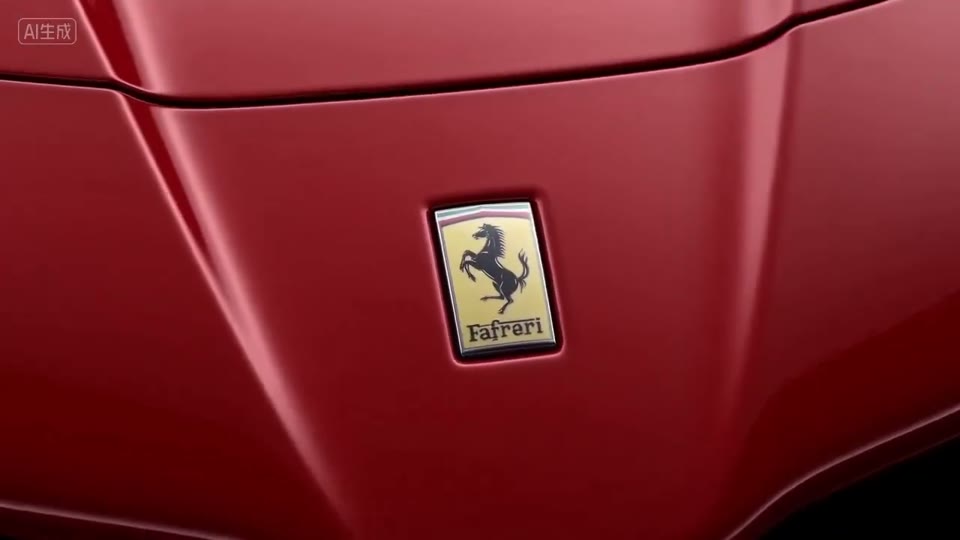 Text to video10s · 16:9
0–3s: start low in front of a sports car, then cut to a headlight close-up. 3–7s: track alongside the body as side light sweeps the wheels. 7–10s: descend from overhead to reveal the whole car and its reflection.
 Text to video15s · 16:9
Open on a perfume bottle nestled among pale pink flowers. A hand lifts it and the camera follows. Let petals cross the lens to mask the cut to a fine spray. Finish with the glass bottle centered in soft light and petals falling at the edges.
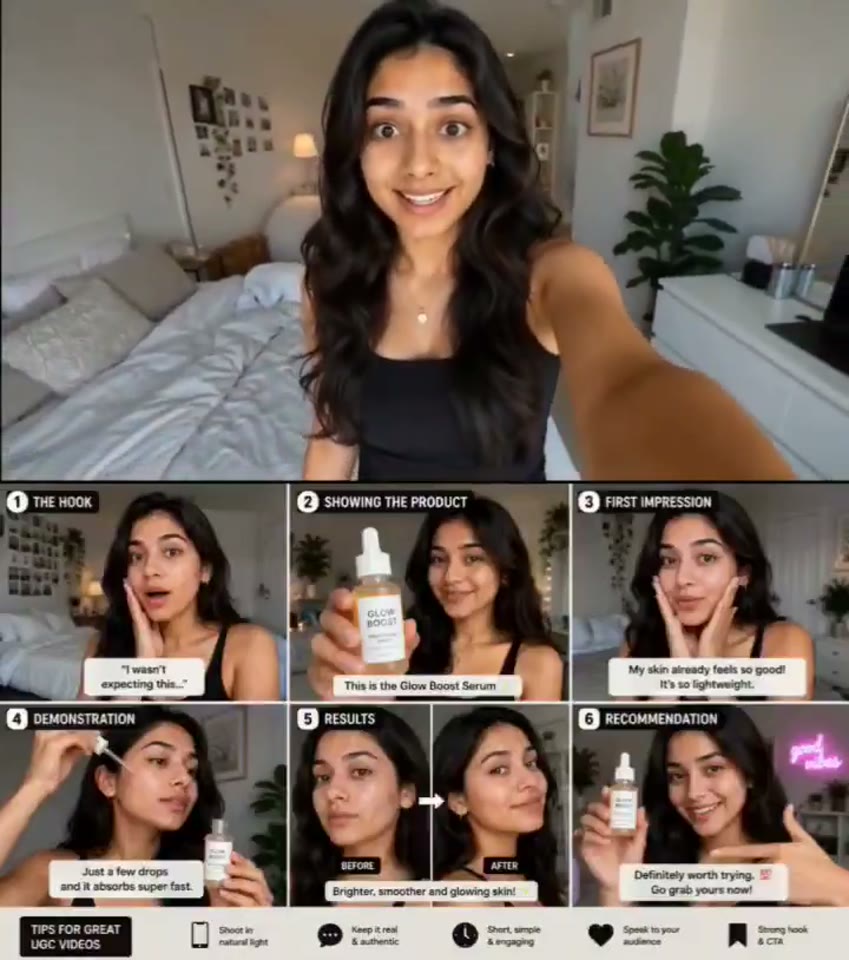 Text to video15s · 9:16
Vertical handheld phone video in soft window light. A creator holds up a skincare product and says, “Let me show you what the texture looks like first.” Cut to the texture on the back of their hand, then return to a medium shot as they turn the packaging toward the lens.
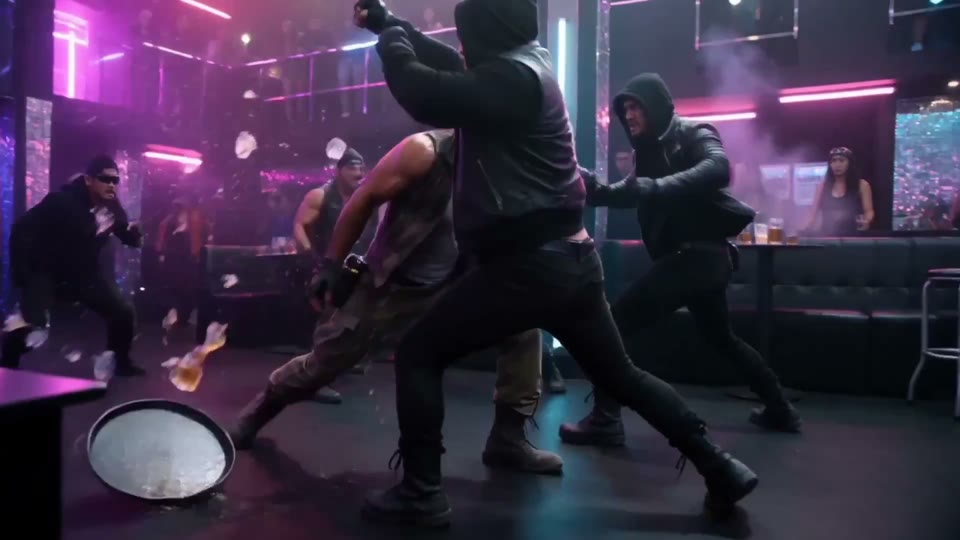 Text to video10s · 16:9
Two people lean across a neon-lit bar. Frame the woman over the other person’s shoulder as she whispers, “Did you see which way he went?” Cut to the silent reaction and keep the low chatter and the clink of glasses in the background.
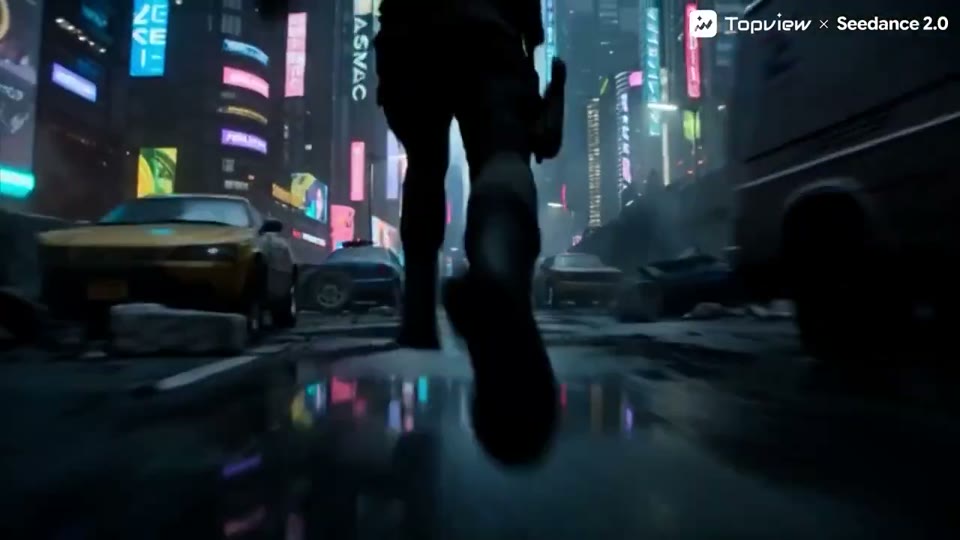 Text to video15s · 16:9
0–4s: follow a traveler from behind through a neon-lit ruined city. 4–9s: the traveler slides under a fallen sign, then cut wide to reveal the street. 9–15s: streetlights go dark one by one, leaving a giant mechanical silhouette. Cut to black on a low hit.
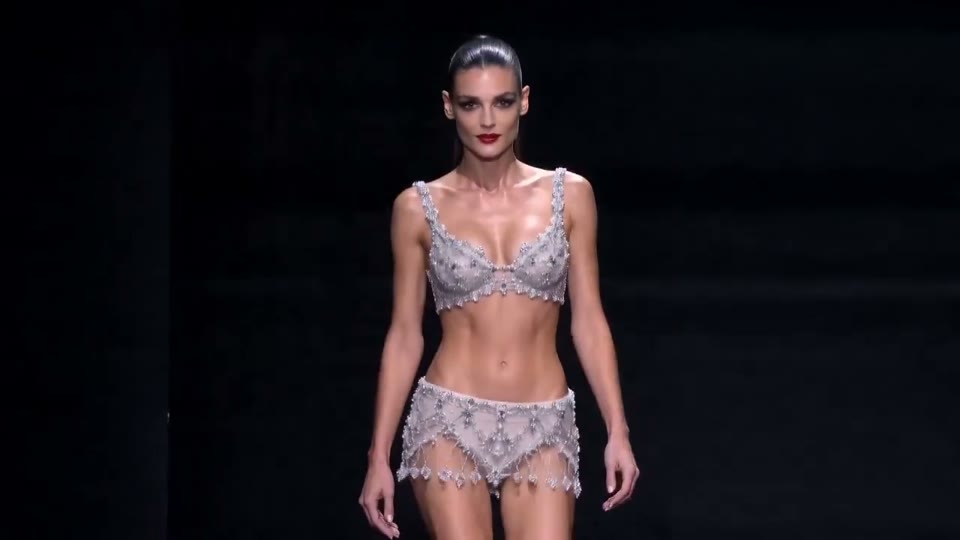 Text to video15s · 16:9
A model walks toward the camera on a brightly lit runway. Track backward smoothly. As the model steps forward, the short hem lengthens and the jacket becomes a long gown. Hold at the end of the runway for a pose and a turn.
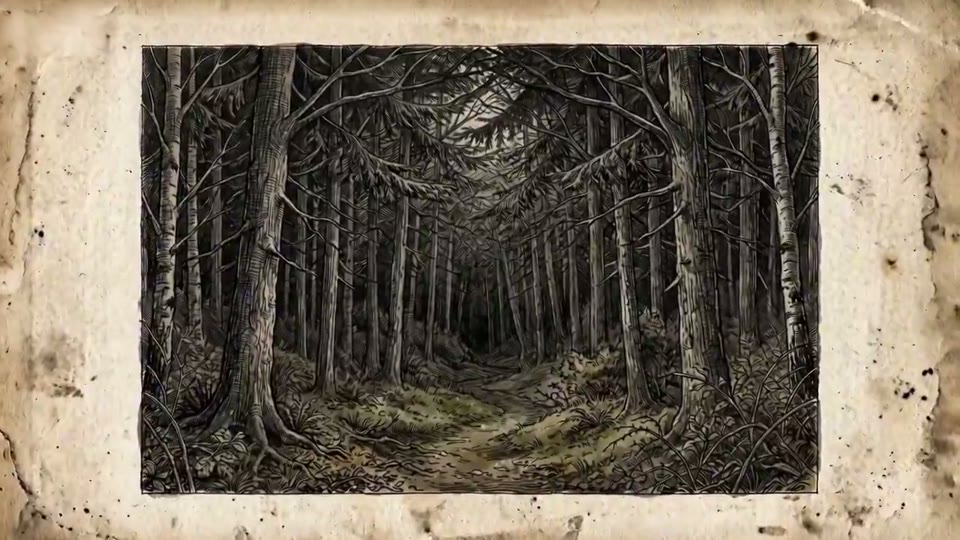 Frames15s · 16:9
Start on the uploaded forest illustration and push gently toward the trees. Pine branches begin to sway, fog gathers between the trunks and painted strokes resolve into real bark. Keep rising above the canopy in the same unbroken shot.
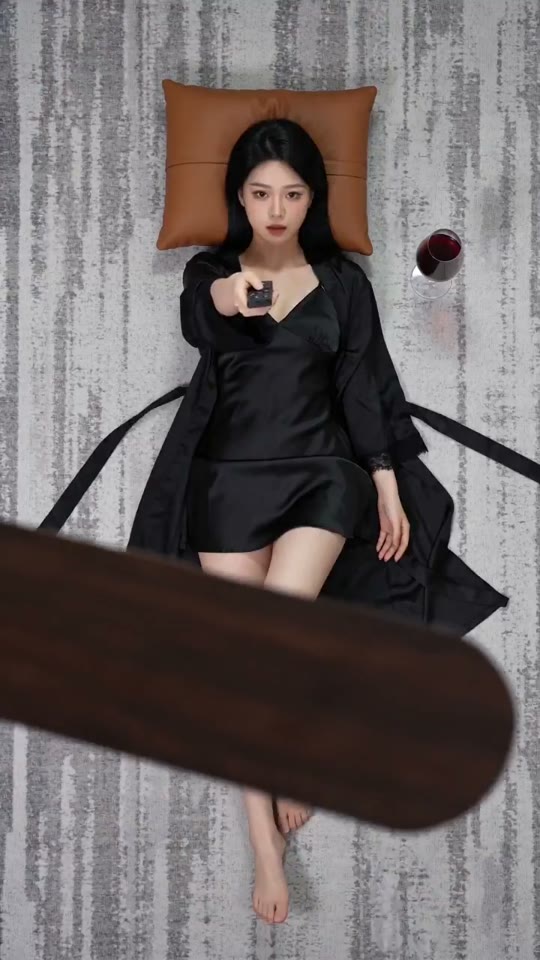 References13s · 9:16
Use @Image1 for the overhead framing. Lock the camera and keep the model in the same position. Play @Audio1 as the background track. On the first three downbeats, cut to a white shirt, a dark leather jacket and a vintage red dress, keeping the model aligned in frame.
Our standard rates are lower than most API providers’ rates. Automatic backup routing helps keep generation reliable. Pay as you go.
| Output resolution | Reference video | Standard | Official fallback | WaveSpeed | fal |
|---|---|---|---|---|---|
| 480p | Without reference | With bonus ≈ $0.064 / sRegular $0.07 / s14 credits / s | With bonus ≈ $0.095 / sRegular $0.105 / s21 credits / s | $0.12 / s88.6% more | - |
| 480p | With reference | With bonus ≈ $0.045 / sRegular $0.05 / s10 credits / s | With bonus ≈ $0.059 / sRegular $0.065 / s13 credits / s | $0.075 / s65% more | - |
| 720p | Without reference | With bonus ≈ $0.136 / sRegular $0.15 / s30 credits / s | With bonus ≈ $0.209 / sRegular $0.23 / s46 credits / s | $0.24 / s76% more | - |
| 720p | With reference | With bonus ≈ $0.091 / sRegular $0.10 / s20 credits / s | With bonus ≈ $0.127 / sRegular $0.14 / s28 credits / s | $0.15 / s65% more | - |
| 1080p | Without reference | With bonus ≈ $0.336 / sRegular $0.37 / s74 credits / s | With bonus ≈ $0.514 / sRegular $0.565 / s113 credits / s | $0.60 / s78.4% more | - |
| 1080p | With reference | With bonus ≈ $0.218 / sRegular $0.24 / s48 credits / s | With bonus ≈ $0.314 / sRegular $0.345 / s69 credits / s | $0.375 / s71.9% more | - |
| 4K | Without reference | With bonus ≈ $0.686 / sRegular $0.755 / s151 credits / s | With bonus ≈ $1.041 / sRegular $1.145 / s229 credits / s | $1.20 / s74.8% more | - |
| 4K | With reference | With bonus ≈ $0.450 / sRegular $0.495 / s99 credits / s | With bonus ≈ $0.641 / sRegular $0.705 / s141 credits / s | $0.75 / s66.7% more | - |
The request follows the form. The website uses your session; API clients use your API key. See the docs for parameters, task creation and task queries.
Write a prompt, add any reference files, and choose the video settings.
Check the output count and decide whether to allow official fallback.
Use the task ID to check the status and retrieve the video URLs.
| Parameter | Description |
|---|---|
model | seedance-2.0 |
input | Video generation parameters. The selected model and input mode determine which combinations are available. |
callback_url | Optional public HTTPS URL for signed completion callbacks. The URL must be directly accessible without redirects. |
input.prompt | Describe the subject, motion and camera. Required in text mode. Requests with media and no prompt only use channels that accept this combination. If supplied, 1–4000 characters after trimming. |
input.resolution | Output resolution. Allowed: 480p, 720p, 1080p, 4k. Default 720p. |
input.aspect_ratio | Width-to-height ratio. Default adaptive (chosen from the input). Use 16:9 for landscape, 9:16 for portrait, or 1:1 for square. |
input.generate_audio | Generate a synchronized soundtrack. Default true. Set false for silent output. |
input.seed | Integer from -1 to 4294967295. Use -1 for a random seed. A fixed seed can improve repeatability; output can still vary. |
input.return_last_frame | Set true to also return the final frame image. Default false. |
input.web_search | Set true to look up information while generating. Default false. |
input.nsfw_check | Screen the prompt and input images, including the first and last frames, before creating a task. Default false. True requires a prompt or image. |
input.output_count | Number of independent video results, 1–4. Default 1. Each successful item is charged separately. |
input.official_fallback | Default false. True permits official fallback when it supports the requested parameters. Official pricing applies only on official success. |
input.duration | Output duration in seconds. Integer from 4 to 15. Default 5. |
input.first_frame_url | Required in first-frame and first/last-frame modes. Provide a public HTTPS image URL. Cannot be combined with reference media. Keep URLs accessible and files unchanged until the task finishes. |
input.last_frame_url | Closing image as a public HTTPS URL. Requires first_frame_url. Keep URLs accessible and files unchanged until the task finishes. |
input.reference_image_urls | Up to 9 images. The generation provider validates the files. Keep URLs accessible and files unchanged until the task finishes. |
input.reference_video_urls | Up to 3 reference clips. A readable duration is required for billing. The generation provider validates the files. Keep URLs accessible and files unchanged until the task finishes. |
input.reference_audio_urls | Up to 3 reference audio clips. The generation provider validates the files. Include an image or video reference with audio. Keep URLs accessible and files unchanged until the task finishes. |
{
  "model": "seedance-2.0",
  "input": {
    "prompt": "0–3s: start low in front of a sports car, then cut to a headlight close-up. 3–7s: track alongside the body as side light sweeps the wheels. 7–10s: descend from overhead to reveal the whole car and its reflection.",
    "resolution": "720p",
    "aspect_ratio": "16:9",
    "generate_audio": true,
    "nsfw_check": true,
    "return_last_frame": false,
    "output_count": 1,
    "official_fallback": false,
    "duration": 10
  }
}
The request follows the form. The website uses your session; API clients use your API key. See the docs for parameters, task creation and task queries.
Use one API key to access the Seedance models. The lowest standard rates apply to 480p output with a reference video.
| Model | Best for | Resolution | Duration | Lowest standard rate |
|---|---|---|---|---|
| Seedance 2.5 Flash API | For storyboard previews, ad A/B tests and frequent video creation, balancing speed, cost and multimodal control at up to 720p. | 480p / 720p | 4–30 seconds or automatic | ≈ $0.045 / s |
| Seedance 2.5 API | Longer clips, video editing and extension, with up to 30 images, 10 videos, and 10 audio references. | 480p / 720p / 1080p | 4–30 seconds or automatic | ≈ $0.07 / s |
| Seedance 2.0 APICurrent page | Up to 4K output for high-resolution shots, with image, video, and audio references. | 480p / 720p / 1080p / 4K | 4–15 seconds | ≈ $0.05 / s |
| Seedance 2.0 Fast API | Quick iteration on camera moves and transitions, with image, video, and audio references. | 480p / 720p | 4–15 seconds | ≈ $0.035 / s |
| Seedance 2.0 Mini API | Lower-cost tests of motion and composition, with image, video, and audio references. | 480p / 720p | 4–15 seconds | ≈ $0.015 / s |
Find answers about pricing, generation results, and API access.
Yes. The Seedance 2.0 API supports 480p, 720p, 1080p, and 4K. Seedance 2.0 Fast and Mini support 480p and 720p.
An audio reference requires at least one reference image or video. In the prompt, say whether the audio should guide the rhythm, ambience, or background music.
Reuse a clear reference image and use the same wardrobe and appearance cues in each prompt. Compare adjacent shots before editing them together, since details can drift.
Seedance 2.0 requires a fixed duration from 4 to 15 seconds. Seedance 2.5 supports automatic duration.
Choose Frames, add the first image and optionally the last, then describe the motion between them. Use References when you want an image to guide appearance or composition.
Use the per-second pricing table on this page. With reference video, the charge includes the combined reference-video duration and the generated duration. Reference images and audio do not add billable seconds. Only successful results are charged.
Use the frame fields when you want to specify the opening and closing images. For camera movement, character appearance, or soundtrack references, use the reference arrays in a separate request. The two input modes cannot be combined.
One request accepts up to 9 images, 3 videos, and 3 audio clips. The reference videos can total up to 15 seconds, and the reference audio has its own 15-second total.
Assign one job to each reference in the prompt. For a night-market shot, use the first reference image for the stall layout, the first reference video for the walking pace, and the first reference audio clip for the background rhythm. Numbering starts at 1 within each list.
With generate_audio enabled, describe who speaks, put the line in quotation marks, and say when it starts. To assemble the soundtrack yourself, pass generate_audio=false for a silent video.
On a channel that supports last-frame output, set return_last_frame=true. Use result.items[].last_frame_url from the successful result as first_frame_url for the next request, then describe the action that follows.
Create an API key in the APIstable console. Send it as a Bearer token to POST /api/v1/tasks/create_task and use the returned task_id to query GET /api/v1/tasks/{task_id}. Successful video links are in data.result.urls.
Pass a public HTTPS callback_url when creating the task. APIstable sends a signed webhook when the task reaches a final status. You can also query by task_id to recover the result if you miss the notification.
Use output_count to request one to four independent videos. Each successful result is charged separately. Failed items do not consume credits, and charged_credits reports the total deducted for the task.
Enter a prompt and generate a video in the workbench.