Up to 30 seconds per clip
Set 4–30 seconds or use automatic duration where supported by the task.
Longer scenes, video editing, and a draft-to-final workflow
Use the Seedance 2.5 API to create clips up to 30 seconds, edit or extend a reference video, and review a 480p draft before rendering a 1080p final.
Set 4–30 seconds or use automatic duration where supported by the task.
Direct different elements using up to 30 images, 10 videos, and 10 audio references.
Describe the change and the details you want to preserve. Edit follows the reference video duration.
Continue the last action of an existing clip with a prompt for the next moment.
Review motion and timing in a draft, then use the draft ID to generate the final video.
Choose MP4 or MOV for standard generation according to the format your editing workflow uses.
Use image endpoints to plan a transition or make a new clip join an existing edit.
Describe which character speaks and when the room tone, footsteps or effects should be heard.
Build a brand film from a routine, setting and product reference. Arrange the story into clear beats and specify how the product appears naturally within the action.
Supply product imagery and a visual treatment to plan a reveal film. Specify the sequence of foreground elements, camera moves and final packshot for a campaign asset.
Use character, scene and script references to plan a dialogue sequence. Describe pauses, eyelines and reaction cuts so the team can review dramatic timing.
Turn a brief story into a setup, a reaction and a closing beat. Specify continuity between shots to prepare a short drama concept for further editing.
Plan a suspense sequence around a location, character and final reveal. Control what each shot shows and withholds to explore the pacing of a teaser.
Combine character imagery with an audio reference and shot list. Plan recurring visual motifs and changes on musical beats for a sequence within a longer music video.
Plan an everyday sequence from location and character references. Use natural lighting, informal framing and ambient sound to explore a documentary treatment for a brand film.
Provide a rough motion reference to communicate blocking and camera movement. Describe the finished scene to review how performers, props and effects should align before production.
Seedance 2.5 creator examples. The workbench prompts adapt individual scenes, including scenes from longer edits.
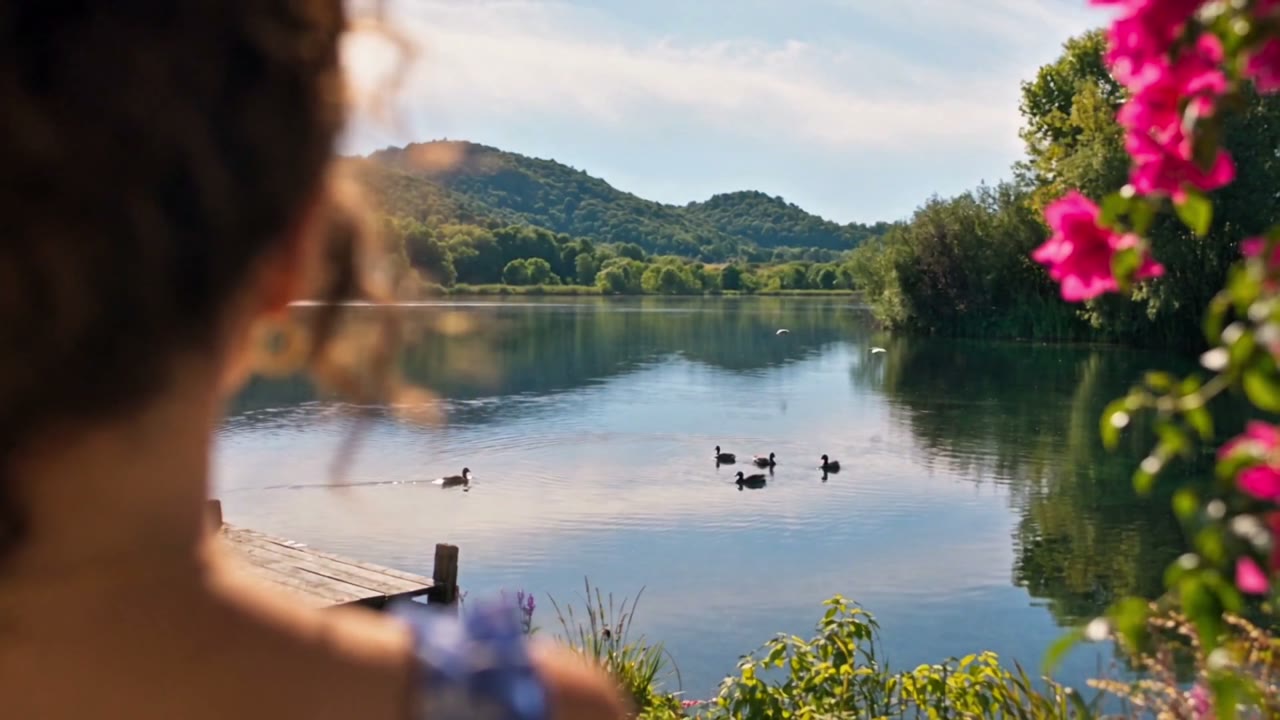 Text to video30s · 16:9
Make a 30-second lifestyle ad for a fictional coffee brand. Open on a woman stepping into the morning sun at a lakeside cottage. Cut to her opening a coffee bag and pouring hot water over the grounds. Follow her down to the water with a mug and fishing rod. End with the coffee bag and steaming mug in warm light. Use kettle, water and birdsong under gentle music.
 Text to video11s · 3:4
Create a vertical paper-cut product film at blue hour. Begin with a quiet blue sky over folded paper mountains. Slide floral cutouts inward from both edges as the camera moves over a reflective paper lake. Reveal a sculpted blue perfume bottle in the center on the final beat. Hold the bottle steady as the reflected light shimmers behind it.
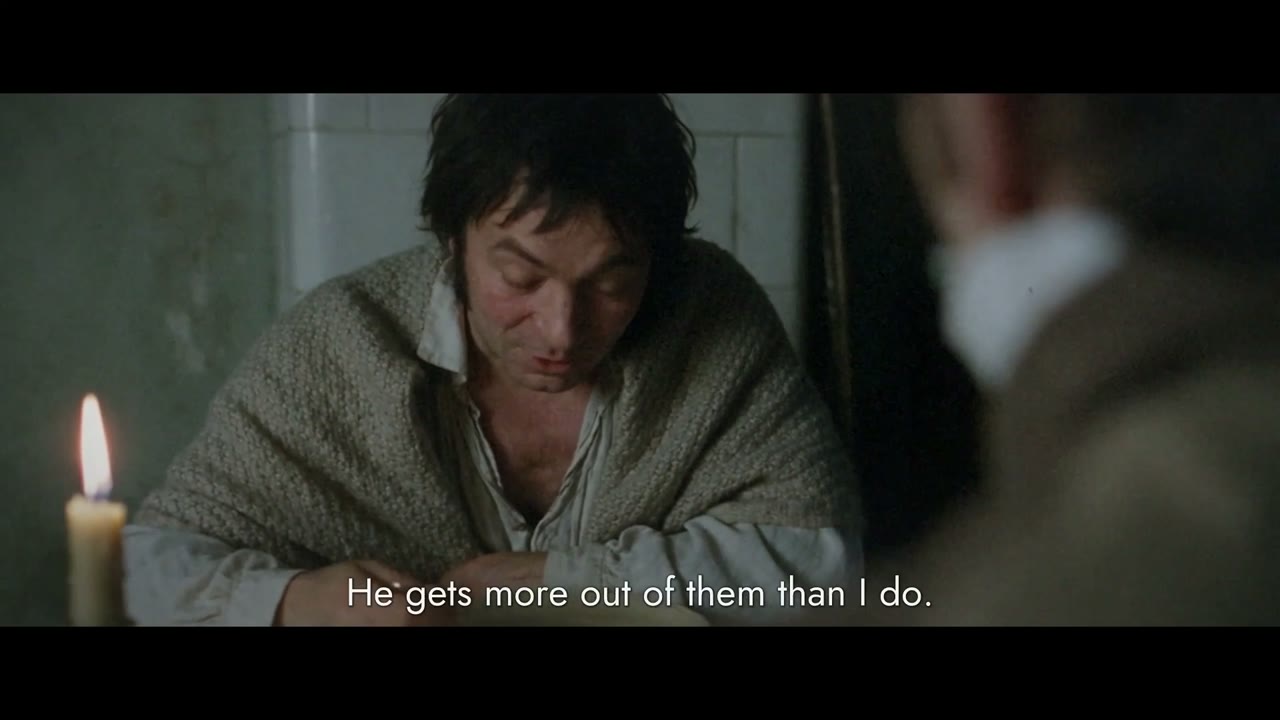 Text to video20s · 16:9
A composer and a friend sit across from each other at a candlelit table in early nineteenth-century Vienna. Shoot from behind the friend as the composer looks down at a letter, takes a small breath, then says quietly, “They’re going to publish it.” Hold for a beat before cutting to the friend’s reaction. Keep the candlelight direction, eyelines and room tone consistent.
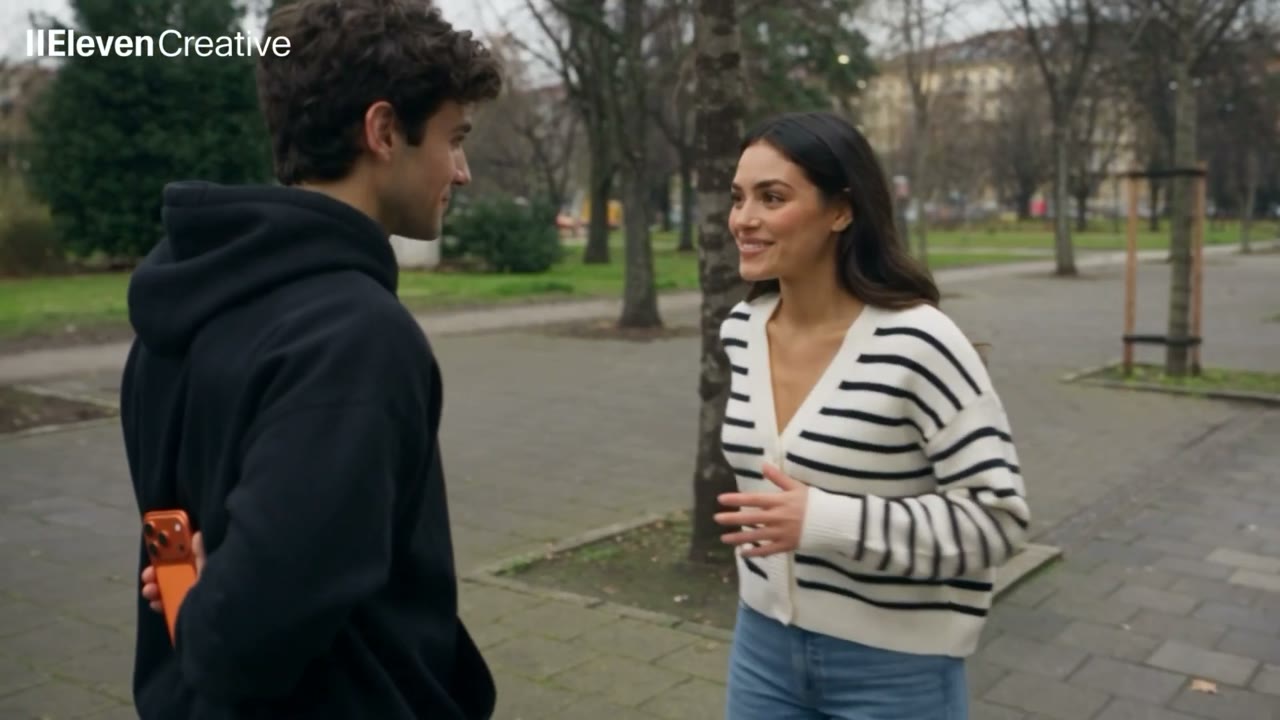 Text to video26s · 16:9
In an overcast city park, two adults meet on a path. Begin wide, then cut closer as she hands him a boxed phone. He takes a moment before handing her a small bar of chocolate. Cut between their faces as her surprise softens into a smile. End on the two walking together, with quiet park ambience under the exchange.
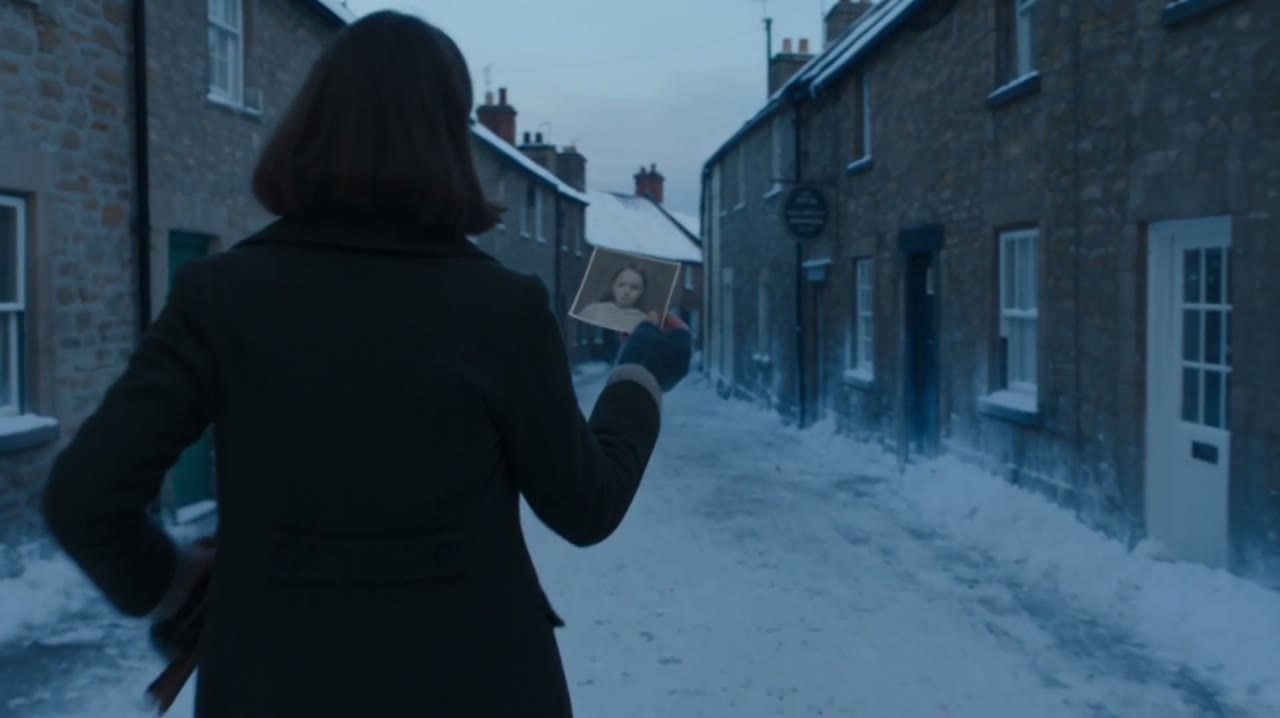 Text to video30s · 16:9
Open on a snowbound village in the gray light of early morning. Follow a woman down an empty lane, then cut inside as an older resident falls silent when she asks about a missing girl. Return to the woman in close-up. Let a mirror in the dim room reveal someone standing where the doorway looks empty. Cut to black after a beat of silence.
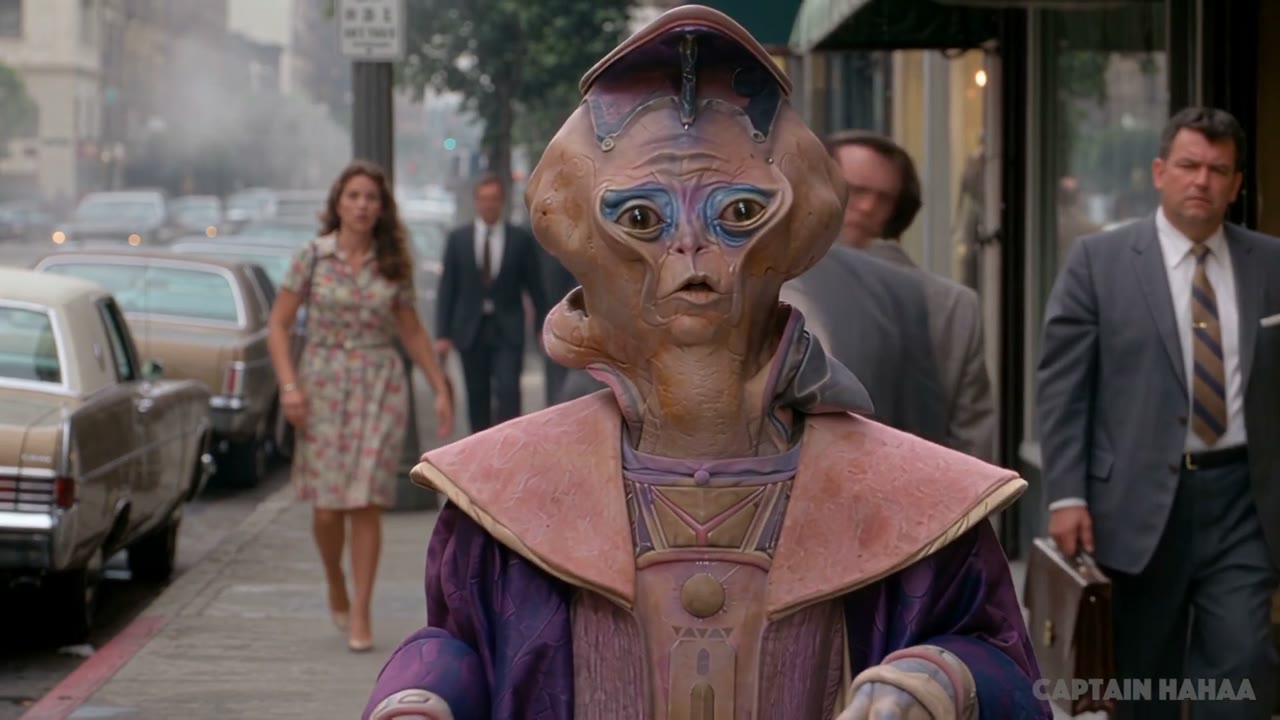 References20s · 16:9
Use @Image1 as the design reference for a silver-faced character in a sculptural violet costume. Start with the character walking down a city sidewalk among commuters. Cut from a wide street view to a waist-up follow shot on the first downbeat of @Audio1. On the next beat, cut to a steady close-up as the crowd passes behind. Keep the costume and facial design consistent.
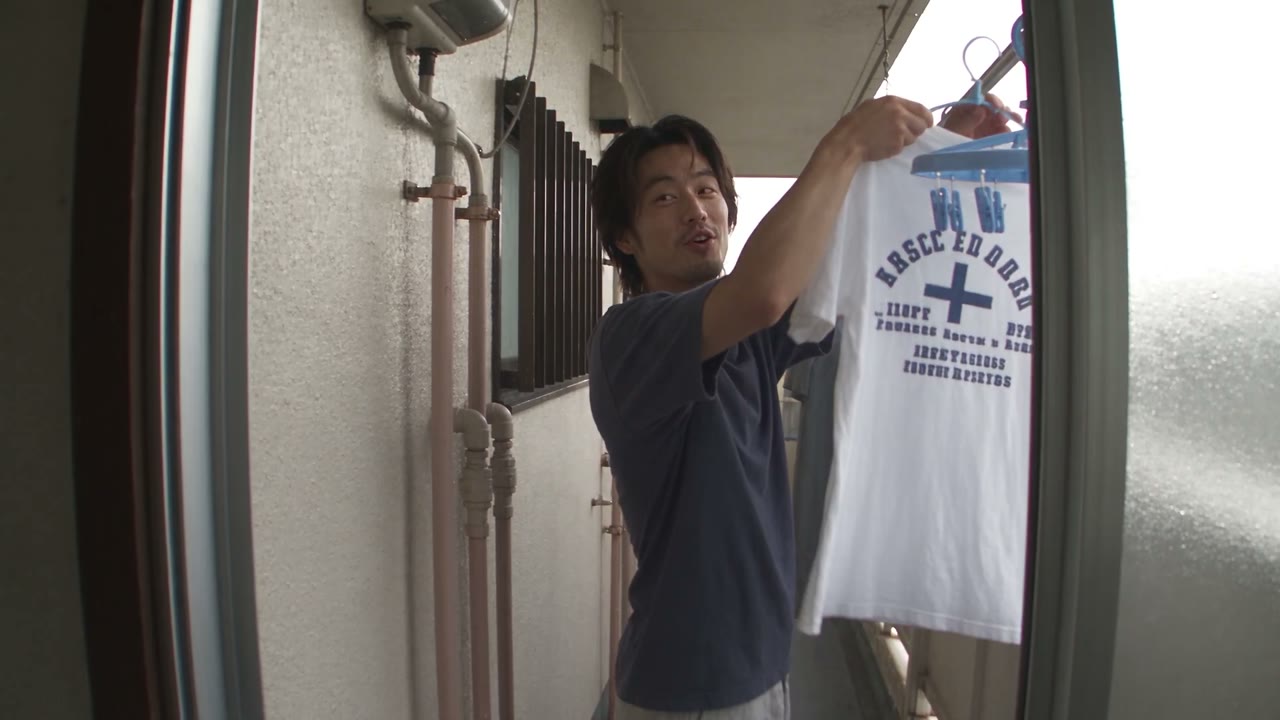 Text to video30s · 16:9
Shoot a 30-second home video of an ordinary summer day in a quiet Japanese neighborhood. Follow the same young adult hanging laundry on a balcony, eating watermelon by a window, then walking past utility poles on a narrow street. Keep the handheld framing loose, the daylight natural and the cuts unhurried. Use cloth rustle, room tone and distant street sounds.
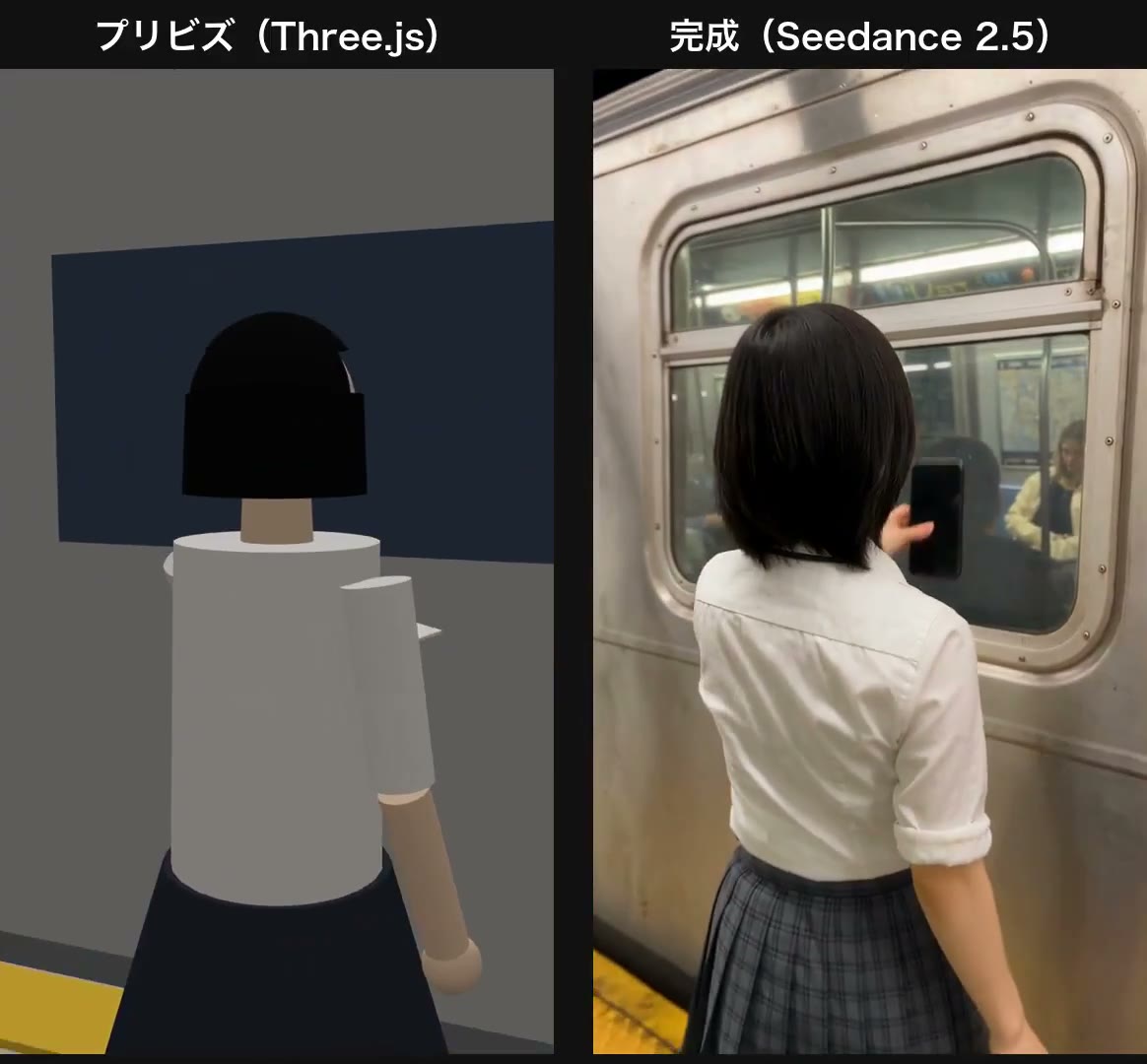 References20s · 1:1
Use @Video1 as rough previs for the performer’s position and the train’s motion. Render a single finished live-action shot. In a subway station, a woman reaches toward a phone on the train window as the train begins to move. Track along the platform at the same height, matching the blocking and timing from the previs. Add train rumble and platform ambience.
Our standard rates are lower than most API providers’ rates. Automatic backup routing helps keep generation reliable. Pay as you go.
| Output resolution | Reference video | Standard | Official fallback | WaveSpeed | fal |
|---|---|---|---|---|---|
| 480p | Without reference | With bonus ≈ $0.091 / sRegular $0.10 / s20 credits / s | With bonus ≈ $0.141 / sRegular $0.155 / s31 credits / s | $0.18 / s98% more | - |
| 480p | With reference | With bonus ≈ $0.064 / sRegular $0.07 / s14 credits / s | With bonus ≈ $0.086 / sRegular $0.095 / s19 credits / s | $0.11 / s72.9% more | - |
| 720p | Without reference | With bonus ≈ $0.205 / sRegular $0.225 / s45 credits / s | With bonus ≈ $0.318 / sRegular $0.35 / s70 credits / s | $0.36 / s76% more | - |
| 720p | With reference | With bonus ≈ $0.136 / sRegular $0.15 / s30 credits / s | With bonus ≈ $0.191 / sRegular $0.21 / s42 credits / s | $0.22 / s61.3% more | - |
| 1080p | Without reference | With bonus ≈ $0.364 / sRegular $0.40 / s80 credits / s | With bonus ≈ $0.791 / sRegular $0.87 / s174 credits / s | $0.90 / s147.5% more | - |
| 1080p | With reference | With bonus ≈ $0.245 / sRegular $0.27 / s54 credits / s | With bonus ≈ $0.477 / sRegular $0.525 / s105 credits / s | $0.55 / s124.1% more | - |
The request follows the form. The website uses your session; API clients use your API key. See the docs for parameters, task creation and task queries.
Write a prompt, add any reference files, and choose the video settings.
Check the output count and decide whether to allow official fallback.
Use the task ID to check the status and retrieve the video URLs.
| Parameter | Description |
|---|---|
model | seedance-2.5 |
input | Video generation parameters. The selected model and input mode determine which combinations are available. |
callback_url | Optional public HTTPS URL for signed completion callbacks. The URL must be directly accessible without redirects. |
input.prompt | Describe the subject, motion and camera. Required in text mode. Requests with media and no prompt only use channels that accept this combination. If supplied, 1–20480 characters after trimming. |
input.resolution | Output resolution. Allowed: 480p, 720p, 1080p. Default 720p; drafts use 480p and final videos use 1080p. |
input.aspect_ratio | Width-to-height ratio. Default adaptive (chosen from the input). Use 16:9 for landscape, 9:16 for portrait, or 1:1 for square. Use adaptive for frame-based generation, editing, and extension. |
input.generate_audio | Generate a synchronized soundtrack. Default true. Set false for silent output. |
input.return_last_frame | Set true to also return the final frame image. Default false. |
input.web_search | Set true to look up information while generating. Default false. |
input.nsfw_check | Screen the prompt and input images, including the first and last frames, before creating a task. Default false. True requires a prompt or image. |
input.output_format | Output format: mp4 (default) or mov. |
input.draft | Set true to generate a 480p draft. Default false (normal generation). |
input.draft_task_id | Required when rendering a final video from a draft. Anyone with the draft item ID can use it to render a final video. The original provider determines whether the draft can be used. Omit inherited settings such as prompt, media, duration and aspect ratio. |
input.output_count | Number of independent video results, 1–4. Default 1. Each successful item is charged separately. |
input.official_fallback | Default false. True permits official fallback when it supports the requested parameters. Official pricing applies only on official success. |
input.duration | Output duration in seconds. Integer from 4 to 30. Default 5. Use -1 for automatic duration. Credits are reserved for up to 30 output seconds and settled using the actual output duration. Video editing requires -1 and follows the source duration. |
input.first_frame_url | Required in first-frame and first/last-frame modes. Provide a public HTTPS image URL. Cannot be combined with reference media. Keep URLs accessible and files unchanged until the task finishes. |
input.last_frame_url | Closing image as a public HTTPS URL. Requires first_frame_url. Keep URLs accessible and files unchanged until the task finishes. |
input.reference_image_urls | Up to 30 images. The generation provider validates the files. Keep URLs accessible and files unchanged until the task finishes. |
input.reference_video_urls | Up to 10 reference clips. A readable duration is required for billing. The generation provider validates the files. Keep URLs accessible and files unchanged until the task finishes. |
input.reference_audio_urls | Up to 10 reference audio clips. The generation provider validates the files. Audio may be the only reference type. Keep URLs accessible and files unchanged until the task finishes. |
input.omni_reference_task_type | Only for reference inputs. auto (default) infers the task type. reference generates a new video, edit changes a reference video, and extend continues it. edit and extend require a reference video and adaptive aspect ratio. edit also requires duration=-1. |
{
  "model": "seedance-2.5",
  "input": {
    "prompt": "Make a 30-second lifestyle ad for a fictional coffee brand. Open on a woman stepping into the morning sun at a lakeside cottage. Cut to her opening a coffee bag and pouring hot water over the grounds. Follow her down to the water with a mug and fishing rod. End with the coffee bag and steaming mug in warm light. Use kettle, water and birdsong under gentle music.",
    "resolution": "720p",
    "aspect_ratio": "16:9",
    "generate_audio": true,
    "nsfw_check": true,
    "return_last_frame": false,
    "output_format": "mp4",
    "output_count": 1,
    "official_fallback": false,
    "duration": 30
  }
}
The request follows the form. The website uses your session; API clients use your API key. See the docs for parameters, task creation and task queries.
Use one API key to access the Seedance models. The lowest standard rates apply to 480p output with a reference video.
| Model | Best for | Resolution | Duration | Lowest standard rate |
|---|---|---|---|---|
| Seedance 2.5 Flash API | For storyboard previews, ad A/B tests and frequent video creation, balancing speed, cost and multimodal control at up to 720p. | 480p / 720p | 4–30 seconds or automatic | ≈ $0.045 / s |
| Seedance 2.5 APICurrent page | Longer clips, video editing and extension, with up to 30 images, 10 videos, and 10 audio references. | 480p / 720p / 1080p | 4–30 seconds or automatic | ≈ $0.07 / s |
| Seedance 2.0 API | Up to 4K output for high-resolution shots, with image, video, and audio references. | 480p / 720p / 1080p / 4K | 4–15 seconds | ≈ $0.05 / s |
| Seedance 2.0 Fast API | Quick iteration on camera moves and transitions, with image, video, and audio references. | 480p / 720p | 4–15 seconds | ≈ $0.035 / s |
| Seedance 2.0 Mini API | Lower-cost tests of motion and composition, with image, video, and audio references. | 480p / 720p | 4–15 seconds | ≈ $0.015 / s |
Find answers about pricing, generation results, and API access.
Seedance 2.5 supports up to 30 seconds, more reference assets, video editing and extension, and rendering a final video from a draft. Standard Seedance 2.0 supports up to 15 seconds and offers 4K output.
Enable Draft to generate a 480p clip. When it is ready, select Final video on the result to load its ID, then generate the 1080p version using the draft’s settings. If the official channel generated the draft, enable official fallback for the final request as well.
Edit changes a reference clip and follows its length. Extend generates a continuation. Use a reference video for either mode and describe the specific change or next action.
Set generate_audio to false for silent video. For dialogue or ambience, set it to true and describe the sounds and timing in the prompt.
Pass duration=-1 to let the model determine the output length. APIstable reserves credits for up to 30 output seconds and settles against the actual clip duration. Edit mode follows the source video length.
Use the per-second pricing table on this page. With reference video, the charge includes the combined reference-video duration and the generated duration. Reference images and audio do not add billable seconds. Only successful results are charged.
Seedance 2.5 offers 480p, 720p, and 1080p. Set output_format to mov if your editing workflow needs a MOV file. For a 4K clip, use standard Seedance 2.0 and keep the duration within 15 seconds.
Yes. In reference mode you can use audio as the only reference type and describe the visuals in your prompt. One request allows up to 30 images, 10 videos, and 10 audio clips. The video and audio lists may each total up to 30 seconds.
Set omni_reference_task_type to edit or extend, add a source clip to reference_video_urls, and set aspect_ratio to adaptive. Edit also requires duration=-1 and a 4–30 second reference video.
Identify the reference video and describe the edit. For example, ask to remove the paper cup from the desk in the first reference video while preserving the hand movement, lighting, and camera angle.
Set first_frame_url and, if needed, last_frame_url. Use the adaptive aspect ratio for frame-based generation. Choose reference mode separately if you want to use reference images, video, or audio.
Create an API key in the APIstable console. Send it as a Bearer token to POST /api/v1/tasks/create_task and use the returned task_id to query GET /api/v1/tasks/{task_id}. Successful video links are in data.result.urls.
Pass a public HTTPS callback_url when creating the task. APIstable sends a signed webhook when the task reaches a final status. You can also query by task_id to recover the result if you miss the notification.
Use output_count to request one to four independent videos. Each successful result is charged separately. Failed items do not consume credits, and charged_credits reports the total deducted for the task.
Enter a prompt and generate a video in the workbench.