Generation and editing together
Create from text or add, remove and replace elements in existing images using the same model.
Seedream 4.0 API · Image generation and reference editing
Generate or edit images at 1K, 2K or 4K with one price across output resolutions.
Create from text or add, remove and replace elements in existing images using the same model.
Explore watercolor, retro, cyberpunk and blended treatments for illustrations and creative concepts.
Bring together elements from subject, clothing, product and background references with clear instructions.
Use a photo or illustration as a character reference when exploring new looks and environments.
Use drawings as references for product, figurine or sculpture renderings with specified materials and lighting.
Combine text and visual context to guide objects, actions and spatial relationships in narrative compositions.
Arrange headings, labels and illustrations for event posters, explanatory diagrams and page concepts.
Choose 1K, 2K or 4K at the same standard output price to suit the intended layout.
Describe layout, palette and content hierarchy to explore interface directions. Use the generated image during early design discussions before building a working page.
Turn steps, timelines or categories into labeled illustrations. Prepare drafts for tutorials and articles, then check the wording, numbers and relationships.
Supply product, clothing or scene references and identify the role of each image. Explore arrangements and combinations for proposals and creative previews.
Use a character photo or illustration to explore new looks, settings or figurine renderings. Specify recognizable features to retain for character sheets and merchandise concepts.
Start from an approved subject or sketch and explore watercolor, ink or other art directions. Keep the composition brief consistent while comparing treatment and palette.
Use an existing poster to revise the event name, date or venue. Specify the layout and colors to preserve, then review every changed detail before distributing the artwork.
Combine a package reference with a display brief to visualize shelf placement and materials. Use the result to discuss the concept before preparing dimensions or print files.
Use food references to explore table settings, props and lighting for a menu. Describe the dish details to preserve and review each image against the real product.
Explore example images with suggested prompts based on their composition. These prompts are not verified reproductions; upload your own input image for reference-editing examples.
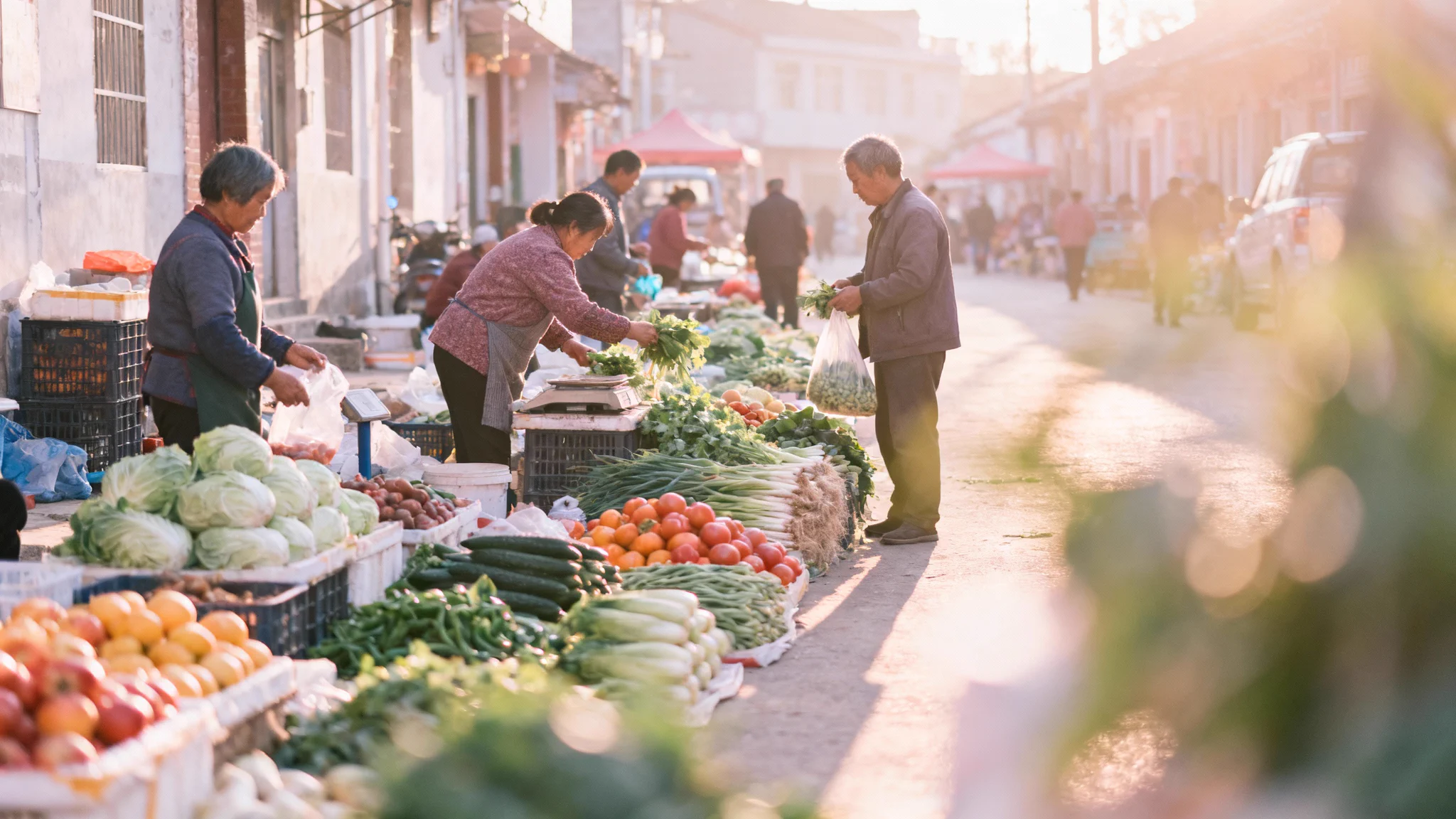 Image16:9
Photograph a neighborhood produce market just after sunrise. Vendors arrange leafy vegetables and colorful fruit while shoppers talk naturally between the stalls. Let low warm sunlight pass through a little atmospheric haze, with soft foreground blur and detailed wooden crates. Use a candid eye-level view and restrained film colors. Avoid posed figures or advertising text.
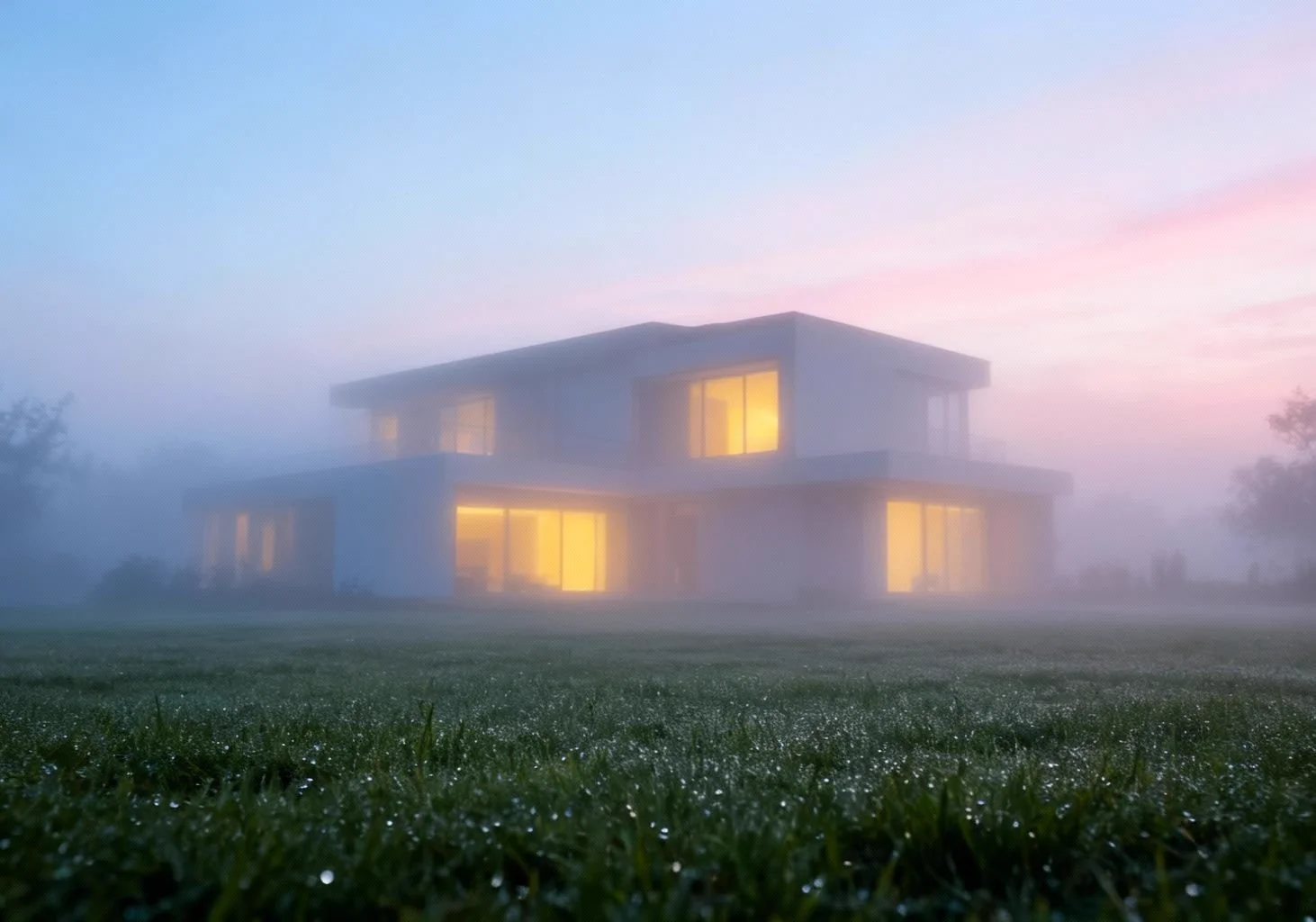 Image3:2
Using your own architectural reference, render the same villa at a misty dawn. Preserve the flat roof, wide windows and simple volumes. Surround the building with pale blue fog, a soft rose horizon and wet grass; keep a few warm lights glowing inside. Use a low, calm viewpoint and subdued reflections. Produce one architectural mood image with no text.
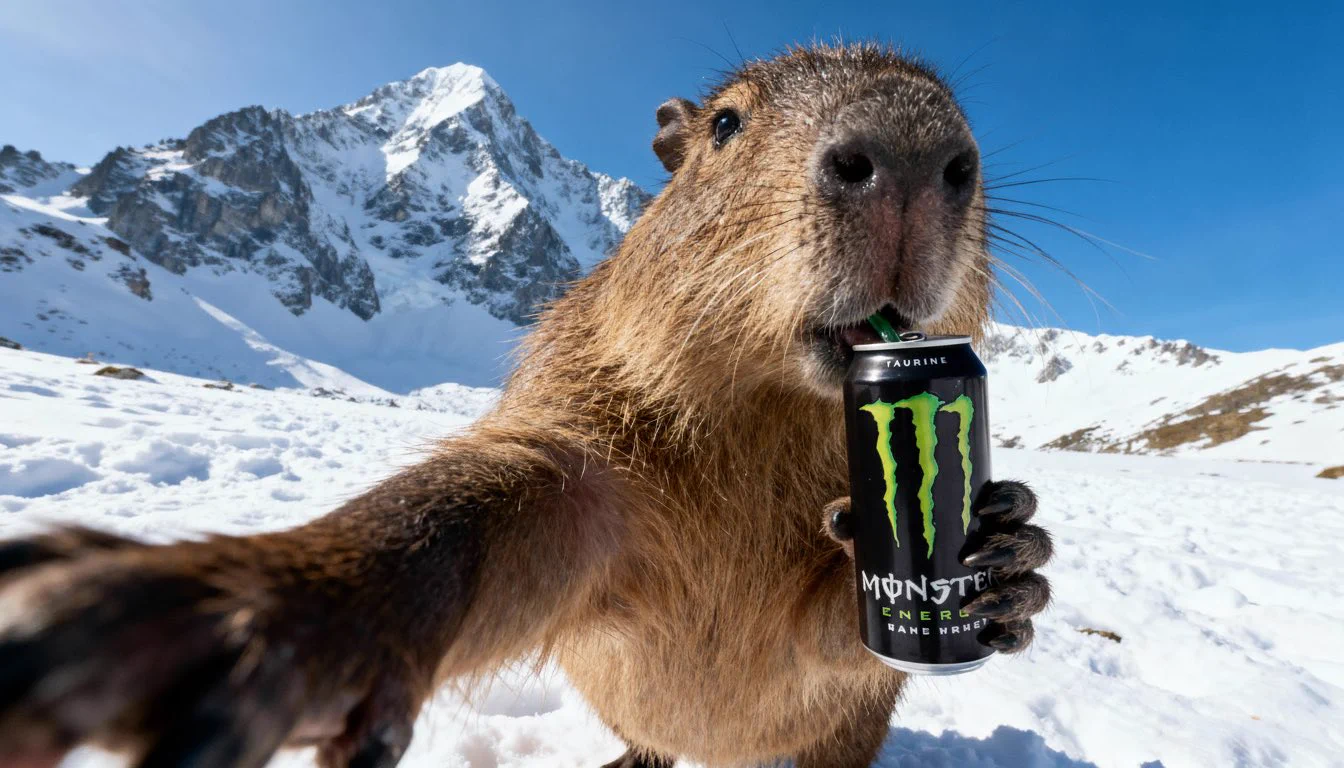 Image16:9
Create a playful wide-angle photograph of a marmot on a snowy mountain summit, holding a dark energy-drink can toward the camera. Place the furry animal very close to the lens so its face and paws dominate, with bright alpine peaks and a saturated blue sky behind it. Preserve realistic fur, snow texture and strong midday shadows despite the surreal action.
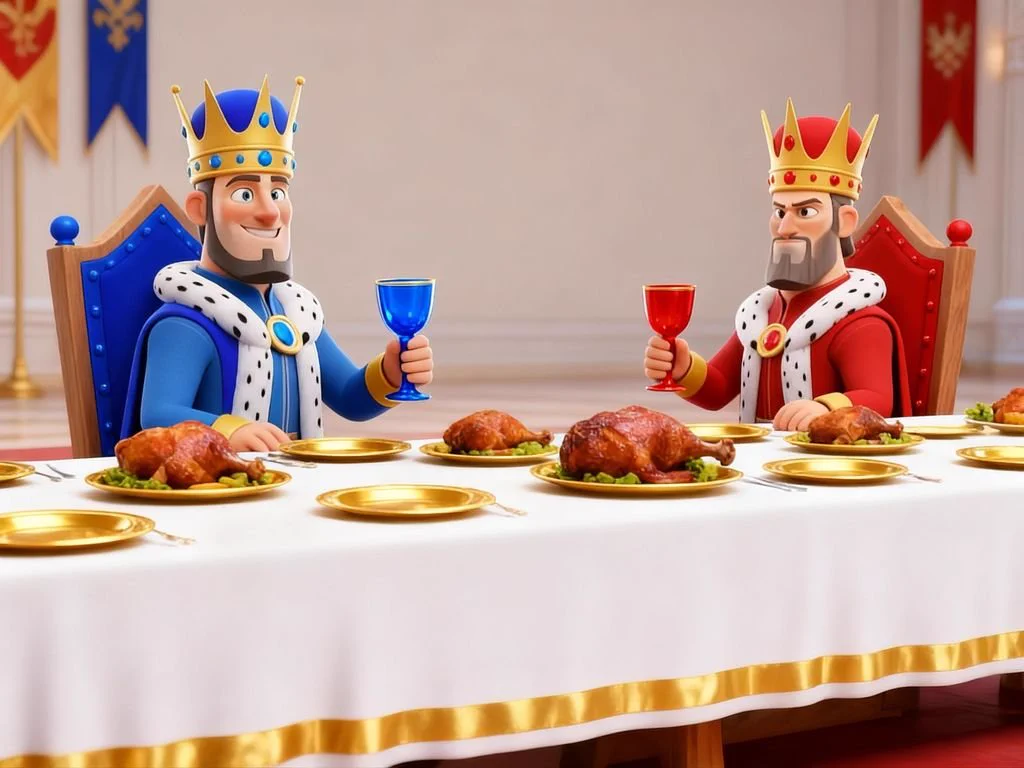 Image4:3
Use your own blue-king and red-king character references to create one cheerful animated-film scene. Seat the two characters at opposite ends of a white-clothed banquet table with golden plates and a roast dinner. Each holds a goblet matching his costume. Preserve their crowns, facial shapes and toy-like proportions, and light the palace room warmly. Keep the background simple and the interaction easy to read.
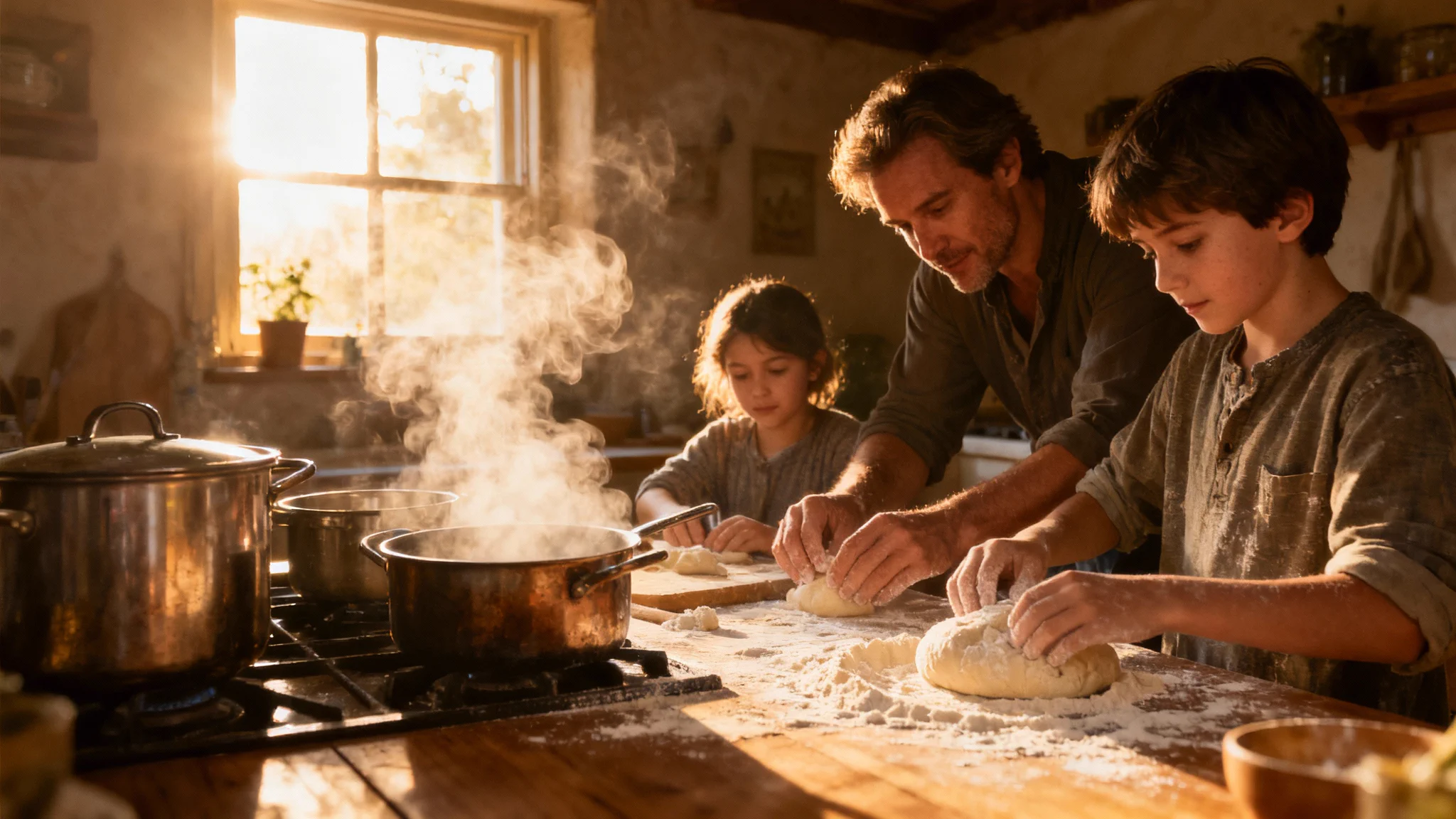 Image16:9
A warm documentary photograph of a family preparing food together in a lived-in kitchen. Show hands working dough on a flour-dusted wooden counter, a pot releasing steam and soft sunlight entering through a nearby window. Capture unposed expressions and small interactions, with believable cookware, natural fabric and gentle warm shadows. Landscape framing, no text.
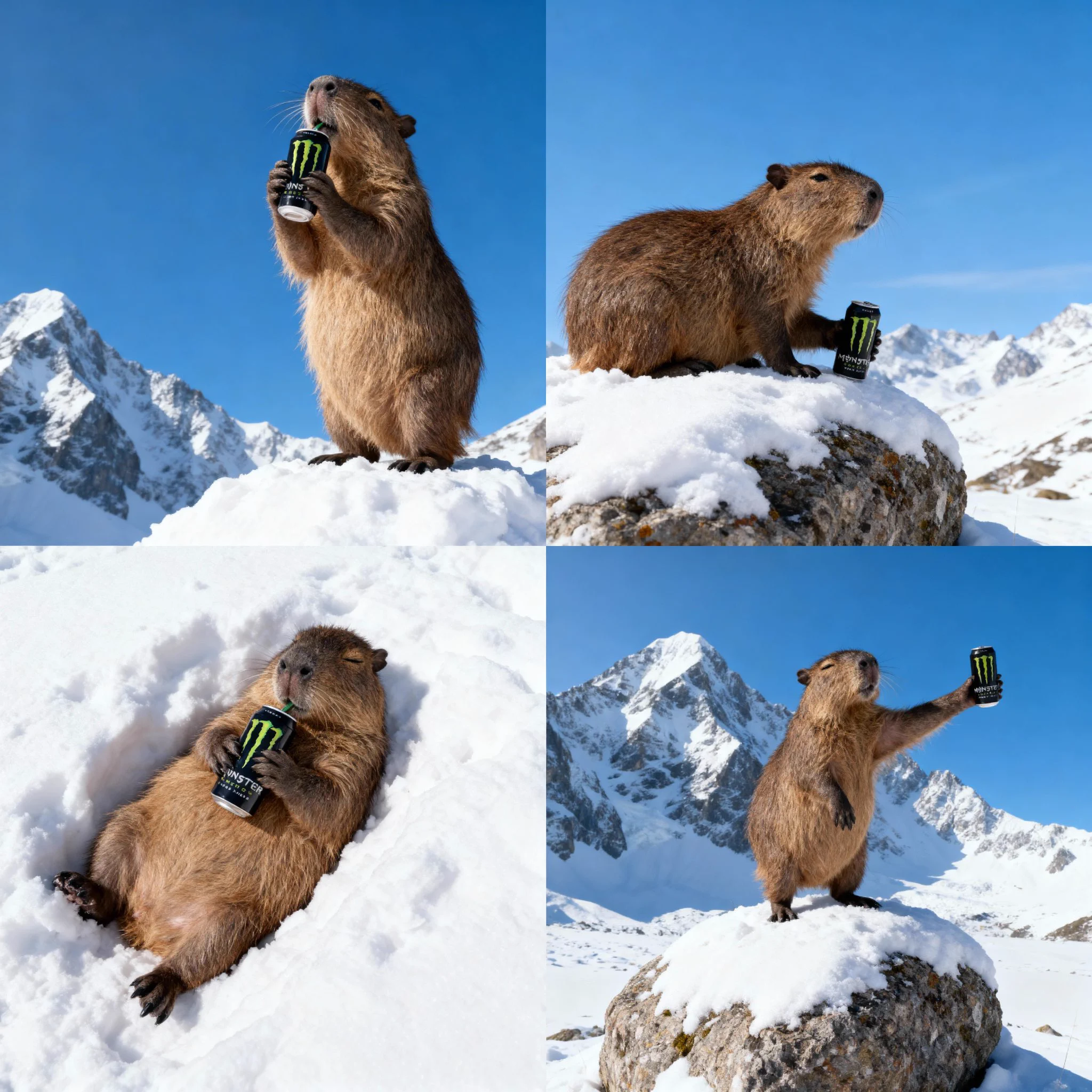 Image1:1
Using the uploaded alpine marmot image, create one four-panel contact sheet showing the same animal and drink can from different viewpoints. Include a close frontal view, a side view, a low-angle view and a wide summit pose. Keep the fur markings, can design, mountain setting and daylight consistent. Align the four panels in a clean two-by-two grid without text.
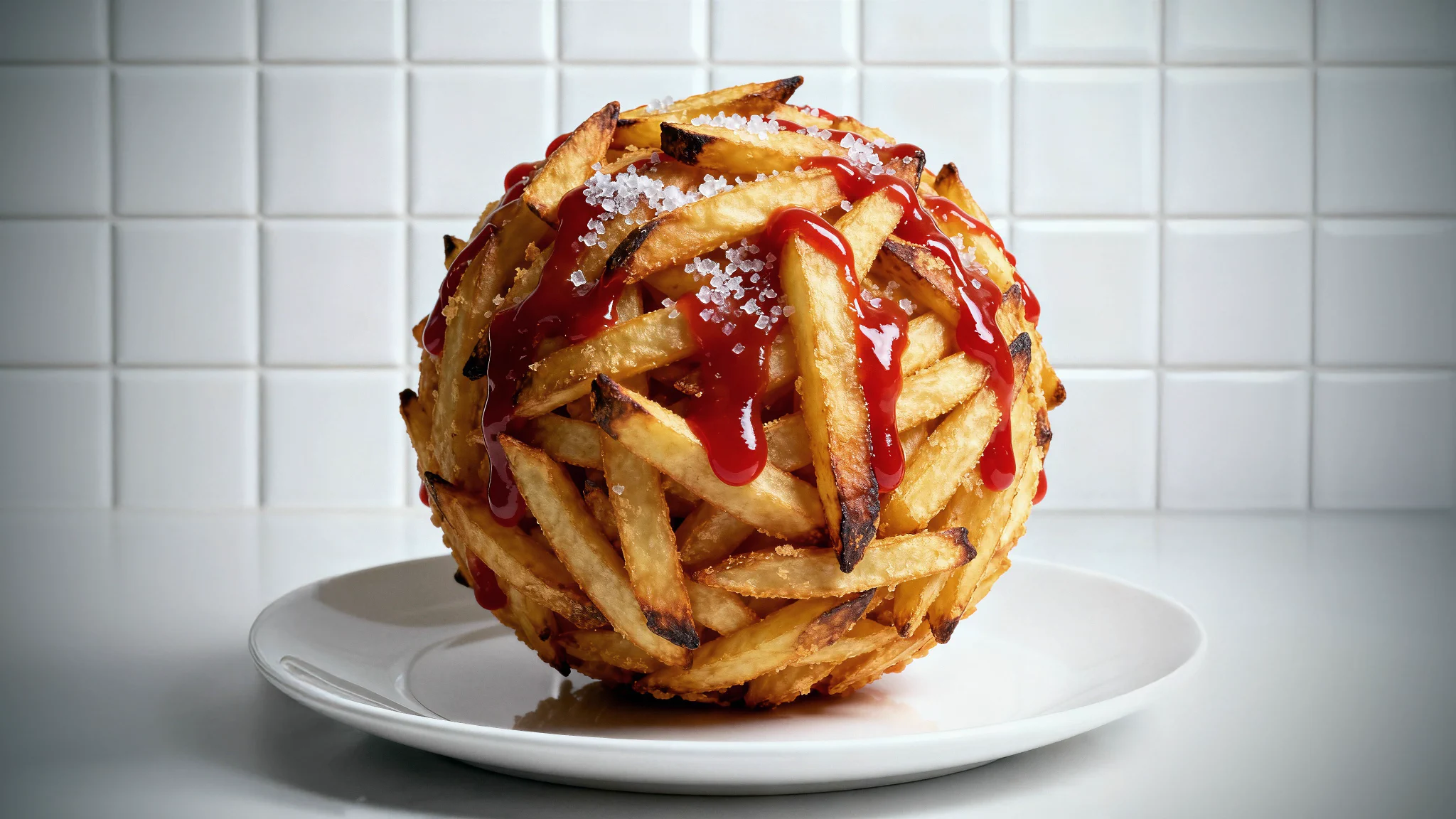 Image16:9
Photograph an impossible sphere built from golden French fries on a plain ceramic plate. Keep individual crisp edges visible, with red ketchup drizzles and a few salt crystals. Use a tiled kitchen background, bright soft daylight and shallow depth of field. The sphere should feel tactile and carefully balanced. One landscape image.
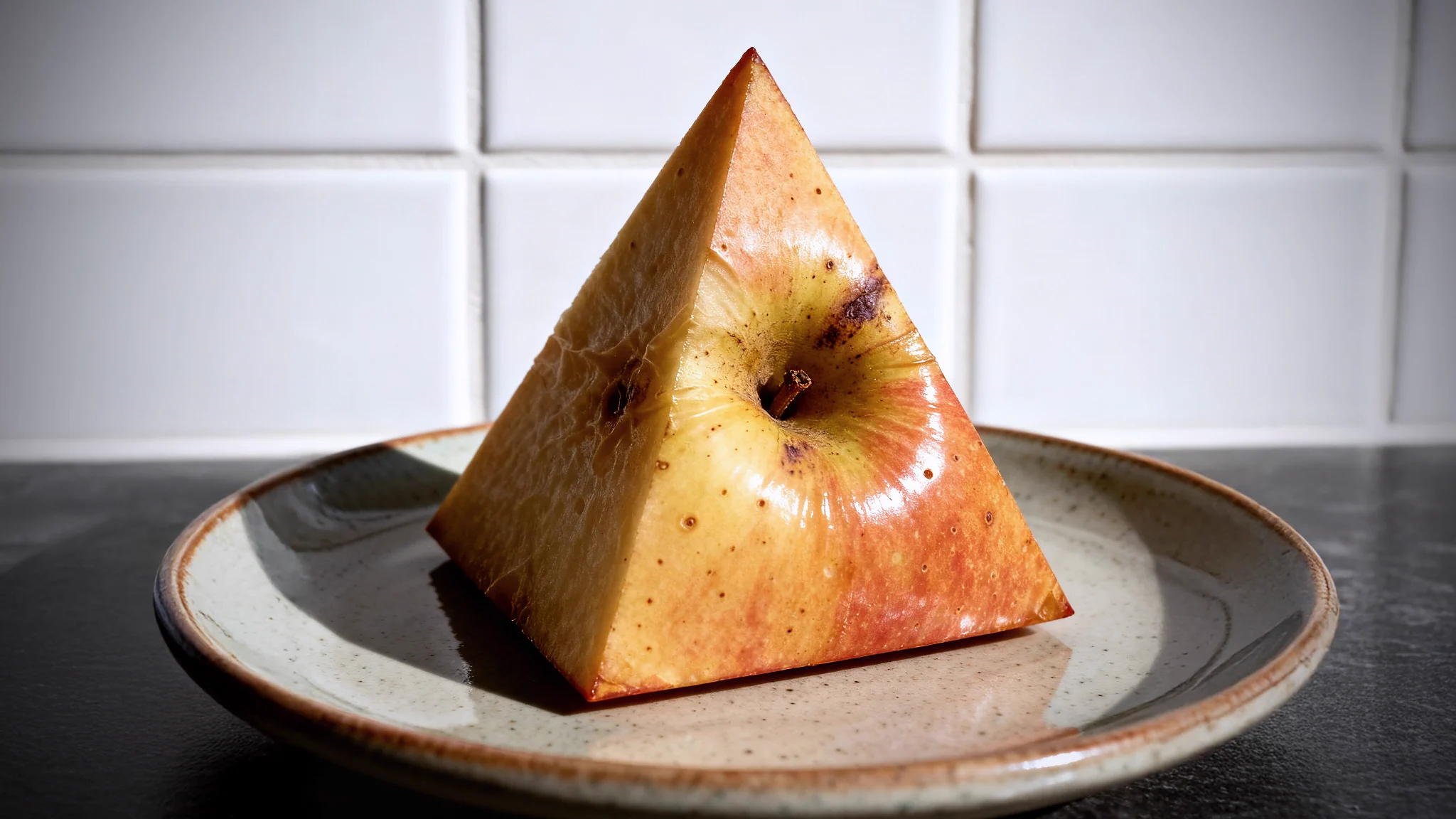 Image16:9
Create a realistic still-life photograph of an apple shaped like a triangular pyramid. Preserve red-yellow apple skin, tiny pores, natural blemishes and a short brown stem. Place it on a muted ceramic plate against white kitchen tiles. Use side daylight, shallow depth of field and a close landscape composition.
Output prices compare one 1:1 image at the same resolution with zero reference images. Prices are in USD.
| Resolution | APIstable standard | Official fallback | WaveSpeed | fal |
|---|---|---|---|---|
| 1K | With bonus ≈ $0.023 / imageRegular $0.025 / image5 credits / image | With bonus ≈ $0.036 / imageRegular $0.04 / image8 credits / image | $0.027 / image18.8% more than APIstable | $0.03 / image32% more than APIstable |
| 2K | With bonus ≈ $0.023 / imageRegular $0.025 / image5 credits / image | With bonus ≈ $0.036 / imageRegular $0.04 / image8 credits / image | $0.027 / image18.8% more than APIstable | $0.03 / image32% more than APIstable |
| 4K | With bonus ≈ $0.023 / imageRegular $0.025 / image5 credits / image | With bonus ≈ $0.036 / imageRegular $0.04 / image8 credits / image | $0.027 / image18.8% more than APIstable | $0.03 / image32% more than APIstable |
The request follows the form. The website uses your session; API clients use your API key. See the docs for parameters, task creation and task queries.
Write a prompt and optionally add references.
Choose resolution, output count and optional fallback. Review the account quote before submitting.
Query the returned task ID or receive a signed callback. Save result images within 14 days.
| Parameter | Description |
|---|---|
model | seedream-4-0 |
input | Image generation parameters. |
input.prompt | Describe the image or edit. Limits depend on the model; see the schema. |
input.image_urls | Up to 10 public HTTPS reference images. The generation provider validates the files. |
input.resolution | 1K / 2K / 4K |
input.aspect_ratio | Auto / 1:1 / 4:3 / 3:4 / 16:9 / 9:16 / 3:2 / 2:3 / 21:9 / 2:1 / 1:2 / 9:21 |
input.size | Exact dimensions override the resolution and aspect ratio presets. Width × height must be 921,600–16,777,216 total pixels. Width ÷ height must be between 1/16 and 16. Enable fallback to use exact dimensions with Seedream 4.0. |
input.optimize_prompt | Refine the wording of your prompt before generating the image. |
input.watermark | Visible watermark |
input.sequential_image_generation | Ask for the desired number of related images in the prompt. Pay for the images returned. |
input.sequential_image_generation_options.max_images | The model may return fewer. Defaults to 15 minus the number of reference images. |
input.official_fallback | Allow the final fallback tier; default false. |
{
  "model": "seedream-4-0",
  "input": {
    "prompt": "Photograph a neighborhood produce market just after sunrise. Vendors arrange leafy vegetables and colorful fruit while shoppers talk naturally between the stalls. Let low warm sunlight pass through a little atmospheric haze, with soft foreground blur and detailed wooden crates. Use a candid eye-level view and restrained film colors. Avoid posed figures or advertising text.",
    "resolution": "2K",
    "aspect_ratio": "16:9",
    "image_urls": [],
    "optimize_prompt": false,
    "official_fallback": false,
    "nsfw_check": true
  }
}
The request follows the form. The website uses your session; API clients use your API key. See the docs for parameters, task creation and task queries.
Choose by the asset you need, output size and editing controls. All six models support text prompts and reference images through APIstable.
| Model | Strengths and best uses | Output size |
|---|---|---|
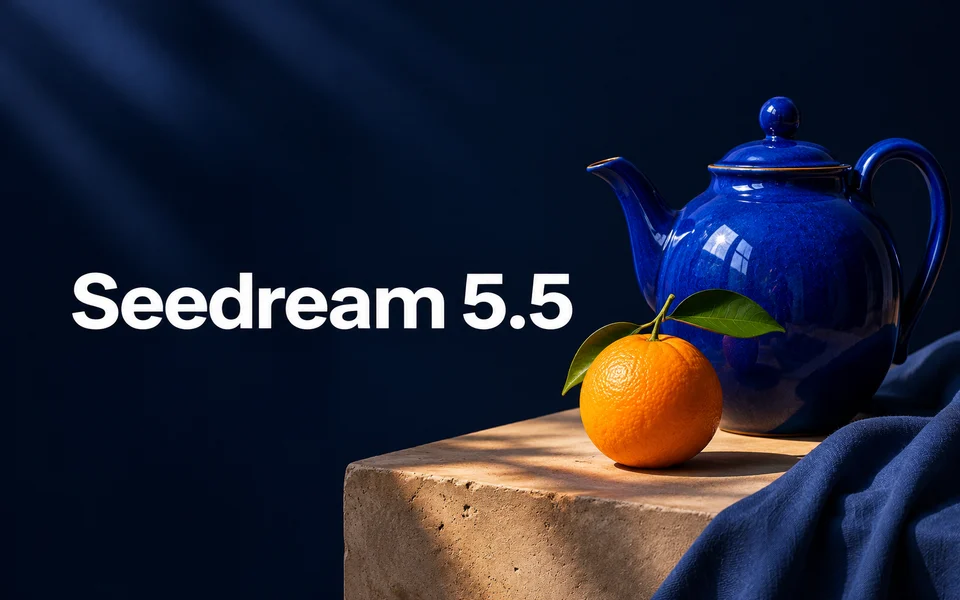
| Seedream 5.5 | More stable successive edits, improved realism and dense text, plus transparent PNGs and layer decomposition. Suits product retouching, marketing posters and reusable design assets. | 1K / 1.5K / 2K |
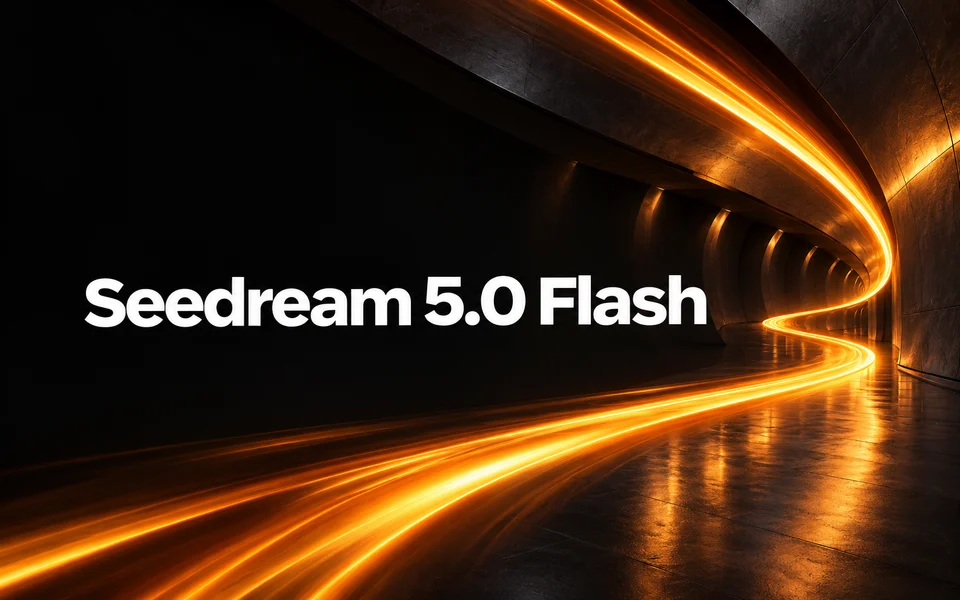
| Seedream 5.0 Flash | Affordable reference-based editing, with one standard output price from 1K to 2K and no separate reference-image fee. Suits ad drafts, product-scene variations and social media visuals. | 1K / 1.5K / 2K |
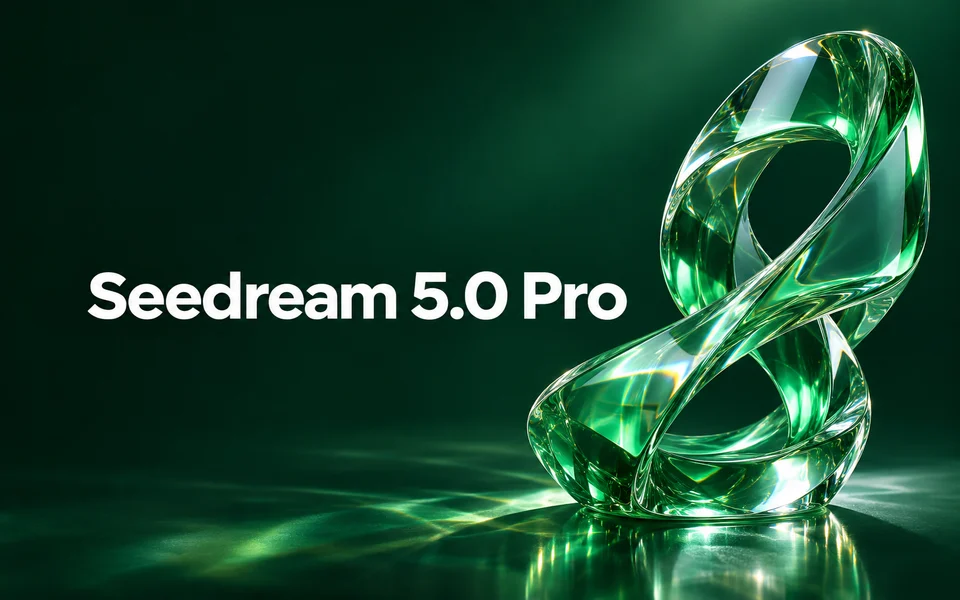
| Seedream 5.0 Pro | Handles complex layouts, multilingual text and transparent layer decomposition. Suits infographics, localized campaigns and extracting assets from approved designs. | 1K / 1.5K / 2K |
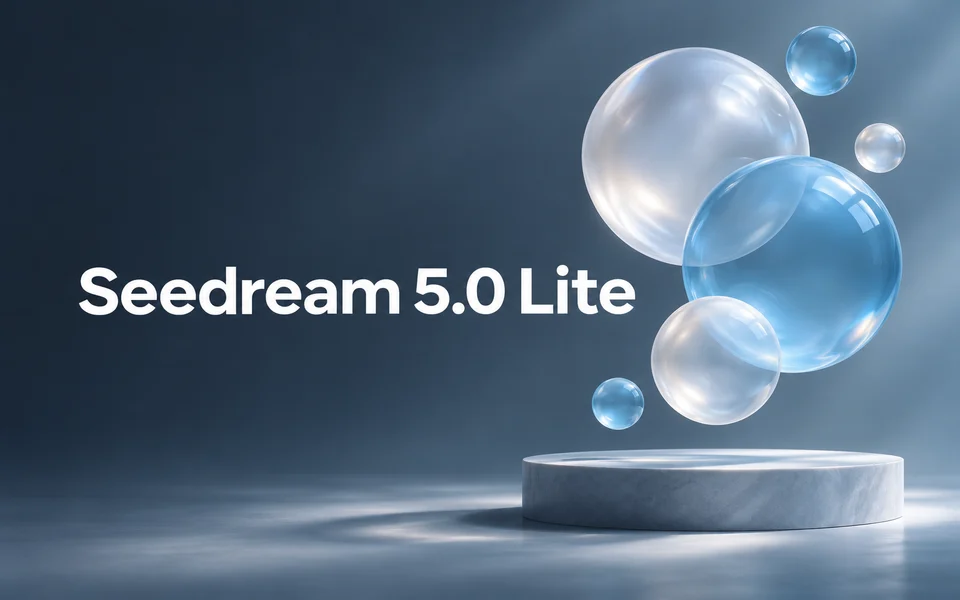
| Seedream 5.0 Lite | Improved instruction understanding, visual reasoning and reference-style transfer, with output up to 4K. Suits educational diagrams, presentation visuals, multi-subject compositions and large illustrations. | 2K / 3K / 4K |
| Seedream 4.5 | Focuses on preserving faces, lighting and color from references, with improved small text and poster layouts. Suits product scene changes, portrait revisions, brand posters and 4K campaign assets. | 2K / 4K |
| Seedream 4.0You’re here | Combines text-to-image creation with natural-language editing, broad style coverage and output up to 4K. Suits everyday visuals, illustration styles, background swaps and character concepts. | 1K / 2K / 4K |
Find answers about pricing, generation results, and API access.
A newer version alone is not a reason to switch. APIstable supports 4.0 text-to-image and reference editing from 1K to 4K, so you can keep a working prompt workflow. Compare 5.5, Lite or 4.5 when you need transparency, format controls or a different visual result.
Choose 1K / 2K / 4K with a fixed ratio (1:1, 4:3, 3:4, 16:9, 9:16, 3:2, 2:3, 21:9, 2:1, 1:2, 9:21). Auto matches a reference image and requires one. The default ratio is 1:1. Enter widthxheight under Exact dimensions to override both presets. Enable fallback to use exact dimensions.
Prompts must contain 5–1000 characters on APIstable. Prioritize the subject, action, composition and required edits before style. Remove repetition and conflicting directions. If a reference already conveys an appearance clearly, use the remaining space to explain what should change.
APIstable accepts up to 10 references. The generation provider determines which files it accepts. Upload local files in the workbench or supply publicly readable HTTPS URLs through the API. Login-protected, expired or unsupported files may be rejected. References are optional for text-to-image.
Reuse a clear character reference with stable appearance, clothing and style descriptions, changing the scene or action one step at a time. Inspect faces, hands and recurring props. APIstable does not automatically store character identity across requests or guarantee a perfectly consistent set.
No. Include the image to edit in each request and specify the change and what to preserve. You can reuse the previous output, but save originals and reintroduce them if revisions drift. Successive editing does not guarantee that every untouched region remains identical.
It can create visual drafts, but an interface image is not runnable code and a diagram is not automatically factually correct. Supply exact wording and relationships, avoid dense tiny text, and proofread or replace important buttons, numbers and labels in a design editor.
APIstable does not expose output_format or background for 4.0; use the format of the returned result. Choose a model such as Lite for JPEG/PNG selection, or 5.5 for explicit transparency. Seedream versions do not all accept the same parameters.
The default is one image. Add at least one reference and turn on Generate a related image set in Advanced settings. Describe the number you want in your prompt and set the maximum. The model can return fewer. The default limit is 15 minus your reference count.
The per-image rate is the same at all three resolutions and includes references. For an image set, the workbench reserves credits up to the limit and charges for the images returned. The fallback rate applies only when the final tier succeeds.
Look for conflicting illustration or soft-focus instructions and inspect reference quality. Compare identical inputs, aspect ratios and resolutions using the original downloaded files. If the issue persists, retain task IDs for support. Another platform’s style presets do not establish what settings were used here.
Use an APIstable key with POST /api/v1/tasks/create_task, set model to seedream-4-0 and place parameters in input. Save task_id and query GET /api/v1/tasks/{task_id}. Successful image URLs are in result.urls. Generated results are retained for 14 days; download files you need to keep.
Generation is asynchronous and timing depends on settings, load and provider state. Closing the page does not cancel a task; resume querying instead of submitting again. At 00:00 Beijing time each day, unfinished items submitted more than 24 hours earlier are failed and their reserved credits released.
Credits are reserved at submission, then settled only for successful items; failed items release their reservation. Enabling fallback does not automatically apply its price: that tier must succeed. For partial success, check each item and its charge. Successful images stay charged when other items fail.
Both prompts and references can affect screening, and false positives are possible. The Playground enables NSFW screening by default. API clients can control APIstable’s pre-check with nsfw_check, but provider screening still applies. Keep the error details for support if you suspect a mistake rather than repeatedly submitting paid requests.
Write a prompt or add references to generate an image.