Consistent portrait references
Focus on retaining facial features and a recognizable subject while exploring different looks and settings.
Seedream 4.5 API · Image generation and reference editing
Generate 2K or 4K images and use references for product scenes, posters and image editing.
Focus on retaining facial features and a recognizable subject while exploring different looks and settings.
Use reference appearance and structure to guide product-scene revisions and branded visuals.
Use the reference image’s lighting, palette and atmosphere to guide additions and revisions.
Create dense copy for poster details, product benefits and event information, checking the text before delivery.
Arrange title hierarchy, subjects and whitespace for campaign visuals, invitations and cover concepts.
Identify people, products or accessories from separate references and bring them into one scene.
Explore different materials for clothing, props or décor while specifying the shapes and composition to retain.
Choose 2K or 4K assets for product displays, brand posters and larger visual layouts.
Combine a product reference, selling points and price copy in a clear layout. Create visual drafts for detail pages, launches and promotional campaigns.
Arrange brand colors, headlines, dates and locations into a composition. Explore typography, spacing and decorative elements for event posters and invitations.
Use a portrait reference to explore clothing materials, colors or settings. Specify the pose and facial features to retain for styling concepts and catalog visuals.
Provide existing artwork and reviewed translated copy. Ask for the wording to be replaced while preserving the visual hierarchy, then proofread the resulting layout.
Describe a brand’s audience, tone and palette to explore logo and key-visual directions. Compare candidate compositions before rebuilding the selected design in production tools.
Supply a café or shop brief, layout priorities and visual references. Create a concept board showing atmosphere, materials and functional areas for an early design discussion.
Supply clothing and accessory references to arrange an outfit board. Specify item groupings and a consistent background for styling discussions and catalog planning.
Use a story or music brief to explore cover imagery and title placement. Specify visual motifs, palette and lettering space before refining the selected design.
Explore example images with suggested prompts based on their composition. These prompts are not verified reproductions; upload your own input image for reference-editing examples.
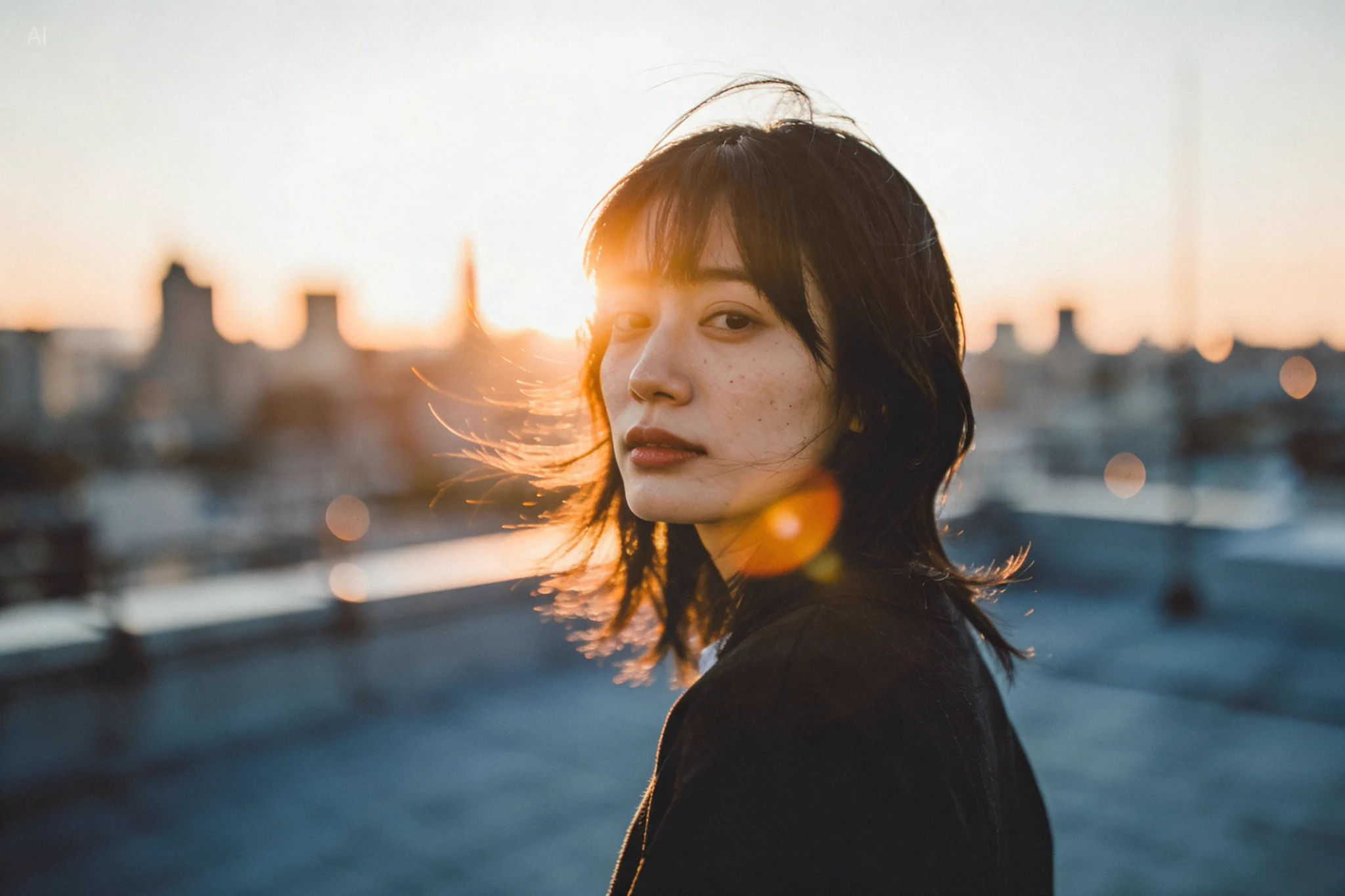 Image3:2
A natural rooftop portrait of an adult woman at sunset. She stands in a dark jacket with loose hair moving in a light breeze, looking back toward the camera. Position the low sun behind her to create a warm rim on the hair while retaining gentle facial detail. Include a softly blurred skyline, restrained lens flare and a candid 35 mm photographic feel.
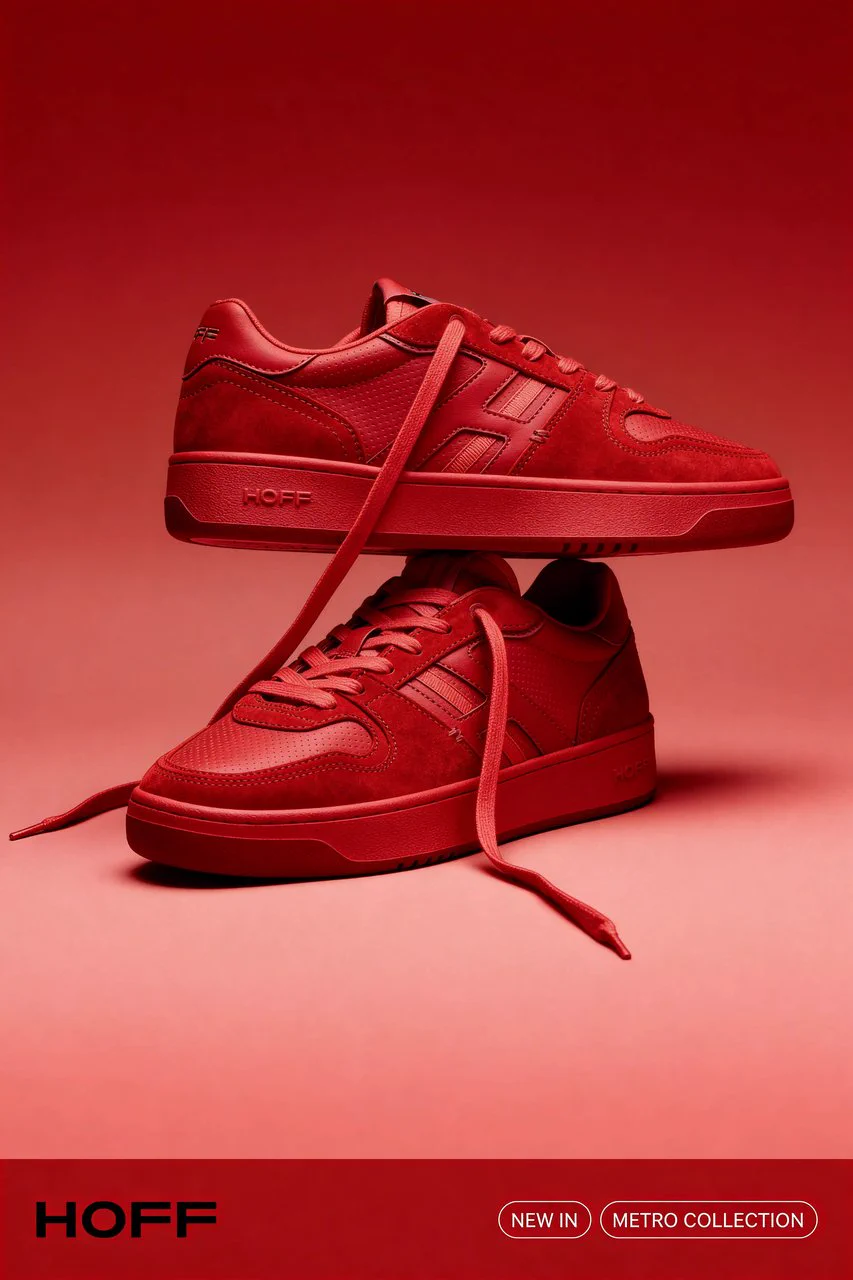 Image2:3
Recolor the sneakers and studio background in the uploaded product image into a coordinated deep-red palette. Preserve the exact shoe shape, laces, stitching, panel construction, sole thickness, arrangement and camera angle. Retain the differences between leather, fabric and rubber. Keep soft studio shadows and realistic highlights; do not introduce new logos or alter the composition.
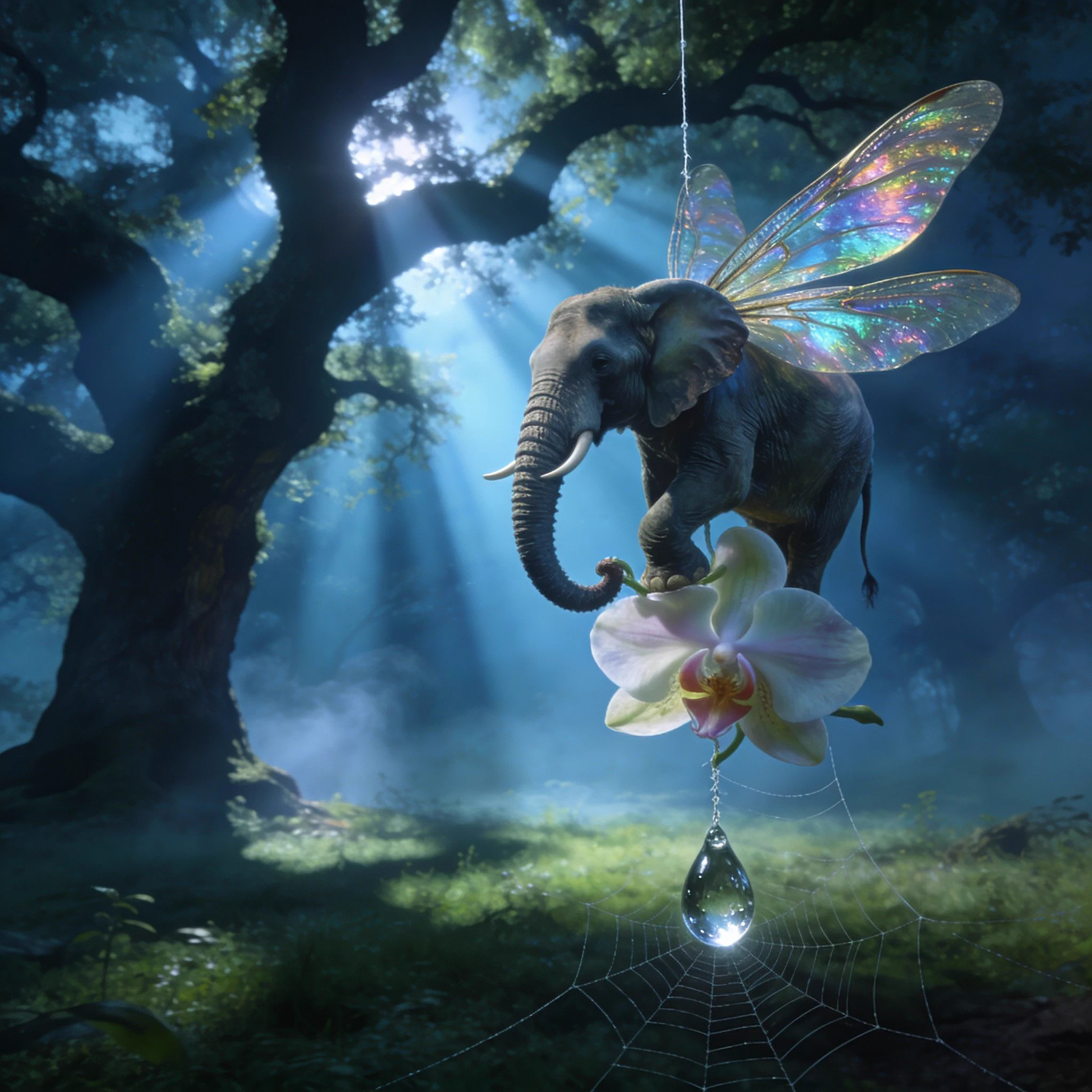 Image1:1
Imagine a tiny elephant with translucent iridescent insect wings hovering in a misty woodland. Curl its trunk around a delicate pink flower and position a shining dewdrop below it. Surround the creature with mossy branches, blue-green haze and shafts of morning light. Combine believable animal texture with a dreamlike scale and an intricate, luminous wing structure.
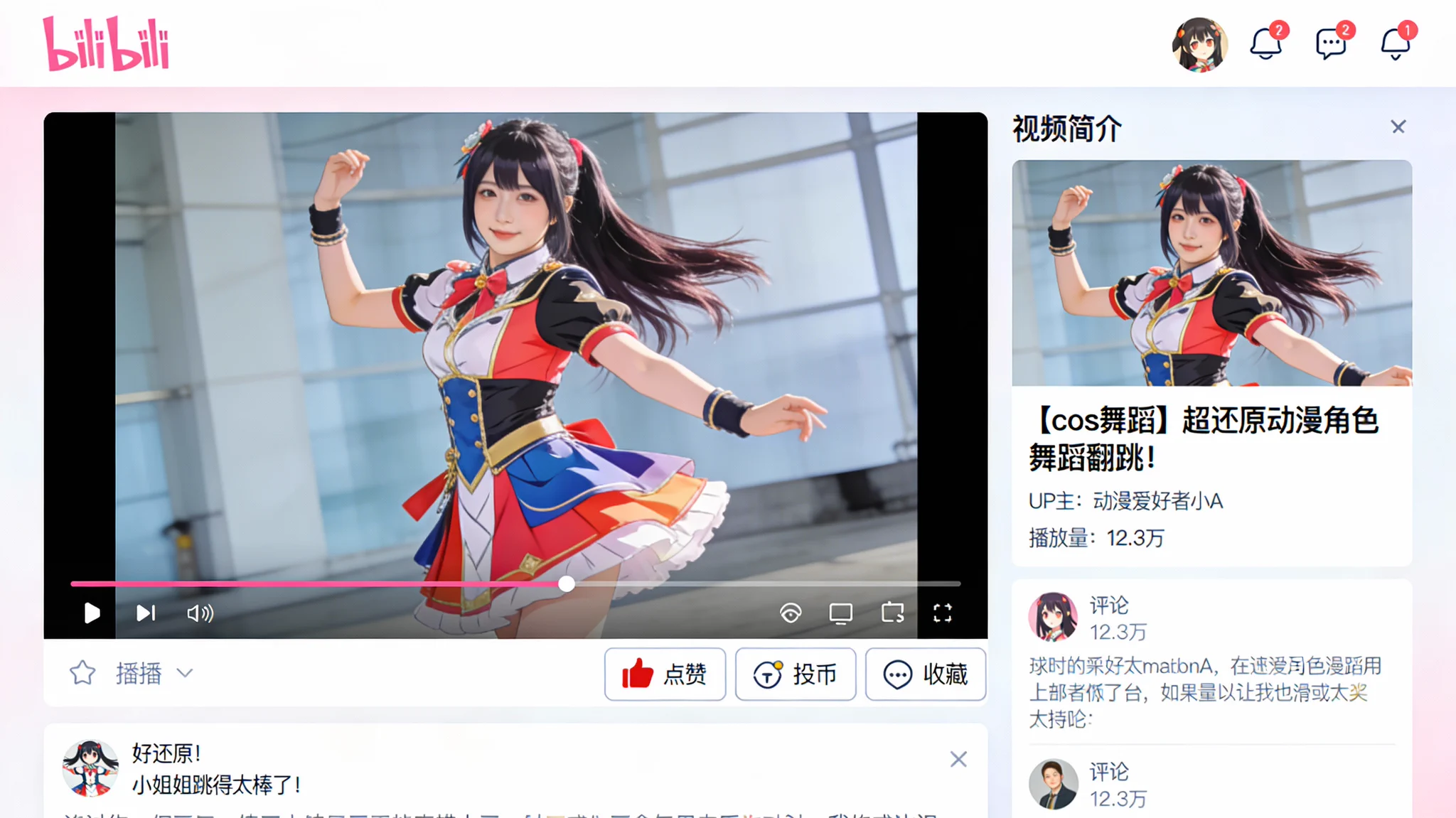 Image16:9
Create a landscape visual concept for a Chinese video-sharing website. Arrange a large player showing a colorful costume performance, a compact top navigation bar, a recommendation column on the right and a channel information row underneath. Use a clean white interface with restrained pink accents, small rounded avatars and consistent spacing. Render the whole layout as one image for design exploration.
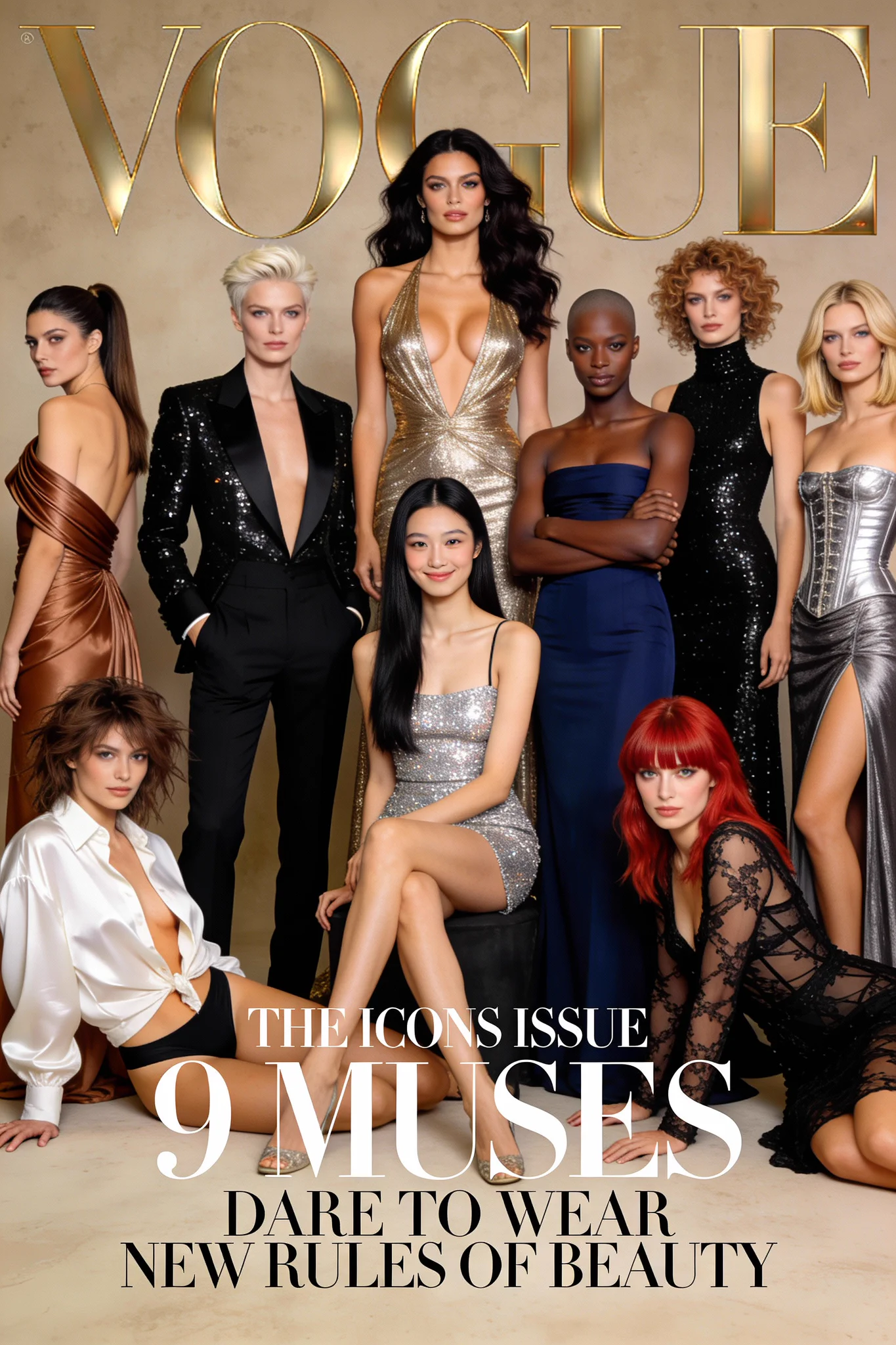 Image2:3
Design a luxury fashion cover featuring a diverse group of adult women posed at different heights in a warm studio. Give each a distinct elegant outfit, hairstyle and expression while maintaining consistent light and realistic proportions. Arrange a large gold serif masthead above the group and a few short white cover lines below. Use a vertical composition with balanced spacing and readable typography.
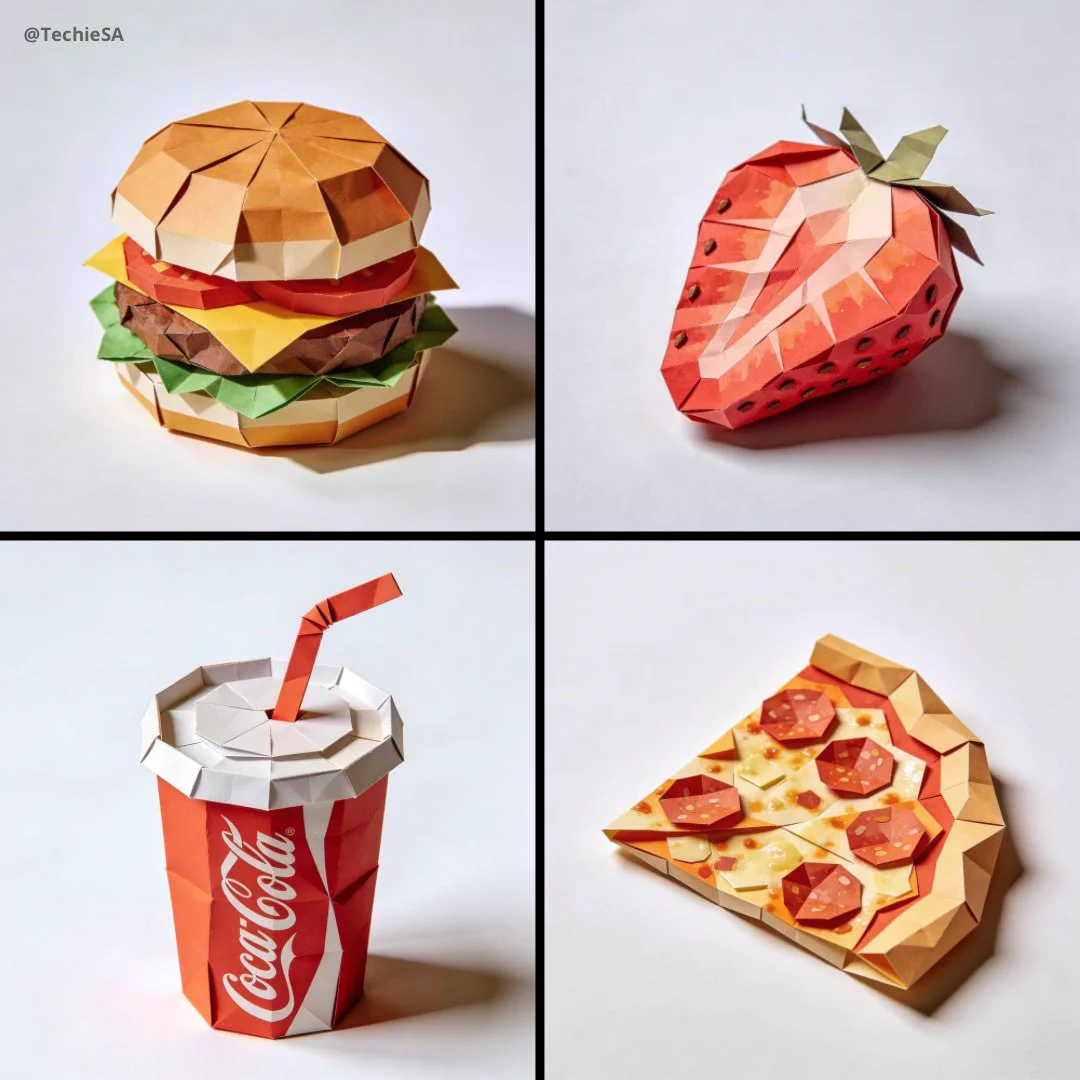 Image1:1
Create a square four-panel food-art board. Show a burger, a strawberry, a takeaway drink and a pizza slice, each built from folded colored paper with visible creases and layered edges. Give each object a pale background and soft studio shadow. Keep the panels evenly spaced and the objects recognizable. One image containing all four panels.
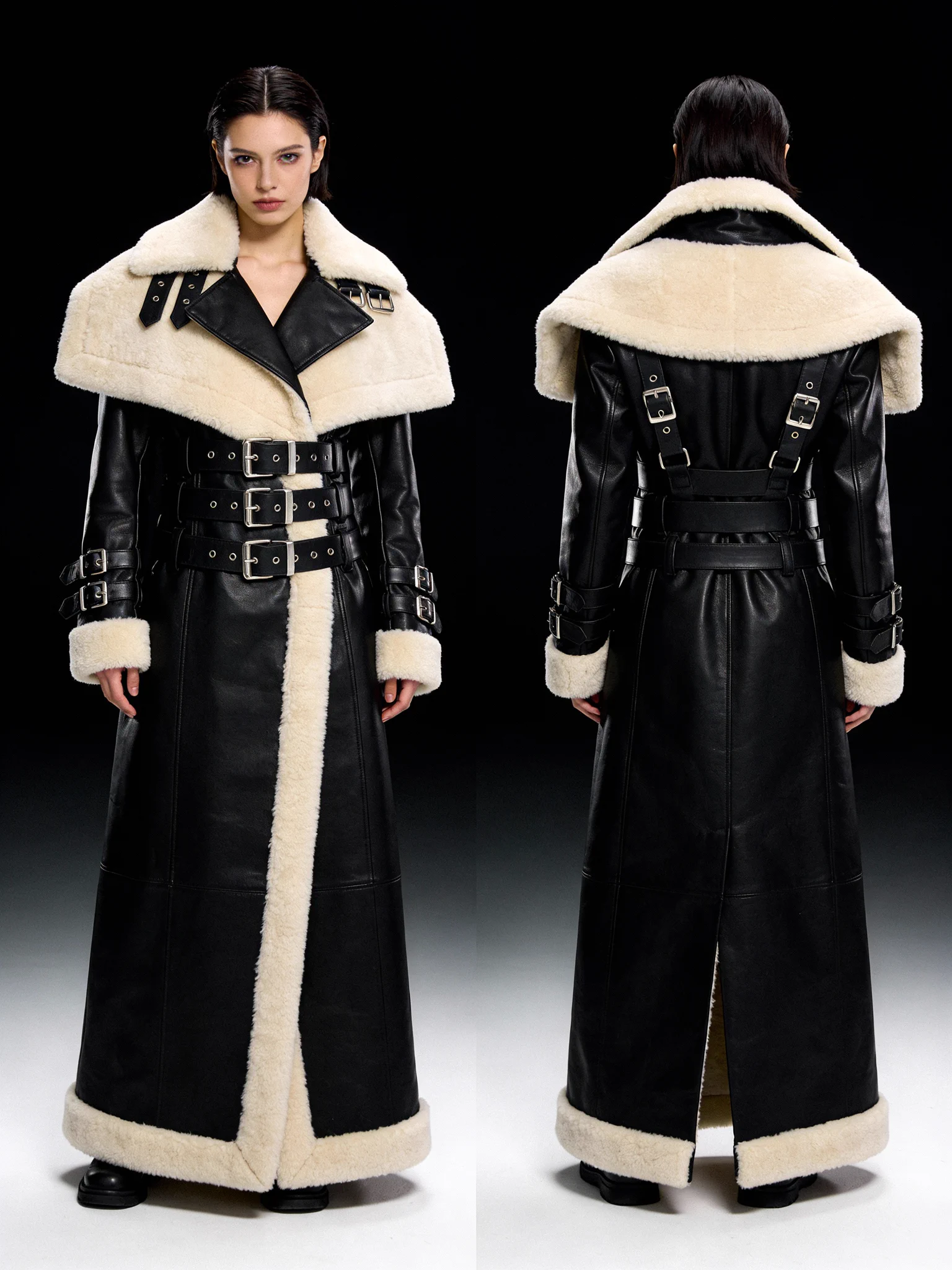 Image3:4
Generate one costume-design board showing front and back views of the same adult model in a long black leather overcoat. Use a broad cream shearling collar and matching trim, structured waist fastenings and heavy boots. Keep proportions and garment construction consistent between the two views. Place both full-body figures on a clean black background with enough light to reveal the leather grain and stitching.
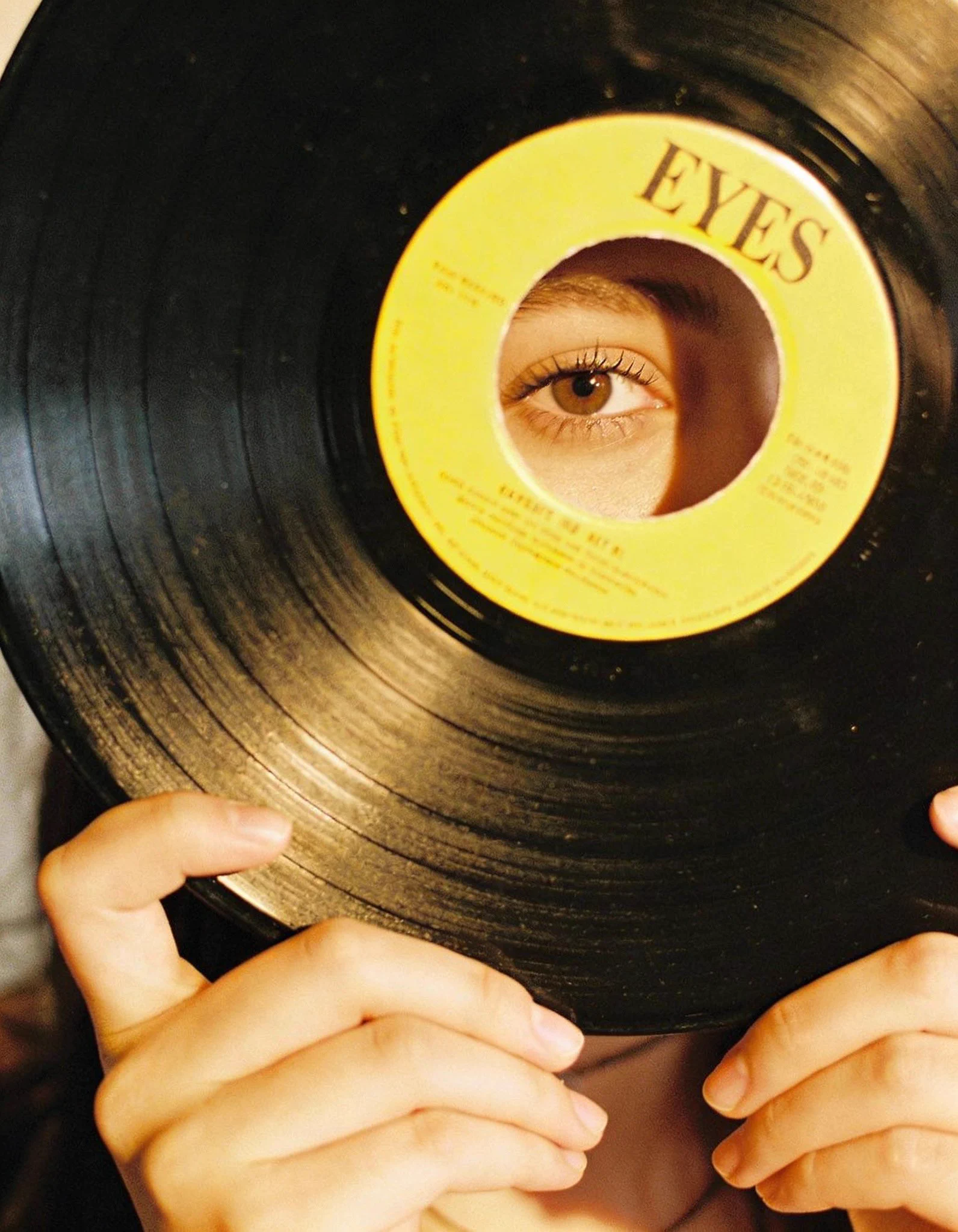 Image3:4
Create a close editorial photograph of an adult holding a black vinyl record in front of their face. Align one eye with the record’s central opening, framed by a bright yellow label. Include fingertips gripping the lower edge, warm directional light and clear grooves catching subtle highlights. Keep the crop intimate and graphic, with the visible eye sharply focused.
Output prices compare one 1:1 image at the same resolution with zero reference images. Prices are in USD.
| Resolution | APIstable standard | Official fallback | WaveSpeed | fal |
|---|---|---|---|---|
| 2K | With bonus ≈ $0.023 / imageRegular $0.025 / image5 credits / image | With bonus ≈ $0.041 / imageRegular $0.045 / image9 credits / image | $0.04 / image76% more than APIstable | $0.04 / image76% more than APIstable |
| 4K | With bonus ≈ $0.023 / imageRegular $0.025 / image5 credits / image | With bonus ≈ $0.041 / imageRegular $0.045 / image9 credits / image | $0.04 / image76% more than APIstable | $0.04 / image76% more than APIstable |
The request follows the form. The website uses your session; API clients use your API key. See the docs for parameters, task creation and task queries.
Write a prompt and optionally add references.
Choose resolution, output count and optional fallback. Review the account quote before submitting.
Query the returned task ID or receive a signed callback. Save result images within 14 days.
| Parameter | Description |
|---|---|
model | seedream-4-5 |
input | Image generation parameters. |
input.prompt | Describe the image or edit. Limits depend on the model; see the schema. |
input.image_urls | Up to 10 public HTTPS reference images. The generation provider validates the files. |
input.resolution | 2K / 4K |
input.aspect_ratio | Auto / 1:1 / 4:3 / 3:4 / 16:9 / 9:16 / 3:2 / 2:3 / 21:9 / 2:1 / 1:2 / 9:21 |
input.size | Exact dimensions override the resolution and aspect ratio presets. Width × height must be 3,686,400–16,777,216 total pixels. Width ÷ height must be between 1/16 and 16. |
input.watermark | Visible watermark |
input.sequential_image_generation | Ask for the desired number of related images in the prompt. Pay for the images returned. |
input.sequential_image_generation_options.max_images | The model may return fewer. Defaults to 15 minus the number of reference images. |
input.official_fallback | Allow the final fallback tier; default false. |
{
  "model": "seedream-4-5",
  "input": {
    "prompt": "A natural rooftop portrait of an adult woman at sunset. She stands in a dark jacket with loose hair moving in a light breeze, looking back toward the camera. Position the low sun behind her to create a warm rim on the hair while retaining gentle facial detail. Include a softly blurred skyline, restrained lens flare and a candid 35 mm photographic feel.",
    "resolution": "2K",
    "aspect_ratio": "3:2",
    "image_urls": [],
    "official_fallback": false,
    "nsfw_check": true
  }
}
The request follows the form. The website uses your session; API clients use your API key. See the docs for parameters, task creation and task queries.
Choose by the asset you need, output size and editing controls. All six models support text prompts and reference images through APIstable.
| Model | Strengths and best uses | Output size |
|---|---|---|
| Seedream 5.5 | More stable successive edits, improved realism and dense text, plus transparent PNGs and layer decomposition. Suits product retouching, marketing posters and reusable design assets. | 1K / 1.5K / 2K |
| Seedream 5.0 Flash | Affordable reference-based editing, with one standard output price from 1K to 2K and no separate reference-image fee. Suits ad drafts, product-scene variations and social media visuals. | 1K / 1.5K / 2K |
| Seedream 5.0 Pro | Handles complex layouts, multilingual text and transparent layer decomposition. Suits infographics, localized campaigns and extracting assets from approved designs. | 1K / 1.5K / 2K |
| Seedream 5.0 Lite | Improved instruction understanding, visual reasoning and reference-style transfer, with output up to 4K. Suits educational diagrams, presentation visuals, multi-subject compositions and large illustrations. | 2K / 3K / 4K |
| Seedream 4.5You’re here | Focuses on preserving faces, lighting and color from references, with improved small text and poster layouts. Suits product scene changes, portrait revisions, brand posters and 4K campaign assets. | 2K / 4K |
| Seedream 4.0 | Combines text-to-image creation with natural-language editing, broad style coverage and output up to 4K. Suits everyday visuals, illustration styles, background swaps and character concepts. | 1K / 2K / 4K |
Find answers about pricing, generation results, and API access.
Consider 4.5 for product reference edits and text-bearing posters; APIstable offers it at 2K and 4K, while 4.0 also includes 1K. If your 4.0 workflow already works, compare people, labels and local details on the same inputs before migrating rather than choosing by version number alone.
Choose 2K / 4K with a fixed ratio (1:1, 4:3, 3:4, 16:9, 9:16, 3:2, 2:3, 21:9, 2:1, 1:2, 9:21). Auto matches a reference image and requires one. The default ratio is 1:1. Enter widthxheight under Exact dimensions to override both presets.
Specify the subject, framing, exact main text, text areas and brand assets to retain. When editing, separate requested changes from elements that should remain. Prompts must contain 5–3000 characters; complex revisions can be split into smaller steps.
APIstable accepts up to 10 references. The generation provider determines which files it accepts. Upload local files in the workbench or supply publicly readable HTTPS URLs through the API. Login-protected, expired or unsupported files may be rejected. References are optional for text-to-image.
Use a clear person reference and identify the face, hair, pose or clothing details to retain. Describe any scene reference separately. Start with a small edit, check the person, then expand the changes. References guide the output but do not guarantee exact identity preservation.
No. Include the image to edit in each request and specify the change and what to preserve. You can reuse the previous output, but save originals and reintroduce them if revisions drift. Successive editing does not guarantee that every untouched region remains identical.
Proofread them first. Supply exact copy and clear placement, then inspect dates, prices, punctuation and small type at the final viewing size. For information that must be exact, use the generated image as the visual base and place final text with a design tool.
APIstable does not currently expose output_format or background for 4.5. Use the actual image returned by the task and omit unsupported fields. Lite supports a PNG format choice; 5.5 adds explicit transparent-background control.
The default is one image. Turn on Generate a related image set in Advanced settings and request a number in your prompt. Maximum images in set caps the result. The model can return fewer. The default limit is 15 minus the number of references.
The per-image rate is the same at 2K and 4K and includes references. For an image set, credits are reserved up to the limit and settled for the images returned. See the workbench for your quote.
Confirm that the selected model is still 4.5 and check references, resolution and style instructions. Inspect the downloaded file. Other hosts may use different presets or prompt processing. Keep the task ID and inputs for a controlled comparison rather than assuming a downgrade from one result.
Use an APIstable key with POST /api/v1/tasks/create_task, set model to seedream-4-5 and place parameters in input. Save task_id and query GET /api/v1/tasks/{task_id}. Successful image URLs are in result.urls. Generated results are retained for 14 days; download files you need to keep.
Generation is asynchronous and timing depends on settings, load and provider state. Closing the page does not cancel a task; resume querying instead of submitting again. At 00:00 Beijing time each day, unfinished items submitted more than 24 hours earlier are failed and their reserved credits released.
Credits are reserved at submission, then settled only for successful items; failed items release their reservation. Enabling fallback does not automatically apply its price: that tier must succeed. For partial success, check each item and its charge. Successful images stay charged when other items fail.
Both prompts and references can affect screening, and false positives are possible. The Playground enables NSFW screening by default. API clients can control APIstable’s pre-check with nsfw_check, but provider screening still applies. Keep the error details for support if you suspect a mistake rather than repeatedly submitting paid requests.
Write a prompt or add references to generate an image.