Complex information visualization
Organize data, steps and concepts into illustrated layouts with charts and annotations for explanations and product diagrams.
Seedream 5.0 Pro API · Image generation and reference editing
Generate detailed images and reference-based edits at 1K, 1.5K or 2K.
Organize data, steps and concepts into illustrated layouts with charts and annotations for explanations and product diagrams.
Arrange headlines, small copy and labels in information-heavy designs, with a manual check for fine text.
Create in-image copy in Chinese, English and other languages for regional campaigns and branded assets.
Use columns, reading order and element relationships to organize posters, product detail visuals and interface concepts.
Explore skin, fabric and product surfaces with detailed textures and lighting for commercial imagery.
Guide scene changes with a real product image, specifying its shape, proportions and labels to retain.
Split one image into a base and up to 16 transparent PNG layers. Use the returned layer order and bounds to recompose elements in a layout.
Combine subject, product, setting and style references with explicit roles to build a cohesive commercial composition.
Turn prepared data, steps and concepts into an infographic. Specify heading hierarchy, chart areas and annotations for presentations and explanatory material.
Supply finalized copy in each language and brand references for localized artwork. Define text areas and priorities so each layout and translation can be reviewed.
Describe navigation, product cards, buttons and hero artwork to create a page mockup. Use it to discuss hierarchy and styling before implementing the interface.
Turn a shot list into a numbered storyboard sheet. Describe camera positions, character actions and panel order to help a production team discuss pacing before filming.
Describe a product’s parts and views to create an annotated concept sheet. Use the illustration to communicate a design proposal, with dimensions and engineering details checked separately.
Specify inventory, character statistics and map areas for a game interface mockup. Explore visual hierarchy and art direction as an image before developing the working interface.
Provide approved labels, directions and venue references to draft exhibition panels or signage. Review reading order and spacing before a designer prepares production artwork.
Supply a page outline, final copy and illustration references to explore a spread. Define columns, captions and image placement to review the editorial design.
Explore example images with suggested prompts based on their composition. These prompts are not verified reproductions; upload your own input image for reference-editing examples.
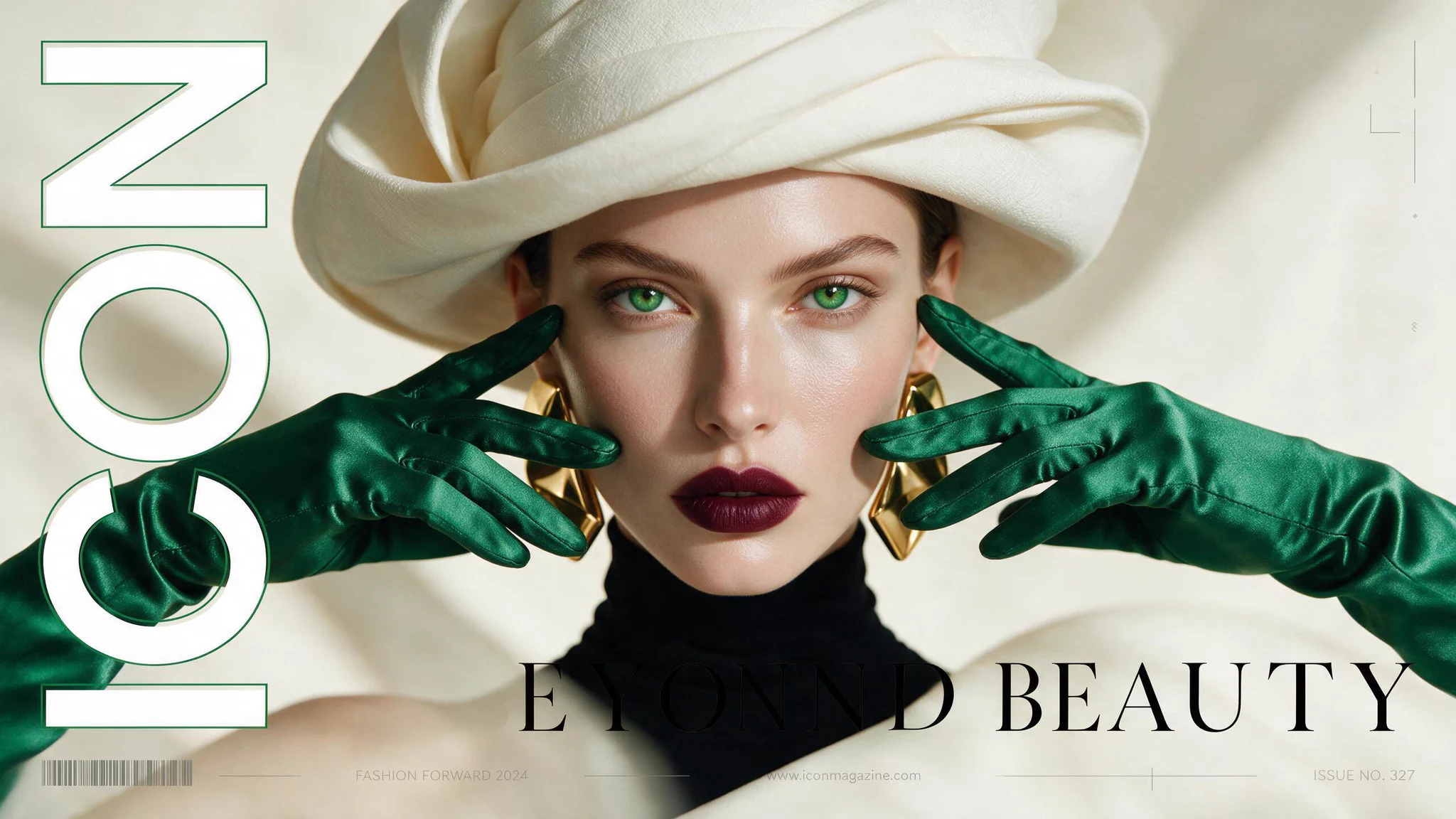 Image16:9
Design a premium fashion magazine cover featuring an adult model in an oversized sculptural ivory hat, black top, geometric gold earrings and emerald satin gloves. Use soft studio light and a pale background. Place a large outlined ICON masthead down one side and a compact BEAUTY headline below the portrait. Balance the close-up with small cover lines, fine rules and generous negative space.
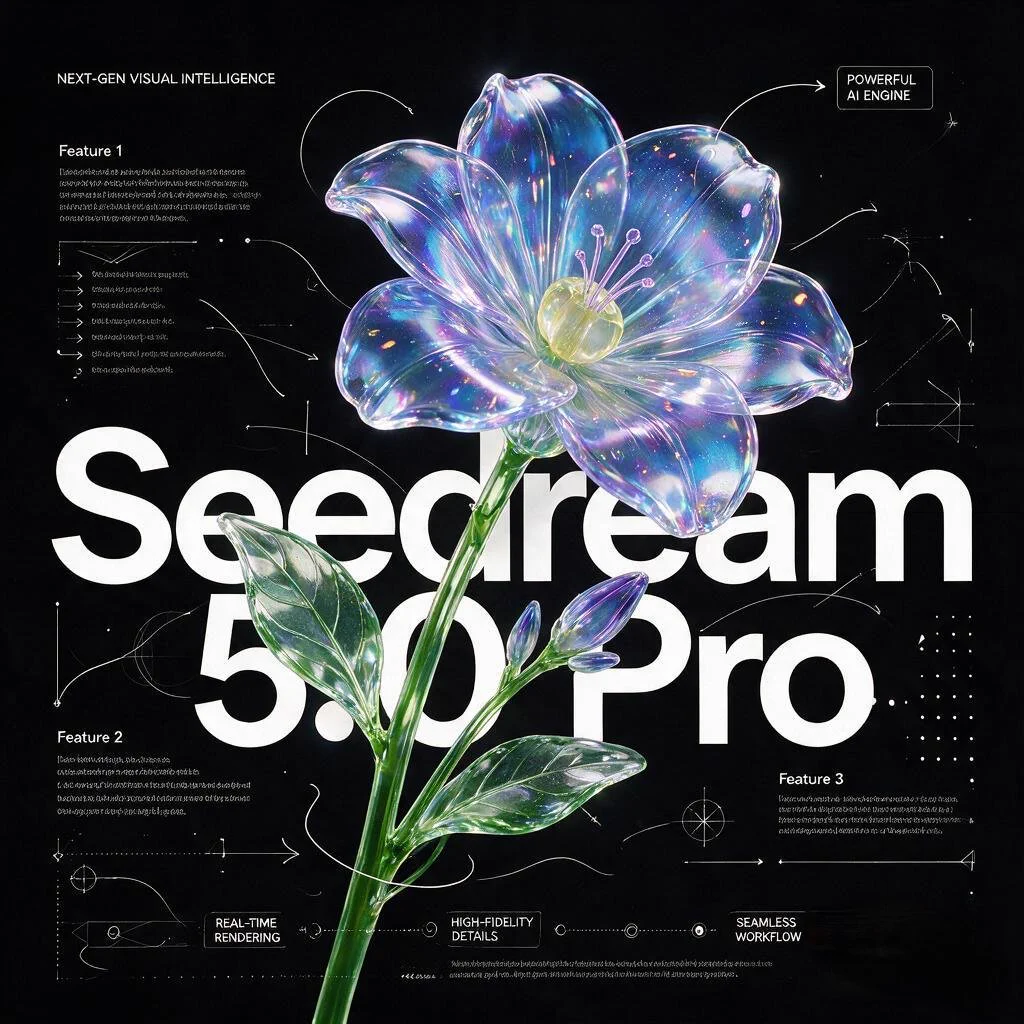 Image1:1
Create a square experimental design poster on black. Center a translucent flower with blue-violet glass petals and a green glass stem. Interleave oversized white lettering reading SEEDREAM 5.0 PRO with the flower, leaving the bloom visible. Add a restrained system of thin callout lines and small supporting text blocks around the edges. Emphasize refraction, crisp type and the contrast between organic curves and a disciplined layout.
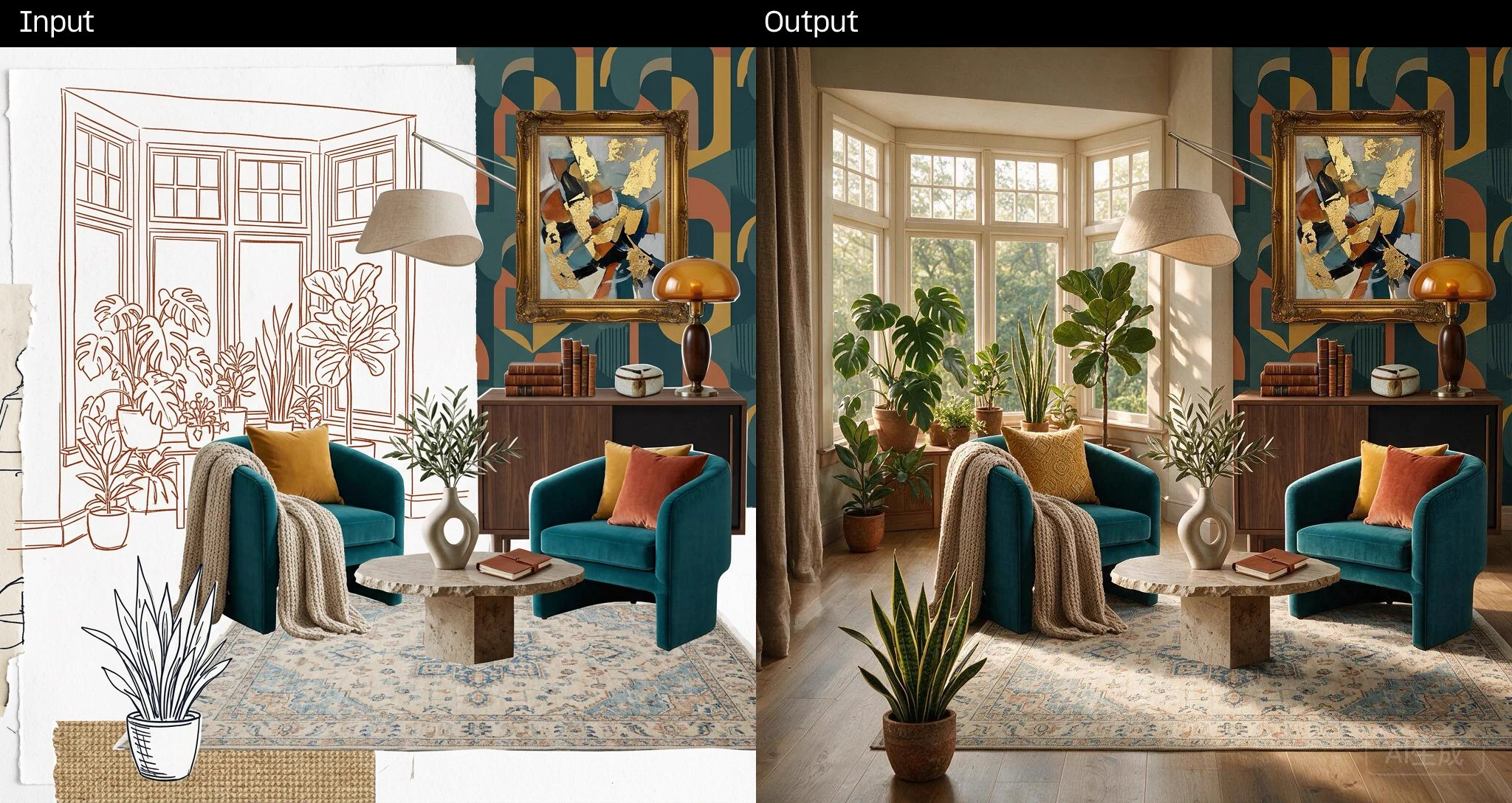 Image16:9
Use your own interior collage as a reference to create one realistic living-room concept. Preserve the furniture placement and warm material palette. Resolve the sketched window into a real bay window, add potted broad-leaf plants, and show green trees outside. Blend the furniture, rug and plants with consistent afternoon light, grounded shadows and plausible perspective. Render one finished room image rather than a comparison board.
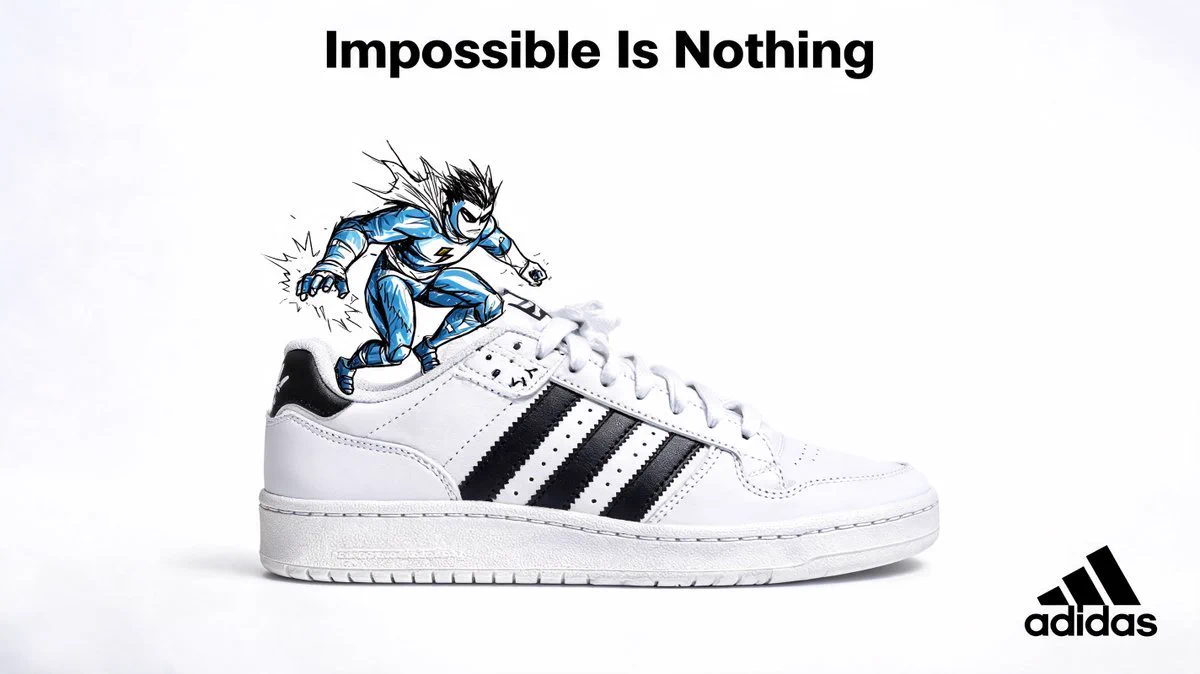 Image16:9
Create a playful product advertisement on a white background. Show a realistic white low-top sneaker with three dark side stripes, with a small energetic ink-drawn character riding over the shoe as if it were a ramp. Keep the product’s rubber, stitching and leather realistic while the character remains simple black line art with small blue accents. Add a short bold headline at the top and ample white space.
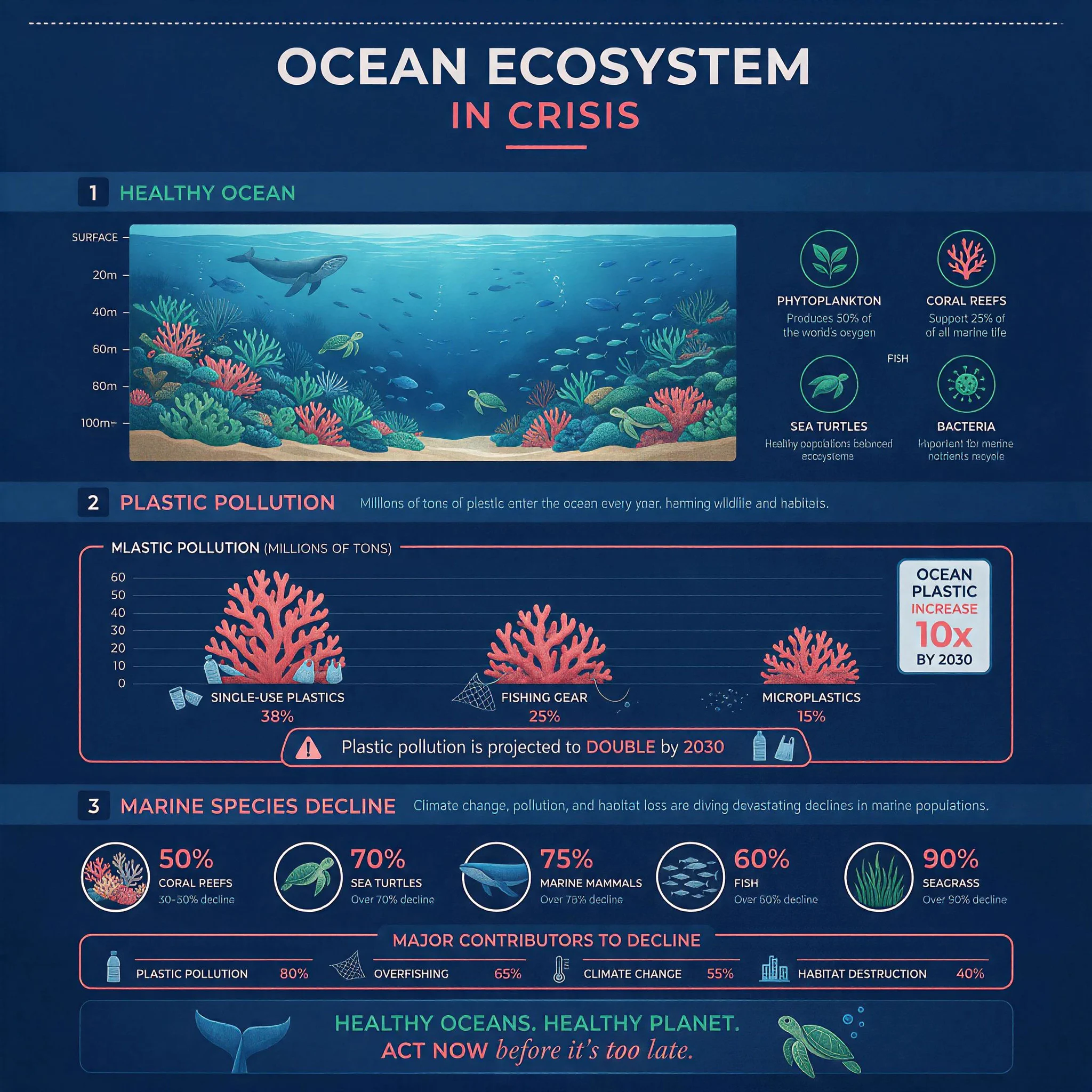 Image1:1
Design a square ocean-themed information poster. Use a central cross-section from the bright surface to deep blue water, small marine-life silhouettes, a compact chart and neatly separated callout panels. Set a large readable heading at the top and organize supporting labels on a consistent grid. Use cyan highlights and restrained white typography. Treat numerical fields as placeholders for reviewed data; focus on visual hierarchy and spacing.
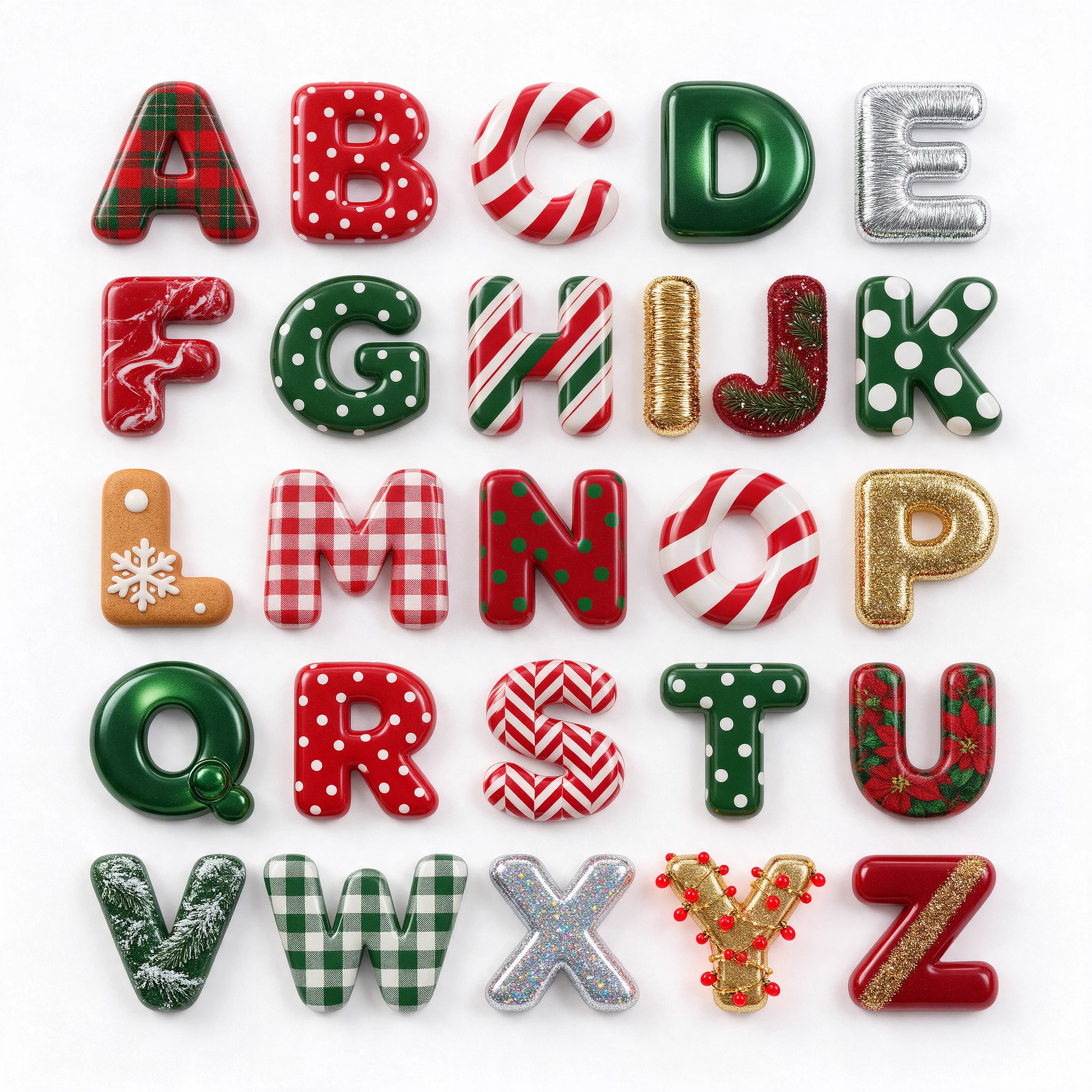 Image1:1
Design a square alphabet specimen with all capital Latin letters from A through Z, each appearing once in an evenly spaced grid. Give the chunky rounded letters different festive finishes: red-and-green plaid, peppermint stripes, shiny gold, snowy white and small ornament details. Keep the scale consistent across rows, separate every letter clearly and use a plain white background.
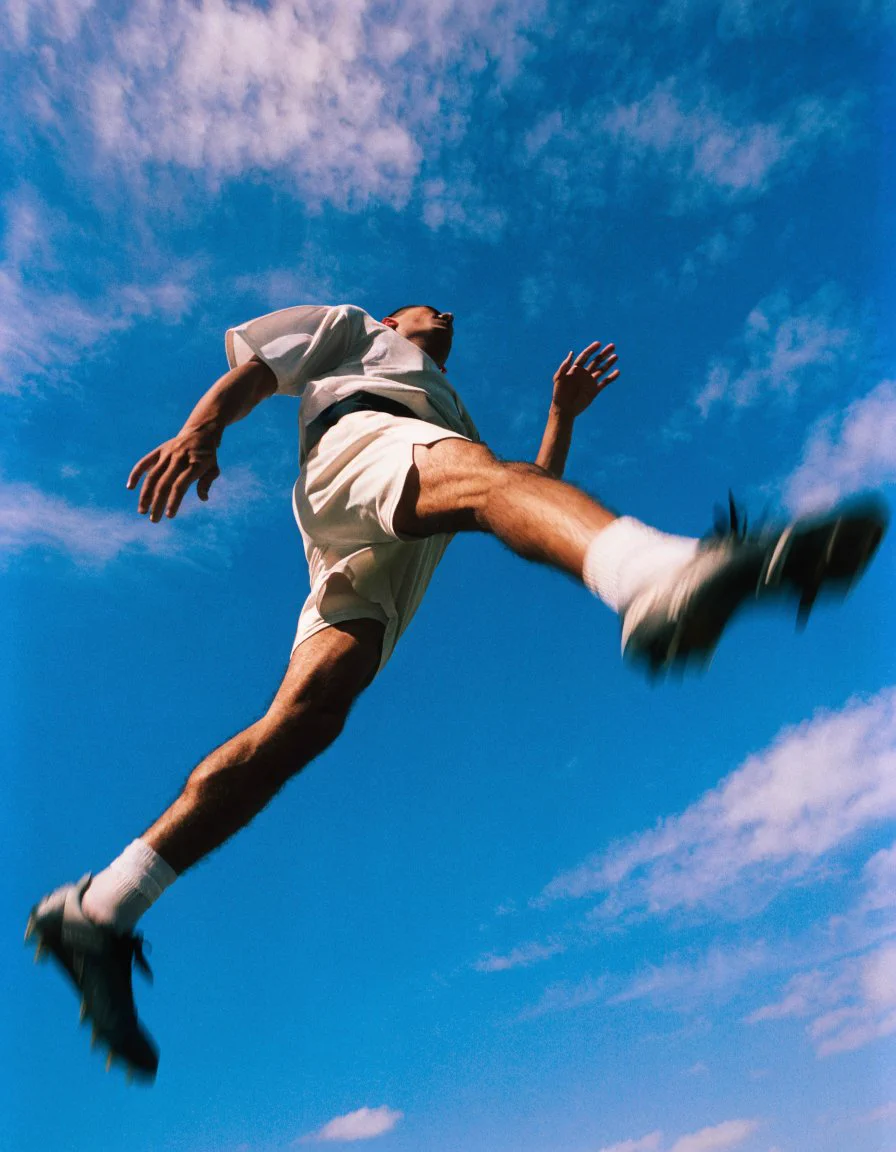 Image3:4
Capture an athletic football player suspended at the peak of a powerful kick. Photograph from close to ground level with a wide lens, one shoe prominent in the foreground and limbs arranged in a believable dynamic pose. Use a bright blue sky with thin clouds, strong outdoor light and crisp fabric texture. Freeze the movement without motion blur; keep the body anatomy coherent.
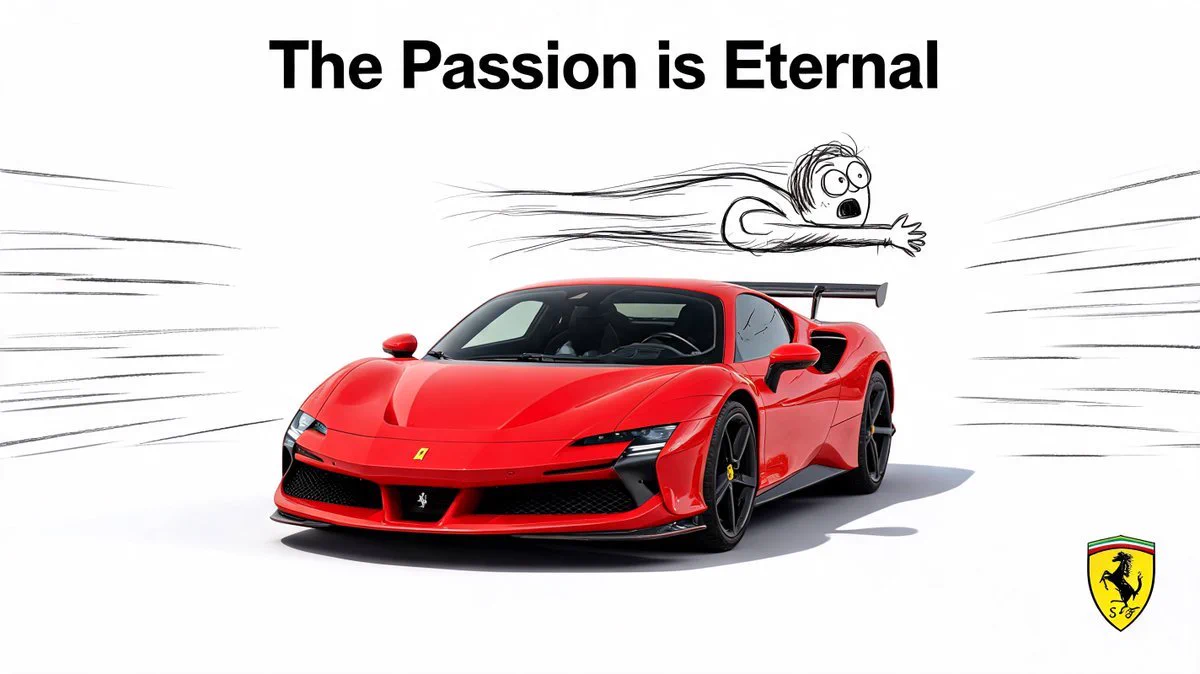 Image16:9
Create a playful landscape advertisement on white. Put a photorealistic red sports car in three-quarter view near the center, with a hand-drawn black ink character flying just above it. Add sparse speed lines that follow the car’s direction. Use clean studio shadows, a short bold headline at the top and a small brand area at bottom right.
Output prices compare one 1:1 image at the same resolution with zero reference images. Prices are in USD.
| Resolution | APIstable standard | Official fallback | WaveSpeed | fal |
|---|---|---|---|---|
| 1K | With bonus ≈ $0.031 / imageRegular $0.03375 / image6.75 credits / image | With bonus ≈ $0.040 / imageRegular $0.04375 / image8.75 credits / image | $0.0405 / image32% more than APIstable | $0.0675 / imageTentative price120% more than APIstable |
| 1.5K | With bonus ≈ $0.031 / imageRegular $0.03375 / image6.75 credits / image | — | $0.0405 / image32% more than APIstable | $0.0675 / imageTentative price120% more than APIstable |
| 2K | With bonus ≈ $0.061 / imageRegular $0.0675 / image13.5 credits / image | With bonus ≈ $0.080 / imageRegular $0.0875 / image17.5 credits / image | $0.081 / image32% more than APIstable | $0.135 / imageTentative price120% more than APIstable |
| Reference image input | With bonus ≈ +$0.002 / referenceRegular +$0.00225 / reference+0.45 credits / reference | With bonus ≈ +$0.003 / referenceRegular +$0.003125 / reference+0.625 credits / reference | Output prices compared above | |
The request follows the form. The website uses your session; API clients use your API key. See the docs for parameters, task creation and task queries.
Write a prompt and optionally add references.
Choose resolution, output count and optional fallback. Review the account quote before submitting.
Query the returned task ID or receive a signed callback. Save result images within 14 days.
| Parameter | Description |
|---|---|
model | seedream-5-0-pro |
input | Image generation parameters. |
input.prompt | Describe the image or edit. Limits depend on the model; see the schema. |
input.image_urls | Up to 10 public HTTPS reference images. The generation provider validates the files. |
input.resolution | 1K / 1.5K / 2K |
input.output_format | JPEG / PNG |
input.aspect_ratio | Auto / 1:1 / 4:3 / 3:4 / 16:9 / 9:16 / 3:2 / 2:3 / 21:9 / 2:1 / 1:2 |
input.size | Exact dimensions override the resolution and aspect ratio presets. Width × height must be 921,600–4,624,220 total pixels. Width ÷ height must be between 1/16 and 16. |
input.background | Opaque / Transparent |
input.optimize_prompt | Refine the wording of your prompt before generating the image. |
input.watermark | Visible watermark |
input.output_count | 1–4 independent image items; default 1. |
input.official_fallback | Allow the final fallback tier; default false. |
{
  "model": "seedream-5-0-pro",
  "input": {
    "prompt": "Design a premium fashion magazine cover featuring an adult model in an oversized sculptural ivory hat, black top, geometric gold earrings and emerald satin gloves. Use soft studio light and a pale background. Place a large outlined ICON masthead down one side and a compact BEAUTY headline below the portrait. Balance the close-up with small cover lines, fine rules and generous negative space.",
    "resolution": "2K",
    "aspect_ratio": "auto",
    "image_urls": [],
    "output_format": "jpeg",
    "background": "opaque",
    "optimize_prompt": false,
    "output_count": 1,
    "official_fallback": false,
    "nsfw_check": true
  }
}
The request follows the form. The website uses your session; API clients use your API key. See the docs for parameters, task creation and task queries.
Choose by the asset you need, output size and editing controls. All six models support text prompts and reference images through APIstable.
| Model | Strengths and best uses | Output size |
|---|---|---|
| Seedream 5.5 | More stable successive edits, improved realism and dense text, plus transparent PNGs and layer decomposition. Suits product retouching, marketing posters and reusable design assets. | 1K / 1.5K / 2K |
| Seedream 5.0 Flash | Affordable reference-based editing, with one standard output price from 1K to 2K and no separate reference-image fee. Suits ad drafts, product-scene variations and social media visuals. | 1K / 1.5K / 2K |
| Seedream 5.0 ProYou’re here | Handles complex layouts, multilingual text and transparent layer decomposition. Suits infographics, localized campaigns and extracting assets from approved designs. | 1K / 1.5K / 2K |
| Seedream 5.0 Lite | Improved instruction understanding, visual reasoning and reference-style transfer, with output up to 4K. Suits educational diagrams, presentation visuals, multi-subject compositions and large illustrations. | 2K / 3K / 4K |
| Seedream 4.5 | Focuses on preserving faces, lighting and color from references, with improved small text and poster layouts. Suits product scene changes, portrait revisions, brand posters and 4K campaign assets. | 2K / 4K |
| Seedream 4.0 | Combines text-to-image creation with natural-language editing, broad style coverage and output up to 4K. Suits everyday visuals, illustration styles, background swaps and character concepts. | 1K / 2K / 4K |
Find answers about pricing, generation results, and API access.
Consider Pro for product detail, infographics and complex text layouts, then compare it with Flash on the same brief. Pro goes up to 2K on APIstable; the name does not imply 4K output. Choose Lite for larger outputs or 5.5 for an explicit transparent-background control.
Choose 1K / 1.5K / 2K with a fixed ratio (1:1, 4:3, 3:4, 16:9, 9:16, 3:2, 2:3, 21:9, 2:1, 1:2). Auto lets the model choose the ratio. Enter widthxheight under Exact dimensions to override both presets.
List the headline, diagram and body-text areas, then specify their positions, reading order and exact data. Do not rely on the model to invent facts. Prompts must contain 5–5000 characters. Establish the composition first, then refine individual areas with reference editing.
APIstable accepts up to 10 references. The generation provider determines which files it accepts. Upload local files in the workbench or supply publicly readable HTTPS URLs through the API. Login-protected, expired or unsupported files may be rejected. References are optional for text-to-image.
References can guide appearance, but do not guarantee identity or brand details. Use a clear original subject image, identify each reference’s purpose, and specify the face, clothing, shape and material to retain. Review each output and return to the original reference when drift appears.
No. Include the image to edit in each request and specify the change and what to preserve. You can reuse the previous output, but save originals and reintroduce them if revisions drift. Successive editing does not guarantee that every untouched region remains identical.
Provide exact wording and placement, enlarge the text area, reduce crowded lines and use a clear label reference. Inspect the downloaded file at native size to distinguish preview scaling from actual blur. Even at 2K, proofread numbers and small type; finish exact packaging copy in post-production.
APIstable exposes JPEG and PNG for Pro, but currently no background parameter. PNG does not automatically mean a transparent background, and other platforms’ transparency fields are not interchangeable. Use Seedream 5.5 here when you need explicit background control.
Choose Layers in the Playground or pass layer_decomposition:true with one source image URL. Pro returns a base image and up to 16 transparent PNG layers. Auto uses standard pricing. Select 1K, 1.5K or 2K to enable final fallback.
For ordinary generation, 1K and 1.5K share a base price, and 2K has a higher base price. The first reference is included. Each additional reference adds 0.45 credits at the standard rate or 0.625 credits at the final fallback rate, per successful output. Ordinary 1.5K generation uses the standard tier only. Layer decomposition has separate rates.
First check that the reference and material description agree: frosted versus clear glass, or a paper label versus printing on the surface. Specify the light source and reflections, then vary one detail at a time. Compare another model if needed; one result is not a reliable quality guarantee.
Use an APIstable key with POST /api/v1/tasks/create_task, set model to seedream-5-0-pro and place parameters in input. Save task_id and query GET /api/v1/tasks/{task_id}. Successful image URLs are in result.urls. Generated results are retained for 14 days; download files you need to keep.
Generation is asynchronous and timing depends on settings, load and provider state. Closing the page does not cancel a task; resume querying instead of submitting again. At 00:00 Beijing time each day, unfinished items submitted more than 24 hours earlier are failed and their reserved credits released.
Credits are reserved at submission, then settled only for successful items; failed items release their reservation. Enabling fallback does not automatically apply its price: that tier must succeed. For partial success, check each item and its charge. Successful images stay charged when other items fail. Pro 1.5K currently has no final fallback tier.
Both prompts and references can affect screening, and false positives are possible. The Playground enables NSFW screening by default. API clients can control APIstable’s pre-check with nsfw_check, but provider screening still applies. Keep the error details for support if you suspect a mistake rather than repeatedly submitting paid requests.
Write a prompt or add references to generate an image.